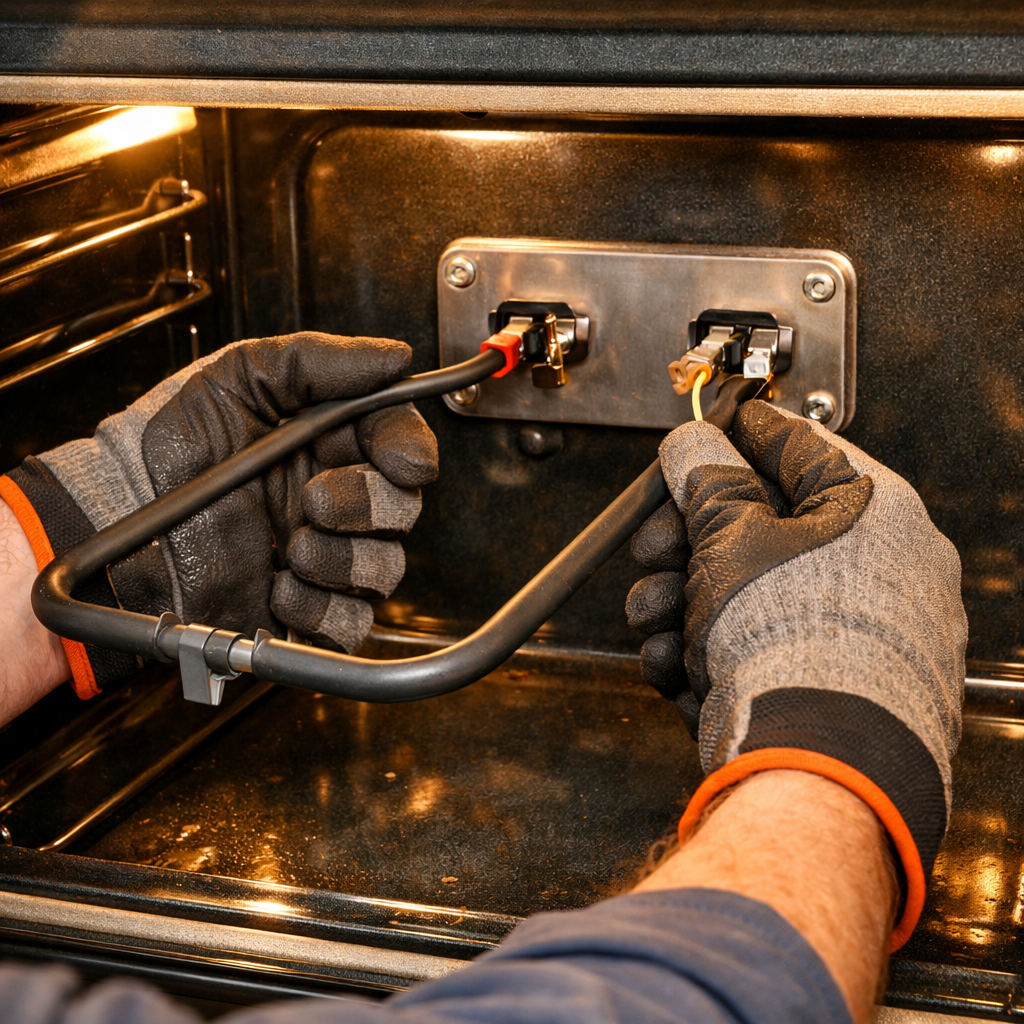
Fuse Replacement Guide
If your Black+Decker EM044KB19 budget countertop microwave has sudden power failure due to a blown internal fuse, replacing it is a MODERATE difficulty repair. Budget models often use fuses that blow easily, especially during power surges. This repair requires accessing the internal components.
🔨 Pro Tip from Dave
On the EM044KB19, the ceramic fuse is a 20-amp, 125V type (commonly cross-referenced as part F01250020K) tucked near the power terminal on the right side of the cavity frame — many techs waste time hunting the door interlock switches first, but check that fuse inline before anything else. A common mistake is reinstalling without testing the door switches too, because a faulty interlock is often what caused the fuse to blow in the first place, meaning you’ll be back inside this unit within a week.
Symptoms of Blown Fuse
Common signs that indicate a blown fuse:
- Sudden complete power failure – no lights, no display, no sounds
- Microwave was working, then suddenly stopped
- No response when pressing any buttons
- Power cord is plugged in and outlet works (tested with another device)
- Circuit breaker hasn’t tripped
- Fuse may have blown during a power surge
⚠️ Safety Warning
Always unplug the microwave before beginning any repair. Wait 60 seconds after unplugging to allow capacitors to discharge. Fuses blow for a reason – investigate the cause before simply replacing the fuse, or it will blow again.
Why Fuses Blow
Fuses blow to protect the microwave from damage. Common causes include:
- Electrical overload or short circuit
- Power surge or voltage spike
- Component failure (magnetron, transformer, etc.)
- Faulty wiring or connections
- Moisture or water damage
- Budget models may have fuses that blow more easily
Important: Simply replacing the fuse without finding the cause will result in the fuse blowing again.
Parts Needed
Black+Decker EM044KB19 fuse – Amazon (Generic 15A/20A ceramic fuse – check service manual)
Note: Fuses are specific to voltage and amperage ratings. Check your model’s service manual for the exact fuse specifications. Using the wrong fuse can cause damage or create a fire hazard.
Tools Required
- Digital Multimeter – For testing the fuse
- Phillips Screwdriver – #2 size
- Flashlight – To see inside the case
- Safety glasses – Protection from debris
Step-by-Step Instructions
Step 1: Unplug and Wait
Unplug the microwave from the wall outlet immediately. This is critical for safety. Wait at least 60 seconds—preferably 2-3 minutes—to ensure all capacitors are fully discharged. Set a timer if needed.
Step 2: Remove the Outer Case
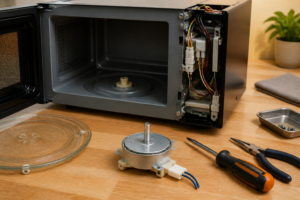
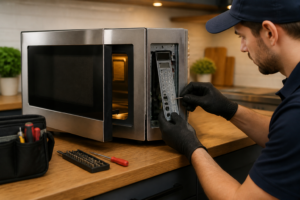
Locate and remove all screws from the rear panel. The Black+Decker EM044KB19 typically has 6-8 screws on the back. Some models may also have screws on the sides or bottom. Remove all visible screws and set them aside in an organized manner. Gently lift the rear panel away, being careful not to damage any wires.
Step 3: Locate the Fuse
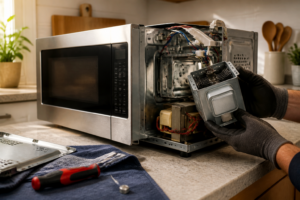
The fuse is typically located on the main control board or near the power input. It may be in a fuse holder, mounted on the board, or in a fuse block. Look for a small, cylindrical component (glass or ceramic) with metal ends. It may be labeled “FUSE” or have a rating printed on it.
Step 4: Test the Fuse
Before replacing, test the fuse with your multimeter:
- Set multimeter to continuity mode (ohms)
- Touch the probes to each end of the fuse
- A good fuse will show continuity (low resistance, typically 0-1 ohms)
- A blown fuse will show no continuity (infinite resistance or “OL” on the display)
- If there’s no continuity, the fuse is definitely blown and needs replacement
Step 5: Inspect for Root Cause
Before replacing the fuse, inspect the microwave for the cause:
- Look for signs of burning, scorching, or damage
- Check for loose wires or damaged connections
- Inspect components for visible damage
- Look for moisture or water damage
- Check if any components are obviously burned or melted
If you find obvious damage, you may need to replace additional components. If the fuse blew due to a component failure, replacing just the fuse will cause it to blow again.
Step 6: Remove the Old Fuse
The fuse may be in a fuse holder (pull straight out), mounted on the board (may need to be desoldered), or in a fuse block (unscrew to remove). Carefully remove the old fuse. If it’s in a holder, simply pull it out. If it’s soldered, you may need professional help or soldering skills.
Step 7: Install the New Fuse
Install the new fuse in the exact same location and orientation as the old one. Ensure you use the correct fuse with the same voltage and amperage ratings (15A or 20A ceramic fuse). If it’s in a fuse holder, push it in firmly until it clicks. Ensure it’s properly seated. If it was soldered, you’ll need to solder the new fuse in place (consider professional help if you’re not experienced with soldering).
Step 8: Verify Installation
Before reassembling, test the new fuse with your multimeter. It should show continuity (low resistance). Also verify that you’ve addressed any root causes you found during inspection.
Step 9: Reassemble the Microwave
Carefully replace the rear panel, ensuring no wires are pinched or damaged. Reinstall all screws in their original locations. Tighten securely but don’t overtighten plastic screws.
Step 10: Test Operation
Plug the microwave back into the wall outlet. The display should light up and the unit should respond to button presses. Run a test cycle with a cup of water for 1 minute. Monitor for any unusual sounds, smells, or excessive heat. If the fuse blows again immediately, there’s a deeper problem that needs professional attention.
Finding the Correct Fuse
To find the correct fuse for your Black+Decker EM044KB19:
- Check the service manual for your specific model
- Look at the old fuse for voltage and amperage ratings
- Contact Black+Decker customer service with your model number
- Search online parts suppliers using your model number
- Take the old fuse to an electronics store for matching
Important: Never use a fuse with a higher amperage rating than specified. This can cause damage or create a fire hazard.
Troubleshooting
If the fuse blows again immediately after replacement:
- There’s a short circuit or component failure
- The magnetron may have failed (common cause)
- The high-voltage transformer may be faulty
- There may be damaged wiring
- A component may be drawing too much current
- Professional diagnosis is recommended
When to Call a Professional
Consider professional help if:
- The fuse blows again immediately after replacement
- You find obvious component damage or burning
- Multiple components need replacement
- You’re not comfortable working with electrical components
- The fuse is soldered and you don’t have soldering experience
← Back to Top 20 Microwave Models & Common Repair Issues Guide
How Much Does This Repair Cost?
The replacement fuse itself typically runs $3–$8 on Amazon or at a local hardware store, and a pack of assorted ceramic fuses costs under $12. If you take this to a professional appliance tech, expect to pay $75–$120 in labor plus parts, making DIY the obvious smart choice for this budget-tier model.
Recommended Products
These are the parts and tools we recommend for this repair, based on compatibility and customer reviews:
- BOJACK Microwave Fuse 20a Ceramic Fuse 20 Amp 250V Slow-Blow Compatible and Universal Replacement for WB27X10388 and Other Microwaves
- Microwave Fuse – 20 Amp 250V Ceramic Slow-Blow,Direct Replacement for GE WB27X10388, Universal Fit for Whirlpool, Kenmore & Most Microwave Brands,6mm x 32mm – 6PCS
- 2 Pack 20A 125 Volt Microwave Fuse 530450945120A 125V Microwave Oven Fuse for GE, Kenmore Frigidaire Microwave Replaces 1810711, 5304509451,EA3486694,PS3486694,AH3486694, AP4980426
As an Amazon Associate, I earn from qualifying purchases.