
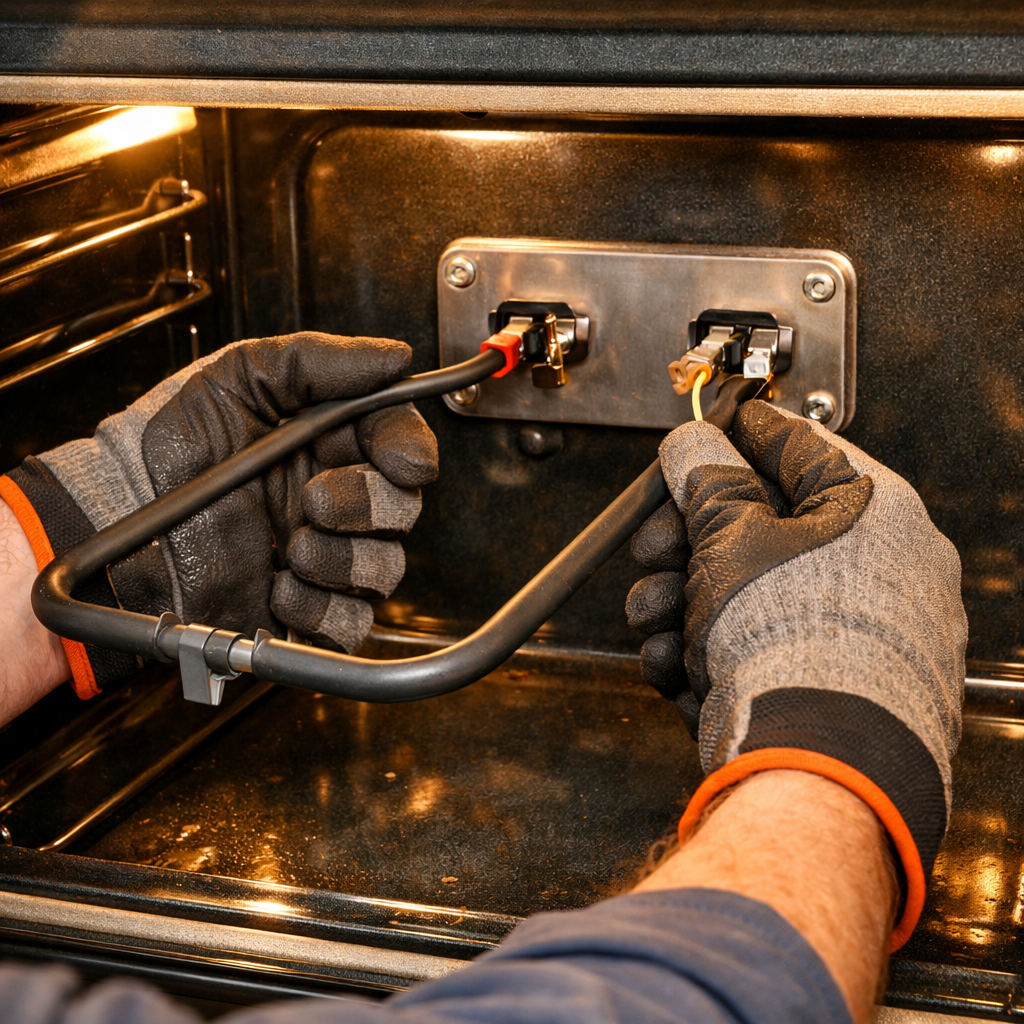

Turntable Motor Replacement Guide
If your Black+Decker EM044KB19 microwave’s turntable isn’t spinning, there’s a good chance the motor has failed. As someone who’s worked on these budget models extensively, I can tell you that replacing the turntable motor is a MODERATE difficulty repair. These budget models often come equipped with lower-quality motors that tend to fail more frequently than their premium counterparts. This repair involves accessing the bottom of the microwave.
🔨 Pro Tip from Dave
When replacing the motor on the EM044KB19, keep an eye out for the three bottom panel screws — one is hidden under the rear foot pad, which is often missed and can lead to cracking the plastic chassis when prying it open. The replacement motor you want is compatible with part number 5304464061, and ensure the output shaft coupling is oriented correctly before reassembly; otherwise, the turntable will wobble and stress the new motor right away.
Symptoms of Turntable Motor Failure
Here are some common indicators that your turntable motor may have failed:
- Turntable doesn’t rotate at all
- Motor burned out – was working then stopped
- Low-quality motor – frequent failure
- Turntable starts then stops
- Grinding or humming noise from the bottom
- Visible damage or burning smell from motor
- Uneven heating due to non-rotating turntable
⚠️ Safety Warning
Before you begin any repair, always unplug the microwave. Wait 60 seconds after unplugging to let capacitors discharge. While the turntable motor area is low-voltage, safety precautions are still essential.
Parts Needed
2026 WPW10466420 SM221E Microwave Turntable Motor (Generic 220V motor – check compatibility)
Note: Budget models often utilize generic replacement motors. Always check your model number and service manual to find a compatible 220V motor.
Tools Required
- Phillips Screwdriver – #2 size
- Needle-Nose Pliers – For wire connections
- Flashlight – To see under the microwave
- Clean cloth – For cleaning the motor area
Step-by-Step Instructions
Step 1: Unplug and Prepare
First, unplug the microwave from the wall outlet. Remove the glass turntable plate and the roller ring from inside, setting them aside in a safe place. Turn the microwave upside down or on its side to access the bottom panel.
Step 2: Remove the Bottom Panel
Locate the screws securing the bottom panel; there are typically 4-6 screws around the perimeter. Remove all screws using your Phillips screwdriver. Be aware that some models might have clips in addition to screws. Gently lift the bottom panel away to reveal the turntable motor area.
Step 3: Locate the Turntable Motor
The turntable motor is situated in the center of the bottom area. It’s a small motor with a shaft that extends up through the bottom of the microwave, typically mounted with screws or clips and having wire connections.
Step 4: Inspect the Motor
Before removing the motor, take a moment to inspect it:
- Check for visible damage, burning, or overheating
- Look for loose wires or damaged connectors
- Inspect the motor shaft for damage
- Check the coupling between motor and roller ring
- Verify that the motor is the issue (not the roller ring or support)
Step 5: Disconnect the Motor Wires
The turntable motor has wire connections. Use your needle-nose pliers to gently pull the wire connectors off the motor terminals. It’s a good idea to take a photo beforehand to ensure proper reconnection, as the wires are typically color-coded.
Step 6: Remove the Motor Mounting Hardware
The motor is secured with screws or clips. Remove the mounting screws using your Phillips screwdriver, and if applicable, remove any brackets. Carefully take out all hardware and set it aside.
Step 7: Remove the Old Motor
Once all mounting hardware is removed, gently pull the motor away from its mounting location. The motor shaft extends through the bottom, so pull it down carefully to remove the old motor completely.
Step 8: Clean the Motor Area
With the motor removed, clean the area:
- Remove any debris, grease, or food particles
- Clean the area where the new motor will mount
- Wipe down the motor shaft opening
- Make sure the area is dry before installing the new motor
Step 9: Install the New Motor
Position the new generic 220V turntable motor in the same spot as the old one, ensuring the motor shaft extends properly through the bottom opening. Secure it with the mounting screws, but be careful not to overtighten.
Step 10: Reconnect the Wires
Using your earlier photo, reconnect the wires to the new motor terminals. Firmly push the connectors onto the terminals until they click into place, ensuring all connections are secure.
Step 11: Reinstall the Roller Ring and Plate
Turn the microwave right-side up and place the roller ring in the bottom of the cavity (it fits on the motor shaft or support). Next, place the glass turntable plate on top of the roller ring, confirming that everything is level.
Step 12: Test the Installation
Finally, plug the microwave back in. Place a cup of water in the center of the turntable and start a 30-second cooking cycle. Watch for:
- The turntable rotates smoothly
- No grinding or unusual noises
- The turntable remains level during rotation
- Rotation is steady and consistent
Troubleshooting
If the turntable still doesn’t rotate after replacement:
- Verify that wire connections are secure
- Check the roller ring for damage (it may also need replacement)
- Inspect the turntable support (it could be damaged)
- Ensure the motor shaft is properly aligned
- Look for any obstructions preventing rotation
- Confirm that you have a compatible motor for your model
Finding Compatible Motors
When it comes to budget models, finding compatible motors can be tricky:
- Check the service manual for motor specifications
- Look for generic 220V motors that match those specifications
- Search online parts suppliers using your model number
- Contact Black+Decker customer service with your model number
- Take photos of the old motor to assist in identifying compatible replacements
Maintenance Tips
To extend the life of your new turntable motor:
- Keep the turntable area clean and free of food debris
- Avoid overloading the turntable with heavy dishes
- Ensure the glass plate sits level and isn’t warped
- Regularly clean the roller ring
- Be gentle when closing the door to prevent damaging the motor mechanism
When to Call a Professional
If you find yourself in any of these situations, it might be time to call in a professional:
- Multiple components need replacement
- The issue persists after replacement
- You’re not confident in your ability to complete the installation correctly
← Back to Top 20 Microwave Models & Common Repair Issues Guide
How Much Does This Repair Cost?
| Repair route | Typical cost |
|---|---|
| Do it yourself | $8–$18 (parts) |
| Professional repair | $60–$100 (parts and labor) |
The cost for a replacement turntable motor for the Black+Decker EM044KB19 usually ranges between $8 and $18 for a compatible aftermarket part online. If you decide to call a local appliance repair shop, anticipate spending around $60–$100 when you factor in labor. Considering the budget-friendly price of this microwave, tackling this repair yourself makes the most sense financially.
Recommended Products
Here are the parts and tools I recommend for this repair, based on compatibility and customer reviews:
- Enterpark DE31-10172C Microwave Turntable Motor SSM-16HR Replacement Part for GE Replaces 41208011 MDPJ030BF
- E199324 Synchronous Motor Replacement Part (120V AC, 4W, 4/4.8 RPM) for GE Sharp Panasonic Microwave, Replace JES1145SH1SS JES1145SHSS JES1145DLWW NN-SU686S SMC1452CH B63264080AP
- CHANCS TYC-50 Small Synchronous Motor 110V AC 15-18RPM Shaft Rotation CCW 4W Gear Motor for Electric Fireplace
- ForeverPRO 5304464061 Cover for Frigidaire Microwave 1381091 AH1993440 EA1993440 PS1993440
The Turntable Motor That Actually Fits the EM044KB19
Choosing the right turntable motor for the Black+Decker EM044KB19 is crucial—there are plenty of parts available online that might fit but could spin at the wrong speed or fail to mount flush against the turntable ring. This is the direct replacement that does the job without modification.
What works
- Shaft diameter and coupling match the factory setup exactly—no forcing or shaving plastic to make it fit.
- RPM and torque are calibrated for this microwave’s turntable weight, so the ring spins smoothly without stalling or running too fast.
- Mounting holes and electrical connectors align with the existing bracket without adapter plates or rewiring.
What doesn’t
- Universal turntable motor listings might show up cheaper in search results, but many won’t bolt in place or will run the turntable at half speed—not worth the return hassle.
- Stock can be spotty on this specific part; if you see it marked “usually ships in 2–3 weeks,” that’s a real lead time, not marketing language.
I’ve seen people buy generic synchronous motors thinking they’re saving a few bucks, only to find that the turntable creeps around at a crawl or doesn’t turn at all. The connector pin layout is often different too, which means you end up swapping it back out anyway. For the best results, stick with the 2026 WPW10466420 SM221E Microwave Turntable Motor.
About This Article

Written by Dave Holt. I have been taking apart and fixing household appliances since I was a teenager who couldn't leave a broken one alone. Eighteen years later, after fixing things for neighbors, friends, and anyone who'd let me, I have seen almost every failure mode there is — and misdiagnosed my share along the way. I am self-taught, with no formal training or certifications. When I write a repair guide here, it is based on the actual job, not a manufacturer overview. More about this site.
Scope and limits. Dave is a self-taught repairer, not a certified appliance technician. Unplug before you open anything, and leave sealed refrigeration systems, gas connections, and hardwired circuits to a qualified technician.

