If your Samsung RF28R7351SR French Door refrigerator’s ice maker has gone silent for three weeks despite all the usual fixes, it might be time to consider a diagnostic for the samsung rf28r7351sr motherboard test ice maker. Eighteen years of self-taught repairs has taught me that the main control board is usually the last thing anyone thinks to check, even when it turns out to be the real culprit. This guide is for DIYers ready to step beyond the basics and get into the technical side of appliance repair. Let’s get into it, step by step, safely and accurately.
When to Suspect the Main Control Board
The main control board, often referred to as the PCB or motherboard, is essentially the brain of your Samsung RF28R7351SR. It coordinates every function of the refrigerator, including the ice maker cycle. When the ice maker stops working, it’s easy to jump to conclusions and focus on the ice maker assembly itself. However, since the board is upstream of nearly everything, a malfunctioning board can mimic issues like a dead ice maker or a stuck water valve. Knowing how to distinguish between these problems before you start swapping parts can save you a lot of time and money.
Here’s how the main PCB oversees the ice-making process on the RF28R7351SR: it sends timed signals to the water inlet valve solenoid to fill the ice mold, triggers the harvest heater to release the ice cubes, and monitors the thermistor input to determine the right conditions for a new cycle. If any of these signal pathways fail within the board, the ice maker will go silent, even if the assembly itself is functioning perfectly.
Some symptoms that specifically point to the motherboard rather than other components include: the ice maker shows no signs of activity (no water fill, no harvesting, no motor movement) despite a confirmed reset; other features like the display or cooling zones are acting erratically at the same time; the ice maker works occasionally but not consistently; or you’ve already confirmed that the water inlet valve and ice maker assembly are electrically sound.
In my experience, Samsung RF28R7351SR control boards typically fail for a few predictable reasons: power surges can spike through the 120VAC input, moisture can intrude from rear ice buildup events, or the board may simply suffer from age-related capacitor degradation. In particularly humid climates, I’ve removed boards that looked fine visually but had corroded relay contacts that were too far gone to pass signals reliably. Before diving deeper, take a look at our Samsung RF28R7351SR Ice Maker Issues Repair Guide to ensure you’ve ruled out the more common component-level failures first.
Why You Need a Clamp Meter Before Ordering a New Samsung Motherboard
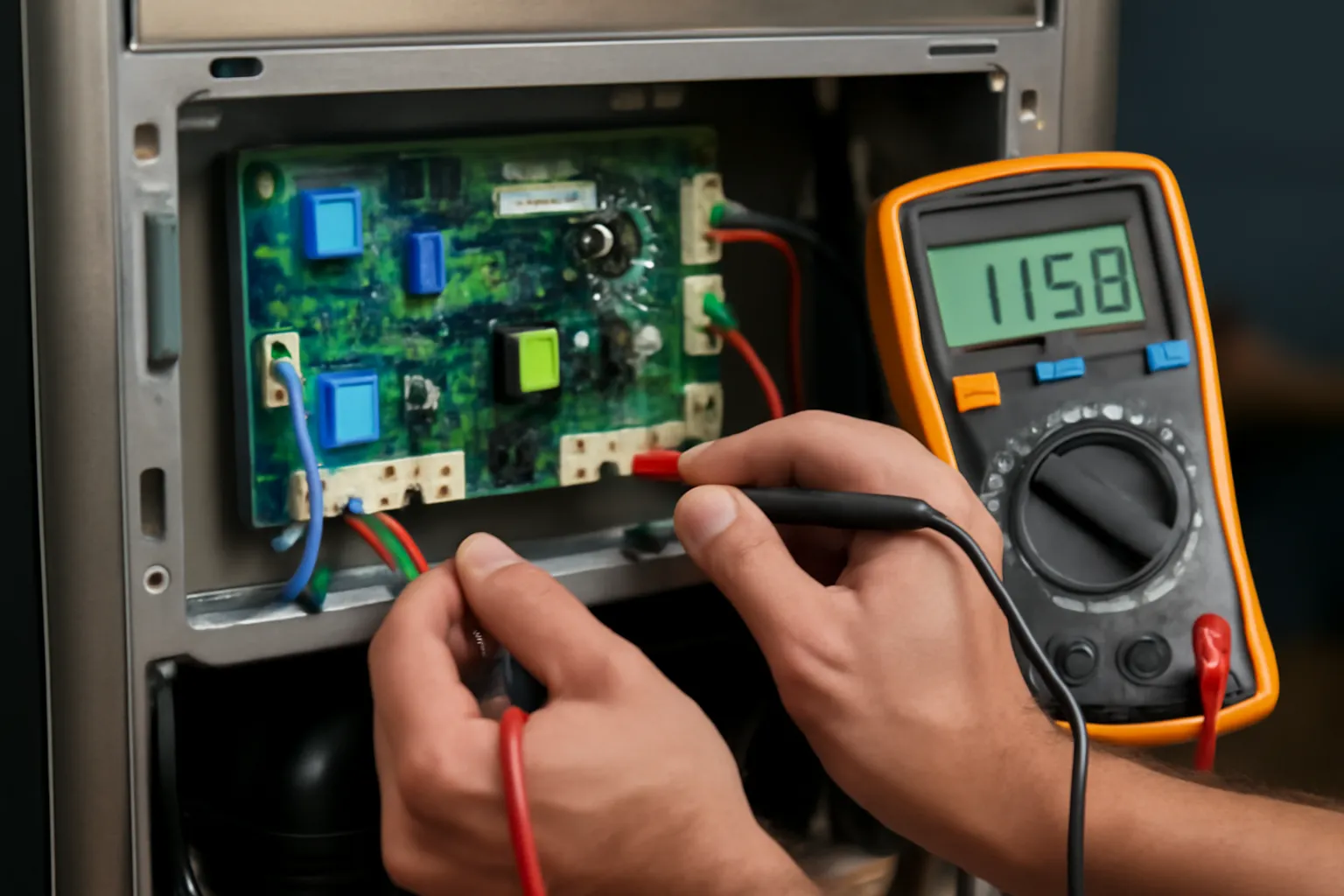
Before you fork out $300 or more for a replacement control board, it’s crucial to verify that the motherboard is indeed receiving power and sending voltage to the ice maker circuit. A clamp meter allows you to test live voltage safely without having to pull the board or voiding any warranties—it’s the difference between making a confident diagnosis and taking an expensive shot in the dark.
What works
- The clamp jaw fits around the ice maker power harness without needing to disconnect anything, allowing you to capture a live reading while the fridge is operational and see if voltage is actually reaching the solenoid.
- The display is clear enough to differentiate between 0V (indicating a dead circuit and a potential motherboard issue) and a fluctuating or weak signal (suggesting an inlet valve or wiring issue instead).
- Its compact design makes it easy to maneuver behind the fridge’s back panel where the ice maker harness is located, so you’re not battling with probe wires in tight spaces.
What doesn’t
- It won’t tell you if the motherboard logic is actually commanding the ice maker to run—it only measures raw voltage presence, so you’ll still need to cross-reference with control panel error codes or listen for relay clicks.
- If you’re uncomfortable working around live electrical connections, using this tool adds a level of risk; a safer alternative is to pull the board and test it on a bench with a multimeter in resistance mode (it takes longer, but it’s safer for beginners).
I’ve seen too many people order a $350 control board replacement only to find out that the real issue was a pinched water line or a blown 5-amp fuse on the board itself—both of which you would catch instantly with a voltage test. The KAIWEETS clamp meter takes the guesswork out of that critical first step, and it will pay for itself the first time you avoid an unnecessary motherboard replacement. KAIWEETS Digital Clamp Meter
About This Article

Written by Dave Holt. Dave Holt has been taking apart and fixing household appliances since he was a teenager who couldn't leave a broken one alone. Eighteen years later, after fixing things for neighbors, friends, and anyone who'd let him, he's seen almost every failure mode there is. When he writes a repair guide here, it's based on the actual job, not a manufacturer overview. More about this site.
Scope and limits. Dave is a self-taught repairer, not a certified appliance technician. Unplug before you open anything, and leave sealed refrigeration systems, gas connections, and hardwired circuits to a qualified technician.