I’ve been taking apart appliances since I was a teenager who couldn’t leave a broken one alone. Eighteen years later, after fixing things for neighbours, friends, and anyone who’d let me, I’ve seen most of the ways a household machine can fail. That’s why I decided to create this home appliance troubleshooting guide. It’s not meant to replace a service call when you genuinely need one, but to equip you with the same mental framework I use every time I approach a broken machine.
Over the years, I’ve learned that most appliance problems are not as mysterious as they seem. Roughly 70% of the repairs I get asked about boil down to a few common failures—like clogged filters, tripped thermal fuses, or worn door seals. The remaining 30% are electrical or mechanical issues that do require a technician’s expertise. This guide will help you differentiate between the two, saving you from spending $125–$200 on a diagnostic fee unnecessarily.
I’ve divided this guide by appliance types: refrigerator, washer, dryer, dishwasher, and oven. Each section outlines the most common symptoms, the parts you should check first, safe DIY fixes, and clear signs that it’s time to call in a pro. Bookmark this page and come back to it whenever something goes wrong. Let’s dive in!
How to Use This Home Appliance Troubleshooting Guide
Before you touch any appliance, remember this: unplug it or shut off the circuit breaker. I know it sounds like standard safety advice, but I’ve seen firsthand how dangerous it can be. I once witnessed a homeowner get shocked by a dryer that “should have been off.” Live 240-volt circuits are nothing to mess around with. Always ensure the power is disconnected before you start opening panels or pulling out components.
Next, grab your model number before doing anything else. You can usually find it on a sticker inside the door frame, on the back panel, or under the lid. Write it down. That number is your key to the correct wiring diagram, the right replacement parts, and often a factory service manual available online for free. I’ve wasted time on repairs because I assumed a part was universal—only to find out it wasn’t.
Lastly, understand the troubleshooting logic. Always start with the simplest, cheapest explanation first. This is a process technicians call elimination. It helps you avoid replacing a $180 control board when the actual issue is a $12 door switch.
Tools You’ll Actually Need
- Digital multimeter (tests continuity and voltage—buy one, you’ll use it constantly)
- Nut driver set (1/4″ and 5/16″ cover 90% of appliance screws)
- Flathead and Phillips screwdrivers
- Needle-nose pliers
- Flashlight or headlamp
- Appliance brush or vacuum with a crevice tool
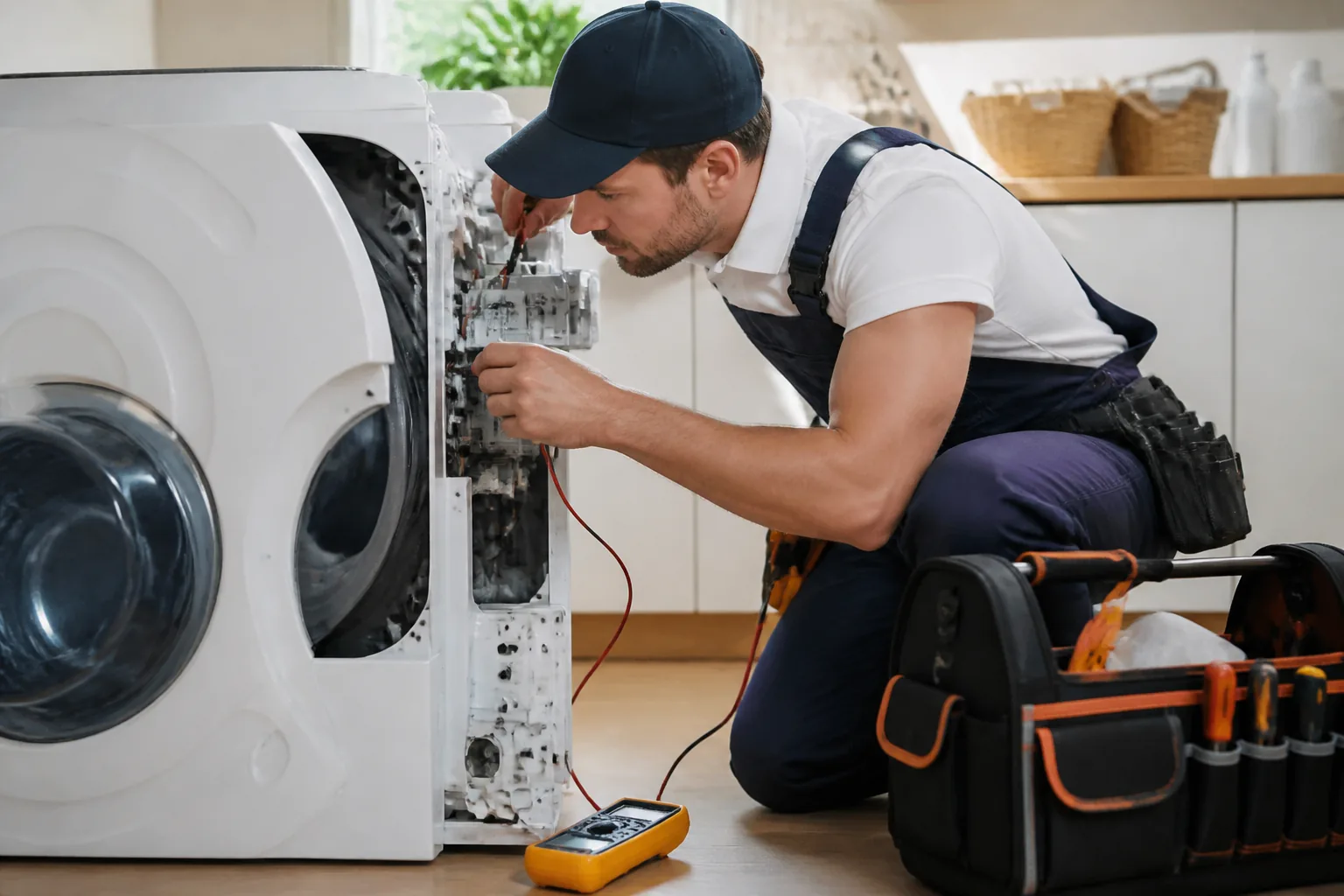
A decent multimeter costs between $25 and $40.It’s a tool that saves real money by confirming whether a part is defective before you buy a replacement. It’s the most critical item on that list.
Refrigerator Not Cooling — What to Check First
A refrigerator that stops cooling is the most urgent appliance failure you can face. Food spoilage can rack up $200–$400 in losses. The good news is that the cause is often simpler than you might think. I’ve resolved countless “fridge not cooling” calls just by cleaning the condenser coils—a job that takes about 15 minutes and costs nothing.
Common Symptoms and Likely Causes
- Fridge warm, freezer cold: Evaporator fan motor failure or defrost system issue
- Both compartments warm: Dirty condenser coils, failed condenser fan, or compressor problem
- Fridge runs constantly: Dirty coils, worn door gasket, or refrigerant leak
- Ice buildup on back wall: Defrost heater or thermostat failure
- Water pooling inside or underneath: Clogged defrost drain
Start with the condenser coils. On most bottom-freezer and side-by-side models, you’ll find them underneath, behind a kick plate. On older top-freezer models, they may be on the back. Dust and pet hair can insulate those coils and force the compressor to work overtime. A severely dirty refrigerator can run 15–20% less efficiently. Clean them using a coil brush and vacuum every 6–12 months.
Next, check the door gasket. Close the door on a dollar bill. If you can pull it out without resistance, that means the seal is weak. A bad gasket allows warm, humid air to seep in constantly, making the fridge work harder than it needs to. Replacement gaskets typically cost between $20 and $60, making it a worthwhile DIY fix in most cases.
When to call a pro: If the compressor is hot to the touch, making a clicking noise every few minutes, or if the unit is tripping the circuit—stop. Compressor and refrigerant work require EPA Section 608 certification. That’s not something you should attempt as a DIY project. [INTERNAL LINK: refrigerator not cooling troubleshooting]
Washing Machine Problems — Leaks, No Spin, and Error Codes
In my experience, washing machines generate more service calls than any other appliance. They’re complex machines—water, electricity, motors, and sensors all working together. However, the most common failures are mechanical and can often be fixed at home.
Top-Load vs. Front-Load — Different Failure Points
Top-load washers most commonly fail at the lid switch, drive coupler, or pump. Front-load washers are more prone to issues with door boot seal tears, bearing wear, and drain pump clogs. Knowing your machine type can narrow down your diagnosis significantly.
For a washer that won’t spin, start with the lid switch on a top-loader. This small switch informs the control board that the lid is closed. When it fails, the machine fills and agitates but refuses to spin. Test it with a multimeter—it should show continuity when depressed. Replacement costs typically range from $15 to $30 for the part, and it’s one of my most common same-day fixes.
Leaks generally stem from the door boot seal on front-loaders or the water inlet valve on either type. Check the boot seal first—look for cracks or tears around the rubber gasket at the door opening. A torn boot seal on a front-loader will spray water inside the cabinet, making it appear to leak from underneath. Replacement seals run between $40 and $90 and the job takes about 90 minutes.
Decoding Common Error Codes
Modern washers display error codes that can be incredibly useful. For example, an F21 or F9E1 on a Whirlpool front-loader indicates a long drain time—almost always caused by a clogged pump filter. That filter is located behind a small access panel at the bottom front of the machine. If you pull it out, clean it, and the error usually clears right away. I’ve seen filters packed with coins, bobby pins, and what looked like an entire sock collection.
When to call a pro: Loud grinding or rumbling noises during the spin cycle usually indicate worn drum bearings. Replacing bearings on a front-loader requires extensive disassembly. Labor costs can run from $150 to $300. For older machines, this repair can be close to the cost of a new unit—so get an honest estimate first. [INTERNAL LINK: washing machine won’t spin fixes]
Dryer Not Heating — The Fix Most Homeowners Miss
The truth about dryers is that they are the most dangerous appliance in your home when it comes to fire risk. The U.S. Fire Administration reports around 2,900 dryer fires annually, with 34% caused by failure to clean lint. Before troubleshooting anything mechanical, always clean your lint trap and check your vent duct. This is essential every single time.
Why Your Dryer Runs But Won’t Heat
A dryer that tumbles but fails to produce heat typically points to one of three issues: a blown thermal fuse, a failed heating element, or a tripped high-limit thermostat. I always start with the thermal fuse. It’s a one-time-use safety device that blows when the dryer overheats—usually due to a vent restriction.
The thermal fuse is usually located on the exhaust duct inside the dryer cabinet, near the heating element housing. Test it with a multimeter. A blown fuse will show no continuity. Replacement costs between $5 and $15 for the part. However, if you replace the fuse without fixing the vent restriction that caused it to blow, the new fuse will blow again within weeks. Always check the entire vent path first.
I recommend inspecting vent ducts annually. Disconnect the duct from the back of the dryer, run the dryer briefly, and check for strong airflow at the exterior vent cap. Weak airflow indicates a blockage. Rigid metal duct is always better than flexible foil—foil crushes easily and traps lint at every bend.
Gas Dryer vs. Electric Dryer Differences
Gas dryers use an igniter and gas valve coils instead of a heating element. If the igniter glows but the burner doesn’t light, the gas valve coils (also known as solenoids) have likely failed. This is a common repair on Whirlpool and Maytag gas dryers. The coil kit costs between $20 and $35 and the repair takes about 45 minutes. Make sure to check the radiant flame sensor as well—it’s often overlooked but fails just as frequently.
When to call a pro: If you suspect a gas leak—such as the smell of gas or hissing sounds near connections—stop immediately. Ventilate the area, leave the building, and call your gas utility. Do not attempt to diagnose a gas leak yourself.
Dishwasher Not Cleaning or Not Draining — Systematic Fixes
Dishwashers are incredibly reliable machines when maintained properly. Most complaints about cleaning and draining can be traced back to one common issue: the filter hasn’t been cleaned in months—or ever. I learned this the hard way when I was starting out when I replaced a wash pump on a nearly new Samsung dishwasher, only to find out afterward that the self-cleaning filter was completely blocked with food debris. They were gracious about it, but I felt embarrassed.
Dishes Coming Out Dirty or Cloudy
Start by removing and cleaning the filter assembly at the bottom of the tub. On most modern dishwashers, it twists out counterclockwise. Rinse it under running water with a soft brush. Also, check the spray arm holes for any blockages—use a toothpick to clear clogged ports. This simple maintenance step often resolves most cleaning complaints almost immediately.
Cloudy glassware usually indicates a hard water problem, not a mechanical failure. Check your rinse aid dispenser—it should be filled and set to an appropriate dosage level. For areas with severe hard water, using a water softener or running a citric acid wash cycle (by running an empty machine with citric acid powder) can yield dramatic improvements.
Dishwasher Won’t Drain — Where to Look
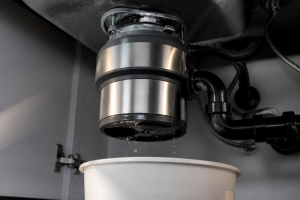
If you find standing water at the bottom of the tub after a cycle, that usually means there’s a drain restriction or pump issue. Start by checking the filter. Then inspect the drain hose where it connects to the garbage disposal or sink drain. If you’ve recently installed a new disposal, make sure the knockout plug inside the disposal’s dishwasher inlet has been removed. That’s a common oversight and it completely blocks drainage.
The drain pump can also fail. You’ll typically hear it attempting to run but getting nowhere, or it may be silent altogether. Drain pump replacements generally cost between $40 and $80 for the part and can be manageable DIY repairs on most brands. [INTERNAL LINK: dishwasher not draining fixes]
Oven and Range Problems — From Uneven Baking to Igniter Failures
Ovens are the appliance that most people are hesitant to work on themselves—and I completely understand why. However, many common oven failures are entirely approachable for a careful DIYer. The key is knowing which issues are safe to tackle and which ones require a professional.
Electric Oven Not Heating Evenly or At All
An electric oven that won’t heat up usually has a failed bake element or broil element. These are the visible heating elements located at the bottom and top of the oven cavity. Inspect them visually—a failed element often has a visible break, blister, or burn mark. Replacement elements typically cost between $20 and $60 and usually slide out after removing two screws and disconnecting two wires. This is one of the most beginner-friendly appliance repairs you can tackle.
Uneven baking can be trickier. It may indicate a weak bake element, a faulty oven temperature sensor, or a miscalibrated control board. Start with the temperature sensor—it’s a thin probe located at the back of the oven cavity. Test its resistance with a multimeter. Most sensors read around 1,080–1,090 ohms at room temperature (around 70°F). Anything significantly outside that range means the sensor needs replacement, and they typically cost between $20 and $40.
Gas Range Igniter Clicks Constantly or Won’t Light
A burner that clicks continuously, even when not in use, usually means moisture has entered the igniter module—often after a boilover. Remove the burner cap and let it dry thoroughly, sometimes overnight. In my experience, this simple fix resolves about 60% of constant-clicking complaints without needing to replace any parts.
If a burner lights slowly or won’t ignite at all, first clean the igniter and burner ports. Carbon buildup is often the culprit. Use a straightened paper clip to clear any clogs around the burner head. A weak spark from a worn igniter means it will need replacement—these typically cost between $15 and $40 each and are straightforward to swap on most ranges.
When to call a pro: Self-cleaning cycle failures, control board errors, or anything that involves the gas supply line are beyond DIY territory. Malfunctions during a self-clean cycle that lock the door or overheat the oven require professional diagnosis.
Common Mistakes Beginners Make — And How to Avoid Them
Mistake 1: Replacing Parts Without Testing First
This is the most costly mistake I encounter. Someone watches a YouTube video, assumes their symptom matches, and orders the part—without verifying it with a multimeter. This approach can turn a $15 fix into a $60 guessing game. Always test before you buy.
Mistake 2: Ignoring the Error Code
Modern appliances are designed to communicate. That blinking code on your display isn’t just for show. Look it up in your service manual or search for the exact code with your model number. Error codes can cut your diagnosis time in half. In my experience, homeowners who utilize the error code are much more likely to find the right part on their first try compared to those who don’t.
Mistake 3: Skipping the Reset
Before spending a dollar, perform a hard reset. Unplug the appliance for 60 seconds, then restore power. This is especially important for dishwashers and front-load washers; a control board that encounters a voltage spike or communication error will often reset itself with a power cycle. It might sound too simple, but I’d estimate that 8–10% of my callbacks could have been resolved this way.
Mistake 4: Using the Wrong Parts
Always use OEM (original equipment manufacturer) or confirmed-compatible aftermarket parts. A cheap off-brand heating element that doesn’t meet the original wattage specifications can damage your control board or create a fire hazard. Get your model number, look up the correct part number, and verify compatibility before you order. Saving $8 on a generic part isn’t worth it.
Mistake 5: Underestimating the Job
Some repairs are genuinely complex. Jobs like drum bearing replacements on front-load washers, sealed system refrigerant work, and gas valve replacements on ranges come with real risks of causing further damage—or worse, personal injury. Know your limits. There’s no shame in calling a technician. A $150 service call is much cheaper than a $900 repair caused by a DIY gone wrong.
Final Thoughts — Your Home Appliance Troubleshooting Guide in One Rule
After 18 years and over 10,000 service calls, here’s what I know for sure: most appliance problems are solvable. They’re not magic, nor are they hopeless. They follow patterns, and those patterns can be learned. This home appliance troubleshooting guide provides you with the systematic thinking I apply every single time I walk into a home with a broken machine.
The one rule that covers everything: start simple, work toward complex. Clean the filter before you replace the pump. Test the thermal fuse before you order a control board. Check the vent before blaming the heating element. That discipline alone can save you hundreds of dollars each year.
Keep these priorities in mind:
- Safety first—always disconnect power before opening any panel
- Get your model number before anything else
- Start with the cheapest, simplest possible cause
- Test parts with a multimeter before replacing them
- Know when the job exceeds your skill level—and call for help without hesitation
You can handle more than you think. I’ve watched complete beginners successfully replace a dryer thermal fuse, clear a dishwasher pump, and reseal a refrigerator door—all in the same afternoon. The right information can make a world of difference. That’s what this site is here to provide.
Explore the appliance-specific guides linked throughout this post for deeper, step-by-step walkthroughs. And if you hit a wall—leave a comment. I read every single one.
About This Article

Written by Dave Holt. Dave Holt has been taking apart and fixing household appliances since he was a teenager who couldn't leave a broken one alone. Eighteen years later, after fixing things for neighbors, friends, and anyone who'd let him, he's seen almost every failure mode there is. When he writes a repair guide here, it's based on the actual job, not a manufacturer overview. More about this site.
Scope and limits. Dave is a self-taught repairer, not a certified appliance technician. Unplug before you open anything, and leave sealed refrigeration systems, gas connections, and hardwired circuits to a qualified technician.