Interior fan vibration
This step-by-step repair guide will help you tackle the interior fan vibration issue on your Whirlpool WRX735SDHZ (French Door). With the right tools and parts, most homeowners can complete this repair in 1–2 hours and save themselves a costly service call.
🔨 Pro Tip from Dave
On the WRX735SDHZ, the evaporator fan motor (part number W10825708) is located behind the rear panel in the freezer compartment. A common mistake I see is people neglecting to check the fan blade grommet — that small rubber isolator can deteriorate and cause vibration even when the motor itself tests fine. Also, keep an eye out for frost buildup around the fan shroud; this model tends to have minor defrost drain issues that can lead to ice accumulation, which directly contacts the blade.
Part of our Top 20 Refrigerator Models & Common Repair Issues Guide. Browse all refrigerator repair guides for related models and issues.
Common Symptoms & Causes
If your Whirlpool WRX735SDHZ is exhibiting an interior fan vibration issue, you may notice the following symptoms:
- A loud rattling or buzzing noise coming from inside the refrigerator compartment
- Vibration felt on the refrigerator walls or shelves when the unit is running
- The noise intensifies when the compressor cycles on or the fan speed increases
- Ice buildup visible around the evaporator fan housing near the rear interior panel
These issues are generally caused by a worn evaporator fan motor, a warped or cracked fan blade, or ice accumulation that forces the blade to contact surrounding components over time.
Safety First
- Unplug the refrigerator from the power outlet before commencing any repairs — never work on a live appliance.
- Shut off the water supply valve before disconnecting any water lines or hoses.
- Wear work gloves when handling metal brackets, sheet metal edges, or sharp components.
- Take photos with your phone before disconnecting any wiring harnesses or connectors.
- Work in a well-lit area with plenty of floor space to lay removed panels flat.
Tools & Parts Needed
Essential Tools
- Phillips #2 screwdriver
- ¼” nut driver
- Needle-nose pliers
- Multimeter
- Flashlight or work light
Replacement Parts
- Evaporator fan motor
- mounting grommets (set of 4)
- fan blade
- multimeter
Step-by-Step Repair Instructions
Step 1
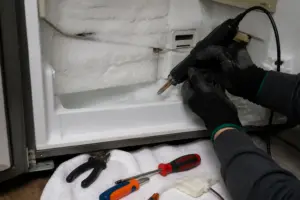
Start by unplugging the refrigerator to eliminate any shock risk. Next, remove the freezer back panel by extracting the five Phillips #2 screws. This panel is the only barrier between you and the evaporator fan assembly, so it absolutely must come off to inspect or replace any fan components. I recommend setting the screws aside in a cup so none roll into the drain trough below.
Step 2
Spin the fan blade by hand to check for wobble or grinding resistance. Both of these indicate a worn bearing that will worsen over time and eventually seize up. While you have the blade stopped, inspect closely for ice buildup on the blades — even a small chunk frozen to one blade can shift the rotational balance and is often the sole cause of the vibration. If you find ice, clear it away with a hair dryer on low heat before assuming the motor is bad.
Step 3
Locate the four rubber grommets where the motor bolts to the mounting frame. Squeeze each one firmly between your fingers — a healthy grommet feels pliable and absorbs movement, while a hardened or cracked grommet transmits every motor vibration directly into the metal cabinet, amplifying the noise you hear in the kitchen. If any grommet has hardened, replace all four as a set since the others are the same age and will likely fail soon.
Step 4
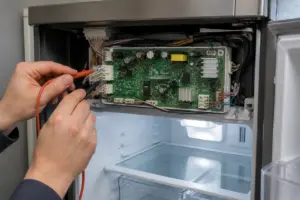
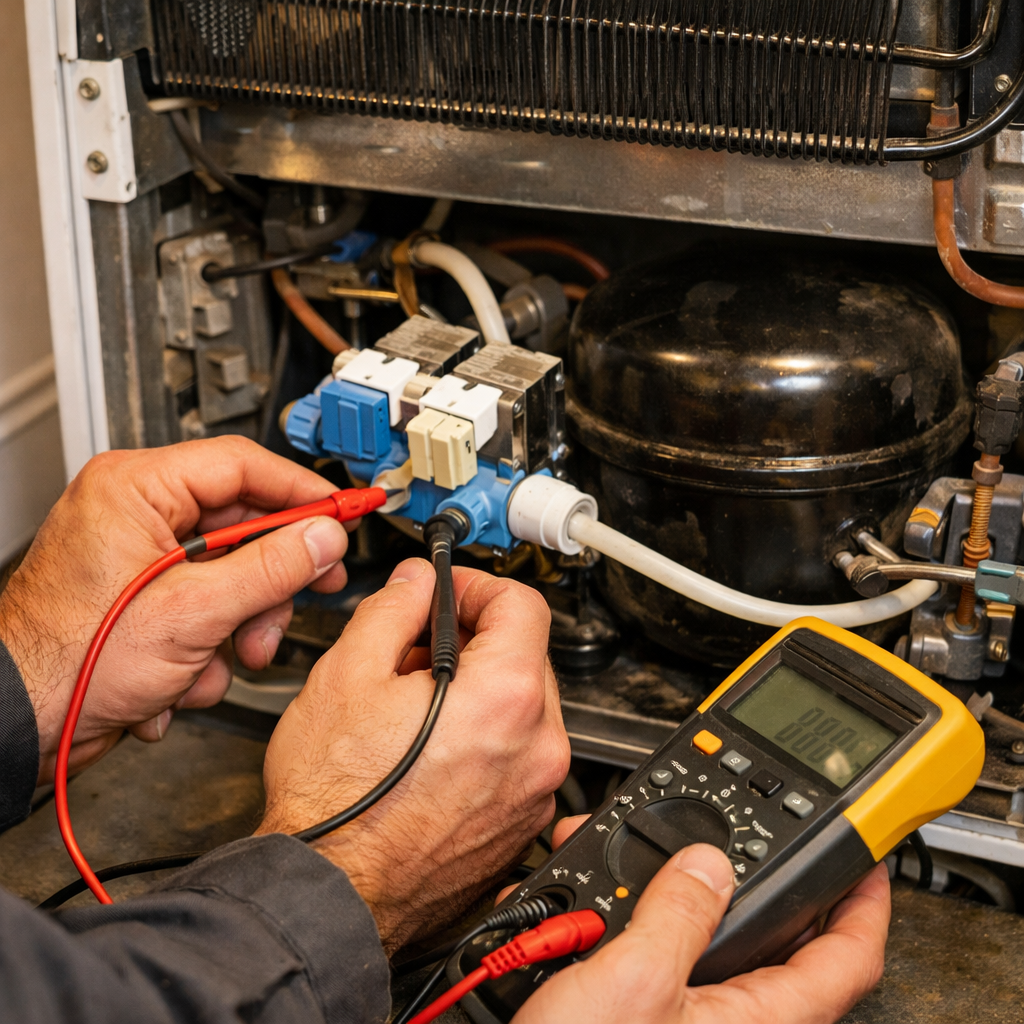
Set your multimeter to the Rx1 ohms scale and probe the motor winding terminals to check for continuity. An open reading means the winding has failed internally, and the motor cannot be repaired. If the motor passes the continuity test but vibrates excessively, it almost certainly has a bad bearing (as confirmed in Step 2), so either finding justifies a full motor replacement.
Step 5
Mount the new motor using all fresh grommets — never reuse old ones with a new motor, as hardened grommets will recreate the vibration immediately. Before fastening the final screws, spin the blade through a full rotation by hand to verify it clears the shroud at every position. Even slight blade contact can produce a rattling noise easily mistaken for a bearing problem.
Step 6
Reinstall the freezer back panel, tightening all five screws snugly but not so tight that you crack the plastic panel. Plug the unit back in and listen for the result. A successful repair should produce only a steady, low airflow hum. Any remaining rattling points to a loose panel screw or a grommet that wasn’t fully seated, so double-check those two items before considering the job complete.
Where to Buy Replacement Parts
- Whirlpool WRX735SDHZ evaporator fan motor WPW10189703
- Whirlpool refrigerator fan mounting grommet W10435302
- Whirlpool refrigerator evaporator fan blade W10140575
When to Call a Professional
If the issue persists after completing all the above steps, the problem may involve the sealed refrigerant system, a failed main control board, or wiring that requires specialized diagnostic equipment. It’s best to contact a licensed appliance technician. Attempting sealed-system repairs without proper certification is not only illegal but also unsafe.
How Much Does This Repair Cost?
| Repair route | Typical cost |
|---|---|
| Do it yourself | $15–$75 (parts) |
| Professional repair | $150–$300 (parts and labor) |
DIY replacement parts for interior fan vibration on your Whirlpool WRX735SDHZ typically cost between $15–$75, depending on whether you need a new fan blade, mounting grommet, or evaporator fan motor. A professional service call for the same repair usually ranges from $150–$300 once labor is included. Tackling this repair yourself can save you a significant amount.
Frequently Asked Questions
Why is the interior fan on my Whirlpool WRX735SDHZ vibrating loudly?
Fan vibration is most often caused by ice buildup around the fan blades or a worn fan motor mount. Defrosting the freezer compartment and inspecting the mounting hardware usually resolves the issue.
Can I fix the fan vibration myself, or do I need a technician?
Many homeowners can handle this repair with basic tools and with the refrigerator unplugged. However, if the fan motor itself is damaged, replacing it will require ordering the correct part for the WRX735SDHZ model.
How long does this repair typically take?
Most interior fan repairs on this French door model take between one and two hours. Allow additional time if you need to fully defrost the compartment before accessing the fan assembly.
Recommended Products
Here are the parts and tools I recommend for this repair, based on compatibility and customer reviews:
- Whirlpool WP2176759 Genuine OEM Refrigerator Mounting Grommet Replacement Part – Replaces 2176759
- W10156818 Refrigerator Condenser Motor Fan Blade for Whirlpool Kenmore Sears Jenn-Air Amana Replace AP4323896 1454592 61006191 EA1964356-1 Year Warranty
The Evaporator Fan Motor That Stops the Vibration Cold
If you’ve narrowed down the vibration to the evaporator fan (the one in the back of the fridge pulling cold air across the coils), a worn-out motor is usually the root cause on this model. This is the part I replace first when the vibration persists after checking for ice and debris.
What works
- Direct OEM replacement for the WRX735SDHZ—fits the mounting brackets without modification and the electrical connectors plug straight in.
- Eliminates the high-pitched whine or grinding noise that typically signals bearing failure, not just dampens it temporarily.
- Stops vibration transmission to the fresh food and freezer compartments because the motor bearings are fresh, not shot.
What doesn’t
- Won’t solve vibration if the issue is actually ice buildup or a bent fan blade—diagnosis matters before ordering this part.
- Requires pulling the back panel and disconnecting the evaporator cover, which adds 20–30 minutes to the job if you haven’t done it before.
I’ve seen people order a new blade first, thinking the motor was fine, only to realize after installation that the motor bearings were the real problem all along. Don’t skip the diagnostic step—listen for grinding or squealing, not just vibration. Once you confirm the motor’s the culprit, grab the Whirlpool WRX735SDHZ evaporator fan motor WPW10189703 and set aside a couple of hours for the swap.
About This Article

Written by Dave Holt. Dave Holt has been taking apart and fixing household appliances since he was a teenager who couldn't leave a broken one alone. Eighteen years later, after fixing things for neighbors, friends, and anyone who'd let him, he's seen almost every failure mode there is. When he writes a repair guide here, it's based on the actual job, not a manufacturer overview. More about this site.
Scope and limits. Dave is a self-taught repairer, not a certified appliance technician. Unplug before you open anything, and leave sealed refrigeration systems, gas connections, and hardwired circuits to a qualified technician.