Cooling fan noise
In this guide, I’ll walk you through how to fix cooling fan noise on your Samsung RS27T5200SR (Side-by-Side). With the right tools and parts, you should be able to complete this repair in about 1–2 hours, saving you the hassle and cost of a service call.
🔨 Pro Tip from Dave
On the RS27T5200SR, the most common replacement part is the evaporator fan motor, part number DA31-00146E. Before you order, though, pull the freezer back panel and check for ice buildup around the fan blade. This model has a reputation for defrost drain issues that often lead to ice accumulation, mimicking a bad motor situation. Many technicians replace the motor unnecessarily when a thorough defrost cycle and drain tube flush could have resolved the issue.
Part of our Top 20 Refrigerator Models & Common Repair Issues Guide. Browse all refrigerator repair guides for related models and issues.
Common Symptoms & Causes
If your Samsung RS27T5200SR is making cooling fan noise, you might notice one or more of the following symptoms:
- A loud rattling or grinding noise coming from the back wall inside the freezer compartment
- A high-pitched squealing sound that increases when the compressor kicks on
- Inconsistent or louder-than-normal humming heard through the refrigerator doors
- Food in the fresh food section is warmer than usual alongside the fan noise
These symptoms typically result from a worn evaporator fan motor, ice buildup obstructing the fan blades, or a damaged fan blade that strikes the surrounding housing due to wear over time.
Safety First
- Unplug the refrigerator from the power outlet before starting any repair — never work on a live appliance.
- Shut off the water supply valve before disconnecting any water lines or hoses.
- Wear work gloves when handling metal brackets, sheet metal edges, or sharp components.
- Take photos with your phone before disconnecting any wiring harnesses or connectors.
- Work in a well-lit area with enough floor space to lay removed panels flat.
Tools & Parts Needed
Essential Tools
- Phillips #2 screwdriver
- ¼” nut driver
- Needle-nose pliers
- Multimeter
- Flashlight or work light
Replacement Parts
- Condenser fan motor
- evaporator fan motor
- fan blade
- ¼” nut driver set
Step-by-Step Repair Instructions
Step 1
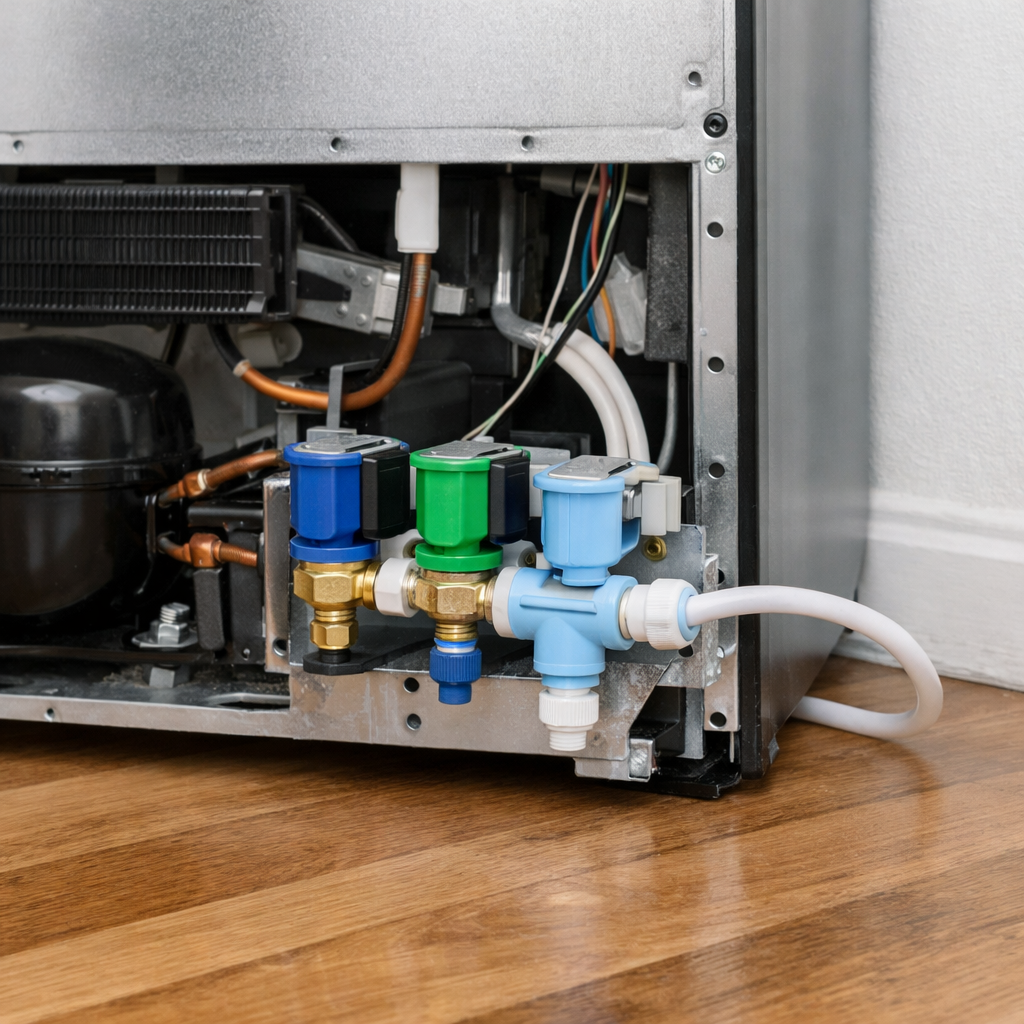
First, unplug the refrigerator and pull it away from the wall. You’ll need to remove the lower rear access panel (secured by 4 × ¼” hex screws) to expose the condenser fan assembly near the compressor. It’s critical to work with the unit unplugged because the condenser fan can start on its own when the compressor cycles on, posing a serious injury risk. Pulling the unit away gives you the clearance to work safely and view the fan shroud clearly.
Step 2
Spin the condenser fan blade by hand to assess the bearing condition. A healthy motor should spin freely and quietly. If you hear wobbling, grinding, or feel resistance, it indicates a worn bearing that will only get noisier and eventually seize. Bearing failure is the primary cause of condenser fan noise in this model, so this simple test will help determine if a replacement motor is necessary. Avoid running the unit with a suspected bad bearing, as a seized fan can cause the compressor to overheat and fail.
Step 3
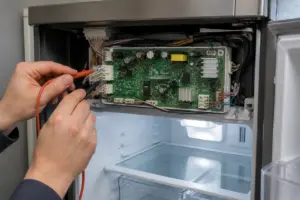
Next, unplug the motor harness and use a multimeter to test the motor windings on the Rx1 setting. An open reading (no continuity) confirms a failed winding, indicating the motor needs replacing. While the harness is disconnected, inspect the fan blade for cracks, missing fins, or any debris lodged between the blade and shroud, since physical damage can cause noise even if the motor is intact. Pro tip: Snap a picture of the wiring harness orientation before disconnecting to simplify reassembly.
Step 4
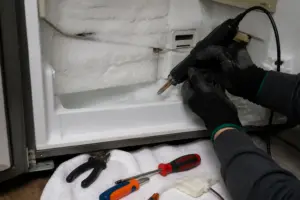
To check the evaporator fan, remove the freezer back panel (secured by 5 × Phillips screws) and spin the blade by hand. Resistance, wobble, or visible ice contact with the blade indicates either a failing motor or a defrost system problem allowing ice to accumulate. If ice is found on the evaporator fan blade, it’s a sign that the defrost heater or thermostat may need attention as well. Be careful when removing the panel to avoid tearing the foam gasket that seals the evaporator compartment.
Step 5
Order the correct replacement motor using the specific Samsung part number for the RS27T5200SR. Generic motors may have different shaft lengths or RPM ratings, leading to vibration or inadequate airflow. When you install the new motor, ensure the original blade orientation matches — the direction arrow molded into the blade hub must face the same way as before for proper airflow. Secure the harness connector firmly until it clicks to avoid an intermittent connection that could cause the fan to fail.
Step 6
Finally, reinstall both panels securely, ensuring no screws are left loose, as they can become a source of vibration noise when the compressor runs. Plug the refrigerator back in and listen for a few minutes. Normal operation should produce a steady, low hum; any remaining rattling often indicates a panel not fully seated or a wire bundle touching a moving part. If noise persists, double-check that the blade spins freely without hitting the shroud, as slight misalignment during installation is the most common post-repair issue.
Where to Buy Replacement Parts
- Samsung RS27T5200SR condenser fan motor DA31-00146G
- Samsung refrigerator evaporator fan motor DA31-00110L
- Samsung refrigerator fan blade replacement DA31-00146E
When to Call a Professional
If the noise continues after completing these steps, the issue might involve the sealed refrigerant system, a failed main control board, or wiring that requires specialized diagnostic equipment. In such cases, it’s best to contact a licensed appliance technician, as attempting sealed-system repairs without EPA 608 certification is illegal and unsafe.
How Much Does This Repair Cost?
| Repair route | Typical cost |
|---|---|
| Do it yourself | $20–$60 (parts) |
| Professional repair | $150–$300 (parts and labor) |
Typically, replacing a cooling fan on the Samsung RS27T5200SR costs $20–$60 in parts if you do it yourself. A professional service call for the same repair usually falls between $150–$300, including labor. Tackling this repair on your own can save you at least $100, making it a worthwhile DIY project for most homeowners.
Frequently Asked Questions
How do I know if the cooling fan is causing the noise in my Samsung RS27T5200SR?
If the noise gets louder when you open the freezer door or intensifies during cooling cycles, the evaporator fan is likely at fault. Ice buildup around the fan blades is the most common cause for this model.
Can I fix the cooling fan noise myself without a technician?
Absolutely! Many homeowners successfully resolve this issue by defrosting the freezer compartment or replacing the fan blade. Basic tools and a couple of hours are usually all that’s needed.
How much does a replacement evaporator fan cost for the Samsung RS27T5200SR?
Replacement evaporator fan motors for this model typically range from $20 to $50. Buying directly from a Samsung parts supplier ensures compatibility and reliability.
Recommended Products
Here are the parts and tools I recommend for this repair, based on compatibility and customer feedback:
- DA31-00342A Refrigerator Motor bldc Fan Compatible with Samsung Freezer Evaporator RS27T5200SG, RS22T5561SR, RS22T5201SR, RS27T5200SR, RS23A500ASR, RS23A500ASG, RS28A5F61SR, RS28A5F61SG
The Evaporator Fan Motor That Stops the Grinding Sound in Your Samsung Freezer
If you’re hearing that grinding or squealing noise coming from inside the freezer compartment on your RS27T5200SR, the evaporator fan motor is your first replacement target—it’s the part that actually circulates cold air through both sections, and when it wears out, the noise gets loud fast. This is the motor I replace most often on this model before touching anything else.
What works
- Direct fit for the RS27T5200SR with no bracket modifications needed—connector plugs right in where the old motor sits.
- Noise improvement is immediate and obvious; you’ll notice the difference the moment you power the fridge back on, so diagnosis confirmation happens fast.
- Installation takes about 20–30 minutes once you pop the freezer panel off; the motor mount is accessible and the fasteners don’t strip.
What doesn’t
- If ice buildup is actually the culprit (not motor wear), replacing the motor won’t solve the problem—you’ll have wasted money and still hear noise.
- The thermal cutoff assembly on some units sits very close to the motor cavity, so you need steady hands and a small flashlight to avoid bumping wiring during installation.
I’ve seen someone order this motor and install it only to discover the real issue was a frozen evaporator coil blocking airflow—the new motor ran fine but the fridge still cycled loud because cold air couldn’t move. Before you commit to the replacement, inspect the freezer coils for ice buildup and listen carefully to where the noise is coming from (motor whine vs. air blockage sound are different). If it’s definitely motor noise, evaporator fan motor will end it.
About This Article

Written by Dave Holt. Dave Holt has been taking apart and fixing household appliances since he was a teenager who couldn't leave a broken one alone. Eighteen years later, after fixing things for neighbors, friends, and anyone who'd let him, he's seen almost every failure mode there is. When he writes a repair guide here, it's based on the actual job, not a manufacturer overview. More about this site.
Scope and limits. Dave is a self-taught repairer, not a certified appliance technician. Unplug before you open anything, and leave sealed refrigeration systems, gas connections, and hardwired circuits to a qualified technician.