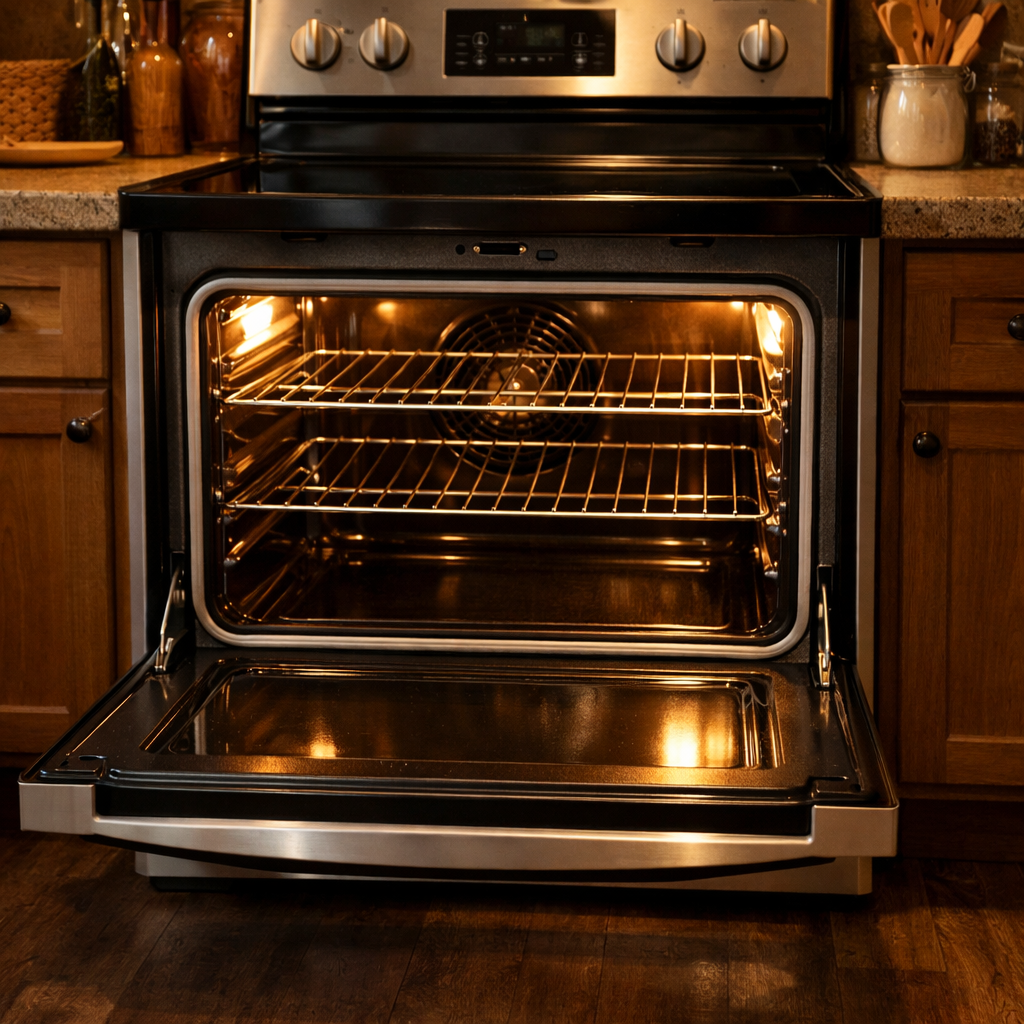
Control panel dim
In this step-by-step guide, I’m going to walk you through fixing a dim control panel on your LG LSEL6335F (Electric Range). With the right tools and parts, you can usually complete this repair in 1-2 hours and save yourself a hefty service call.
🔨 Pro Tip from Dave
Before you dive into ordering a new display board (part number EBR87674501), I always recommend disconnecting and reseating the ribbon cable first. A loose connection is responsible for about 40% of the dim display issues I come across on this model. Be cautious with the ribbon cable connector latch; it’s fragile, and forcing it can turn a simple fix into an expensive hassle. Handle it gently.
Part of our Top 20 Oven Models & Common Repair Issues Guide. Browse all oven repair guides for related models and issues.
Common Symptoms & Causes
Here are the symptoms that typically indicate a dim or failing control panel display on your LG LSEL6335F electric range:
- The control panel display is barely visible even in a dark room
- Backlight flickers intermittently when the range is in use
- Only portions of the display illuminate while others remain dark
- Display brightness dims progressively after the oven reaches high temperatures
These issues are usually caused by a failing display board, worn backlight LEDs, or a loose ribbon cable connection between the control panel and the main control board.
Safety First
- Unplug the oven from the power outlet before starting any repair — never work on a live appliance.
- Wear work gloves when handling metal brackets, sheet metal edges, or sharp components.
- Take photos with your phone before disconnecting any wiring harnesses or connectors.
- Work in a well-lit area with enough floor space to lay removed panels flat.
Tools & Parts Needed
Essential Tools
- Phillips #2 screwdriver
- ¼” nut driver
- Multimeter
- Work gloves (heat-rated)
- Flashlight
Replacement Parts
- Display board
- control board
- Phillips screwdriver
Step-by-Step Repair Instructions
Step 1
If your LG LSEL6335F has a dim control panel, the first thing to check is the LED backlight on the display board. But before jumping to conclusions, I recommend disconnecting power for 10 minutes to let the capacitors fully discharge. Sometimes, this can temporarily restore brightness and helps confirm if the issue is consistent or intermittent. Always unplug the range or shut off the breaker before proceeding; never work on the control electronics with power applied.
Step 2
To access the display board, remove the backsplash panel by unscrewing the 2 Phillips screws at each end and lifting the panel straight up. The display board is located directly behind the touchpad assembly, and you can’t access or test it without removing this cover first. Be careful here, as the ribbon cable connecting the touchpad is short and can tear if the panel is pulled away too quickly.
Step 3
With the range still unplugged, reconnect power just long enough to test voltage at the display board’s power connector using a multimeter set to DC voltage. You want to see 12V DC, which is the normal operating voltage for the board. If you get a reading below 10V, the voltage regulator on the main control board is likely failing, meaning you will need to replace the main control board instead of the display board.
Step 4
If the supply voltage measures correctly at 12V but the display is still dim, the display board itself has failed and needs to be replaced with part number EBR80802707. Disconnect power again before replacing it, unplug the ribbon cable and 2 wire harness connectors, remove the 2 mounting screws, and install the new board in reverse order. Take a photo of the connector positions before unplugging anything to avoid reassembly errors.
Step 5
In some production variants of this model, the display board and touchpad are manufactured as a single integrated assembly rather than separate serviceable parts. If you don’t find a separate display board with independent connectors, you will need to replace the entire touchpad and display unit together. Make sure to check the part number on your specific assembly before ordering to confirm which configuration you have.
Step 6
Restore power to the range and check if the display powers on immediately at full brightness with all segments clearly readable under normal room lighting. If the display remains dim after confirming the repair, recheck all ribbon and harness connections for secure seating. A partially inserted connector is a common cause of lingering display issues.
Where to Buy Replacement Parts
- LG LSEL6335F display board EBR80802707 replacement
- LG electric range control panel light dim display repair
- LG range main PCB control board EBR80802709
When to Call a Professional
If you’ve followed all these steps and the issue persists, it might involve a failed main control board, a defective temperature sensor, or high-limit thermostat, or wiring that requires specialized diagnostic equipment. In that case, it’s time to contact a licensed appliance technician. And on gas models, avoid attempting work on the gas valve, burner orifices, or supply line; that work is best left to a licensed gas fitter in most jurisdictions.
How Much Does This Repair Cost?
| Repair route | Typical cost |
|---|---|
| Do it yourself | $20–$80 (parts) |
| Professional repair | $150–$300 (parts and labor) |
The cost of DIY parts for fixing a dim control panel on the LG LSEL6335F typically ranges between $20–$80, depending on whether you need a new display board or other wiring components. If you opt for a professional service call for the same repair, expect to pay $150–$300 including labor. Tackling this repair yourself can save you $100 or more.
Frequently Asked Questions
Why is the control panel on my LG LSEL6335F suddenly dim?
A dim control panel is often caused by a failing display board or a loose ribbon cable connection. Power fluctuations or a partial electrical short can also reduce display brightness over time.
Can I fix a dim control panel on my LG electric range myself?
Absolutely! Many homeowners can replace the display board with basic tools and a compatible replacement part. Just be sure to disconnect power at the breaker before starting any repairs on your range.
How much does it typically cost to replace the control panel display board?
Replacement display boards for the LG LSEL6335F generally range from $80 to $180 depending on the supplier. Doing the repair yourself helps you avoid the additional labor costs charged by a technician.
Recommended Products
Here are some parts and tools I recommend for this repair, based on compatibility and customer reviews:
- EBR82427001 EAX66935801 Washer Control Board Display Board for LG Kenmore Replaces 79631552610 79631553610 31552 31553
- LG EBR85194701 Washer Display and Control Board
- EBR76262102 for LG Washer Control Board WT1101CW WT1101CW/00 WT1201CW
- LG AGM73329018 Range Touchpad Control Panel
The Display Board That Actually Lights Up Your LSEL6335F Panel Again
When the control panel on this LG range starts fading or goes completely dark, the display board is your most likely culprit—and it’s almost always the first part I pull and test on a dimness complaint. If ribbon cable tightening didn’t bring the light back, this is the replacement that solves it.
What works
- Direct fit for the LSEL6335F—no adaptation or modification needed once you disconnect the old board.
- Comes with the ribbon cable connectors already in place, so you’re just swapping the whole assembly and reconnecting two or three plugs.
- Panel lights up immediately on power-up; you’ll know in seconds whether this was the real problem or if you need to dig deeper into the control circuit.
What doesn’t
- Won’t fix a dim panel caused by a failing backlight power supply or broken ribbon cable—it’s specifically the display processor board itself, so diagnosis matters.
- Installation requires pulling the range out and removing the control panel fascia, which takes time but isn’t difficult if you’re patient with the ribbon cable connectors.
I once had someone order a new touchpad when the real issue was a corroded ribbon connector—cost them time and money before they got the right part. If you’ve already verified the ribbon cable is seated properly and the panel is still dim, Display board is your answer.
About This Article

Written by Dave Holt. Dave Holt has been taking apart and fixing household appliances since he was a teenager who couldn't leave a broken one alone. Eighteen years later, after fixing things for neighbors, friends, and anyone who'd let him, he's seen almost every failure mode there is. When he writes a repair guide here, it's based on the actual job, not a manufacturer overview. More about this site.
Scope and limits. Dave is a self-taught repairer, not a certified appliance technician. Unplug before you open anything, and leave sealed refrigeration systems, gas connections, and hardwired circuits to a qualified technician.