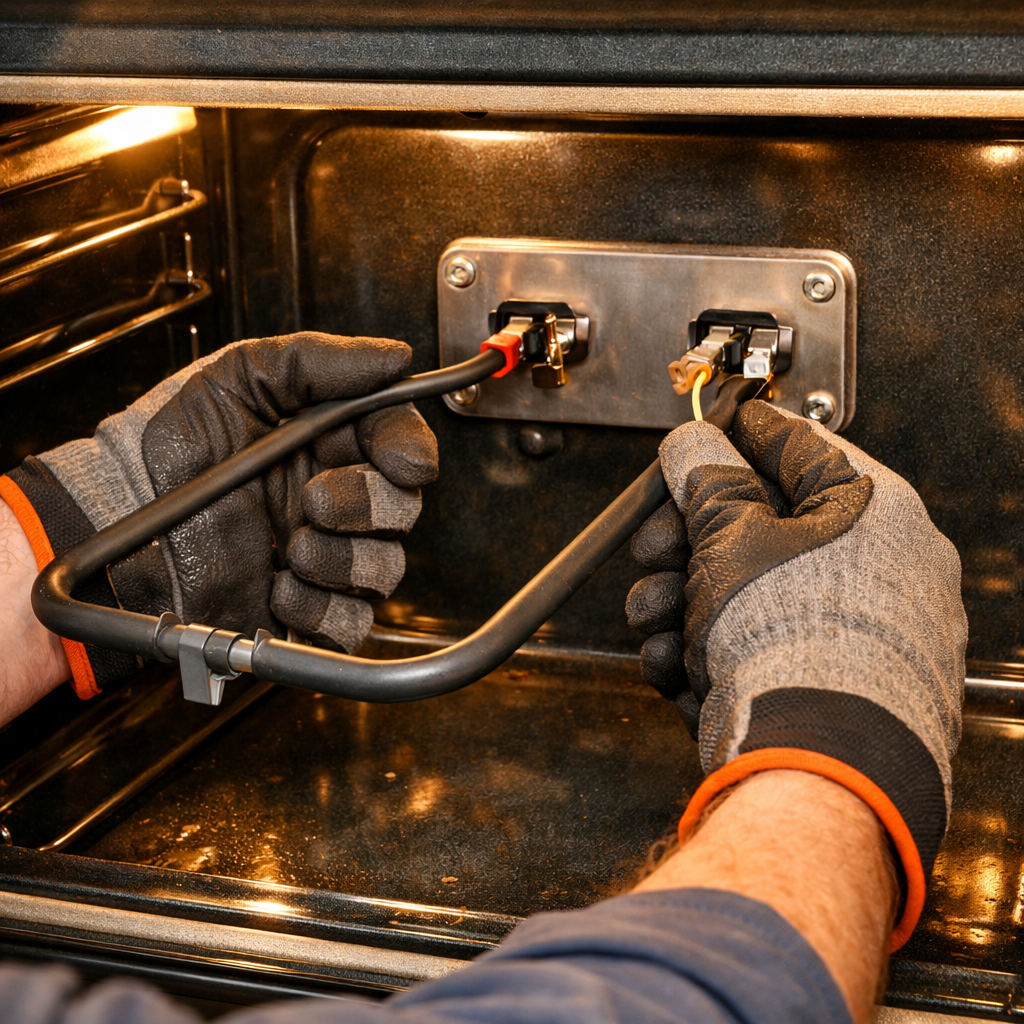
SN686S Inverter Board Replacement Guide
If your Panasonic NN-SN686S inverter microwave has no power, makes clicking sounds, or has intermittent heating, the inverter board has likely failed. The inverter board controls the magnetron power output in inverter microwaves, providing more precise and even heating. Replacing it is an ADVANCED repair that requires working with electronic components. This is an expensive repair ($200-400 for the part).
🔨 Pro Tip from Dave
One gotcha I always warn people about on the NN-SN686S — the inverter board part number F616Y8P50AP is often confused with a visually similar board from other Panasonic models, but the connector pinout is different and using the wrong one will fry your magnetron. Also, always discharge the high-voltage capacitor before touching anything near the board; this model holds a charge longer than most due to the inverter circuit design.
Understanding Inverter Technology
Inverter microwaves differ from conventional microwaves:
- Use an inverter board to control magnetron power output
- Provide more precise power levels (not just on/off cycles)
- Heat food more evenly and efficiently
- Require specialized electronic components
- Inverter board failures are common after 5-7 years
The inverter board is a complex electronic component that can fail due to power surges, component aging, or manufacturing defects.
Symptoms of Inverter Board Failure
Common signs that indicate inverter board failure:
- No power – microwave won’t turn on at all
- Clicking sounds when trying to start
- Intermittent heating – works sometimes, not others
- Display works but microwave won’t heat
- Error codes related to inverter or power
- Microwave starts then immediately stops
⚠️ CRITICAL SAFETY WARNING
This repair involves HIGH VOLTAGE components and complex electronics. You MUST:
- Unplug the microwave and wait at least 60 seconds
- Discharge the high-voltage capacitor before touching ANY components
- Wear insulated gloves rated for high voltage
- Use proper ESD precautions (anti-static wrist strap)
- Handle the inverter board carefully – it’s sensitive to static electricity
- If you’re uncomfortable with electronics, call a professional
Parts Needed
Check each product page for other buying options. (Part #: F603Y8500AP)
Note: Inverter boards are expensive ($200-400). Verify the inverter board is the problem before purchasing. Consider professional diagnosis if you’re unsure.
Tools Required
- Digital Multimeter – For testing components
- Phillips Screwdriver Set – Various sizes
- Needle-Nose Pliers – For wire connections
- Anti-static wrist strap – CRITICAL for protecting the board
- High-voltage discharge tool – For capacitor discharge
- Insulated gloves – Rated for high voltage
- Safety glasses – Protection from debris
- Flashlight – To see inside the case
Step-by-Step Instructions
Step 1: Unplug and Discharge Capacitor
Unplug the microwave from the wall outlet. Wait at least 60 seconds. This is CRITICAL – the high-voltage capacitor can hold a lethal charge. Use a discharge tool to short the capacitor terminals. Touch the tool across both terminals simultaneously. Repeat 3-4 times to ensure full discharge.
Step 2: Remove the Outer Case
Locate and remove all screws from the rear and side panels. The Panasonic NN-SN686S typically has 8-12 screws. Remove all visible screws and set them aside in an organized manner. Gently lift the panels away, being careful not to damage any wires.
Step 3: Locate the Inverter Board
The inverter board is typically located near the magnetron or on the side of the microwave. It’s a circuit board with multiple electronic components, connectors, and heat sinks. Look for a board labeled “inverter” or with multiple large capacitors and transistors.
Step 4: Inspect the Board
Before removing, inspect the inverter board for:
- Visible damage, burning, or scorching
- Burned or bulging capacitors
- Cracked or damaged components
- Loose connections or damaged connectors
- Signs of overheating
Step 5: Put on Anti-Static Protection
Put on an anti-static wrist strap and connect it to a grounded surface. This is CRITICAL – the inverter board is sensitive to static electricity and can be damaged by ESD. Never touch the board without proper protection.
Step 6: Disconnect All Wires and Connectors
The inverter board has multiple wire connections and connectors. Carefully disconnect all wires and connectors. Take detailed photos before disconnecting – there are many connections and they must be reconnected correctly. Label each connector if needed.
Step 7: Remove the Board Mounting Screws
The inverter board is secured with screws. Remove all mounting screws using your Phillips screwdriver. Some boards may have heat sinks that also need to be removed. Support the board as you remove the last screw.
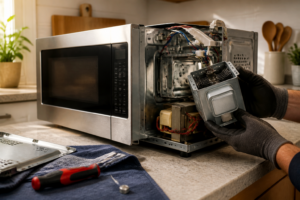
Step 8: Remove the Old Board
Carefully lift the old inverter board away from its mounting location. Be gentle – don’t force it if it seems stuck. Check for any remaining connections or clips. Remove the board completely.
Step 9: Install the New Board
Position the new Panasonic F603Y8500AP inverter board in the same location as the old one. Ensure the orientation matches the original exactly. The board should sit flush against the mounting surface. Secure it with the mounting screws, being careful not to overtighten.
Step 10: Reconnect All Wires and Connectors
Refer to your photos and reconnect all wires and connectors in the exact same positions as before. Push connectors firmly until they click into place. Double-check each connection – incorrect wiring can cause damage or prevent operation.
Step 11: Verify Installation
Before reassembling, verify that:
- All connectors are properly seated
- All wires are connected to the correct terminals
- The board is properly mounted and secure
- No wires are pinched or damaged
Step 12: Reassemble the Microwave
Carefully replace all panels, ensuring no wires are pinched or damaged. Reinstall all screws in their original locations. Tighten securely but don’t overtighten.
Step 13: Test the Installation
Plug the microwave back into the wall outlet. The display should light up. Run a test cycle with a cup of water for 1 minute. Monitor for:
- Microwave should start and heat properly
- No clicking sounds or error codes
- Heating should be consistent and even
- No unusual sounds or smells
If the microwave still doesn’t work, check all connections and verify you have the correct board for your model.
Troubleshooting
If the microwave still doesn’t work after replacement:
- Verify all connectors are properly seated
- Check that all wires are connected correctly
- Test the magnetron (may also need replacement)
- Inspect the high-voltage transformer
- Check for damaged wiring or connectors
- Verify you have the correct inverter board for your model
Cost Considerations
Inverter board replacement cost breakdown:
- Inverter board part: $200-400
- Professional labor: $150-250
- Total professional repair: $350-650
- DIY cost (part only): $200-400
- Savings: $150-250 if done yourself
Note: If your microwave is older than 7-8 years, consider whether replacement makes more sense than repair.
When to Call a Professional
This is an ADVANCED repair. Consider professional help if:
- You’re uncomfortable working with high-voltage electronics
- You don’t have proper safety equipment
- You’re not confident in your ability to handle static-sensitive components
- Multiple components need replacement
- The problem persists after replacement
← Back to Top 20 Microwave Models & Common Repair Issues Guide
How Much Does This Repair Cost?
The OEM replacement inverter board for the NN-SN686S typically runs $180–$280 through parts suppliers, with aftermarket options around $120–$160. A professional repair shop will charge $300–$450 total including labor. Given the unit’s original retail price of around $200, carefully weigh whether repair or replacement makes more financial sense.
Recommended Products
These are the parts and tools we recommend for this repair, based on compatibility and customer reviews:
- XvuaTeIw Microwave Oven Accessories For Panasonic NN-CD987W NN-CD997S Motherboard Circuit Board Inverter Board
- Good work for Panasonic microwave inverter board for f6645BA00GP F6645BA02GP F66459X90AP F66459x92ap Microwave oven parts
- HQRP 13 1/2″ Glass Turntable Tray Compatible with Panasonic F06015Q00AP 30QBP4119 TJF06015Q00AP NN-G463MF NN-G464WF NN-S443BF NN-SA651S NN-SD691S Microwave Oven Cooking Plate 13.5-inch 340mm
- Panasonic NN-SN76LS 1.6 cu.ft Cyclonic Inverter Countertop Microwave Oven 1250Watt Power with Genius Sensor Cooking, 19.44″D x 21.88″W x 11.94″H, Stainless Steel
As an Amazon Associate, I earn from qualifying purchases.