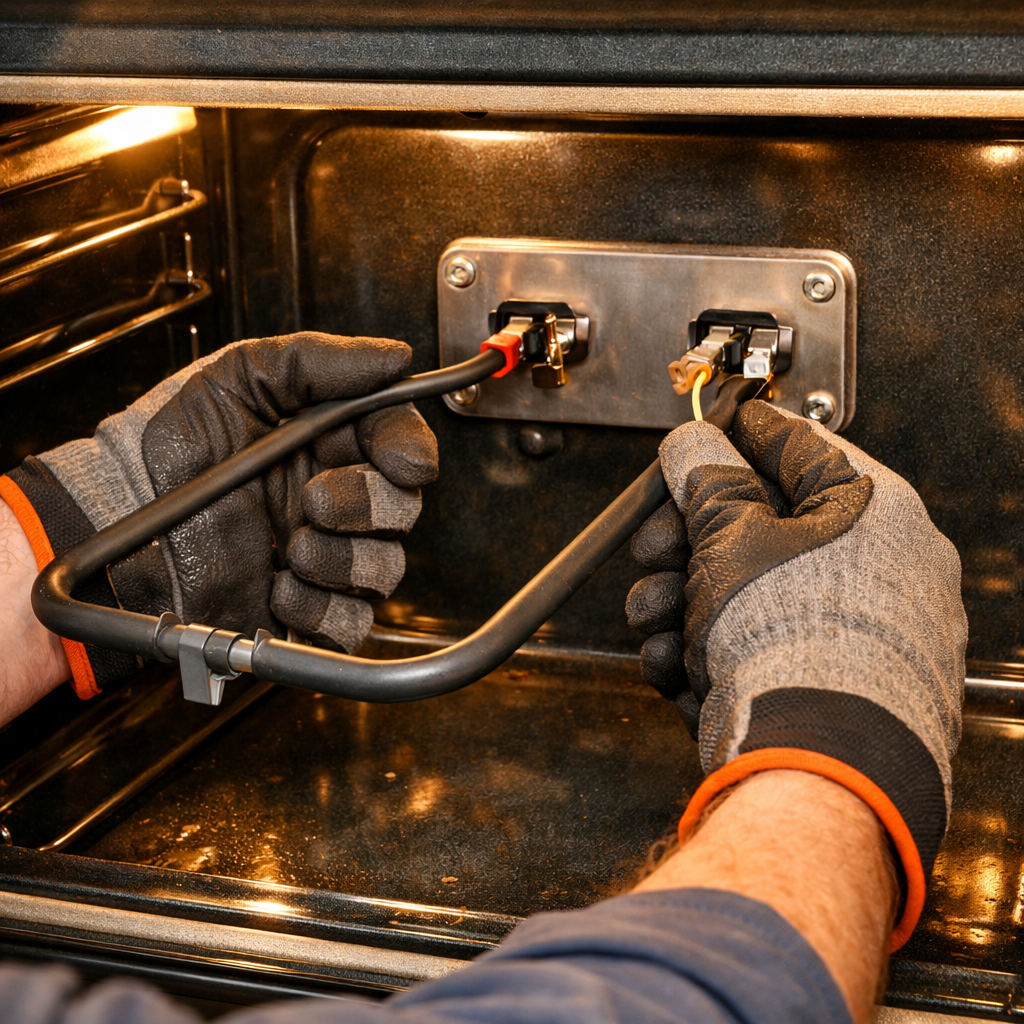
Cooktop Light Bulb Replacement Guide
If the under-microwave cooktop lights on your Whirlpool WMH31017HZ over-the-range microwave are not working, replacing the light bulb is a simple EASY repair that takes just a few minutes. These lights illuminate your cooktop area and are essential for cooking in low-light conditions. This is one of the most common and simplest microwave repairs.
🔨 Pro Tip from Dave
The WMH31017HZ uses a 40-watt incandescent appliance bulb (part number W10865845 or the newer LED equivalent W11043011), and the most common mistake I see is overtightening the bulb cover screw — that plastic tab cracks easily and becomes an expensive secondary repair. Also, always unplug the microwave first; the cooktop light socket sits closer to live components than most people realize on this model.
Symptoms of Light Bulb Failure
Common signs that indicate the light bulb needs replacement:
- Cooktop lights don’t turn on
- One light works but the other doesn’t
- Lights flicker or are dim
- Light bulb is visibly burned out or broken
⚠️ Safety Warning
Always unplug the microwave or turn off the circuit breaker before replacing the light bulb. Even though this is a simple repair, electrical safety is important. Allow the bulb to cool if the lights were recently on.
Parts Needed
Check each product page for other buying options. (Part #: 8206232A)
Note: Most Whirlpool over-the-range microwaves have two light bulbs. You may want to replace both while you’re at it, even if only one is burned out.
Tools Required
- None! This is a tool-free replacement
- Optional: Clean cloth to handle the new bulb (prevents fingerprints)
- Optional: Step stool if you need better reach
Step-by-Step Instructions
Step 1: Turn Off Power
Unplug the microwave from the wall outlet, or turn off the circuit breaker that supplies power to the microwave. This ensures your safety while working with the light fixture.
Step 2: Locate the Light Bulb Cover
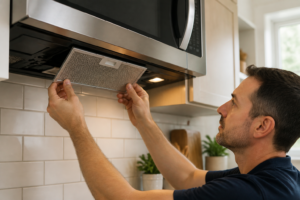
The cooktop lights are located on the bottom of the microwave, typically near the front edge. Look for a clear or frosted plastic cover over the light bulbs. The cover may be held in place by clips, screws, or may simply twist off.
Step 3: Remove the Light Cover
Gently remove the light cover. It may twist counterclockwise to unlock, or it may pull straight down. Some covers have small tabs that need to be pressed to release. Be gentle – the cover is typically made of plastic and can break if forced.
Step 4: Remove the Old Bulb
Once the cover is removed, you’ll see the light bulb(s). Gently grasp the bulb and turn it counterclockwise to unscrew it from the socket. If the bulb is broken, use a cloth or gloves to protect your hands. Remove the bulb carefully.
Step 5: Inspect the Socket
Before installing the new bulb, inspect the socket:
- Check for signs of burning or damage
- Ensure the socket is clean and dry
- Verify there are no loose wires
- Check that the socket isn’t corroded
If the socket shows damage, you may need professional repair.
Step 6: Install the New Bulb
Take the new Whirlpool 8206232A light bulb. Avoid touching the glass with your bare hands – use a clean cloth if needed. Fingerprints can cause hot spots and shorten bulb life. Gently screw the bulb into the socket clockwise. Don’t overtighten – snug is sufficient.
Step 7: Replace the Cover
Carefully replace the light cover. If it twists on, turn it clockwise to lock it in place. Ensure it sits properly and is secure.
Step 8: Test the Light
Plug the microwave back in or turn on the circuit breaker. Turn on the cooktop lights using the control panel. The new bulb should light up immediately. If it doesn’t, check that the bulb is properly seated in the socket and try again.
Replacing Both Bulbs
If your microwave has two cooktop lights, consider replacing both bulbs at the same time, even if only one is burned out. This ensures both lights have the same brightness and lifespan, and you won’t need to repeat the process soon.
Troubleshooting
If the light still doesn’t work after replacement:
- Verify the bulb is properly seated in the socket
- Check that you have the correct bulb type for your model
- Test the bulb in the other socket (if you have two lights)
- Inspect the socket for damage or corrosion
- Check the light switch or control panel settings
- Verify the microwave is receiving power
Bulb Type Information
The Whirlpool WMH31017HZ uses specific light bulbs:
- Part number: 8206232A
- Type: Typically a standard appliance bulb (check your model’s specifications)
- Wattage: Usually 20-40 watts (check the old bulb or manual)
- Base type: Standard screw-in base
- Important: Always use the correct bulb type – wrong wattage can cause damage
When to Call a Professional
Consider professional help if:
- The socket shows signs of damage or burning
- Multiple bulbs fail repeatedly (may indicate electrical issue)
- The light fixture itself is damaged
- You’re not comfortable working with electrical components
← Back to Top 20 Microwave Models & Common Repair Issues Guide
How Much Does This Repair Cost?
The replacement bulb itself typically runs $8–$15 for the OEM part on Amazon or Whirlpool’s parts site. If you call a technician for this job, expect to pay $75–$150 once you factor in the service call fee — making this one of the best cases for a confident DIY fix.
Recommended Products
These are the parts and tools we recommend for this repair, based on compatibility and customer reviews:
- AMI PARTS 8206232A Bulb 40w 125v Microwave Oven Light -Under Hood Microwave Bulb- E17 Fit for Whirlpool Microwave Light Bulb
- Light Bulb for Whirlpool Microwave – Light Bulb Fits for Whirlpool Maytag GE Amana Over the Range Hood Microwave, Dimmable with 125V 40W E17 Base, Kitchen Night Light, Repalce 8206232A (2)
- E17 LED Bulbs Dimmable 5W Microwave Over Stove Bulb, 40W Incandescent Equivalent, Daylight White 6000K, Fit for Whirlpool Maytag GE Kenmore LG Microwaves, Replaces 8206232A 1890433 AP4512653, 2 Pack
As an Amazon Associate, I earn from qualifying purchases.