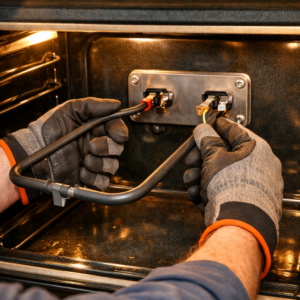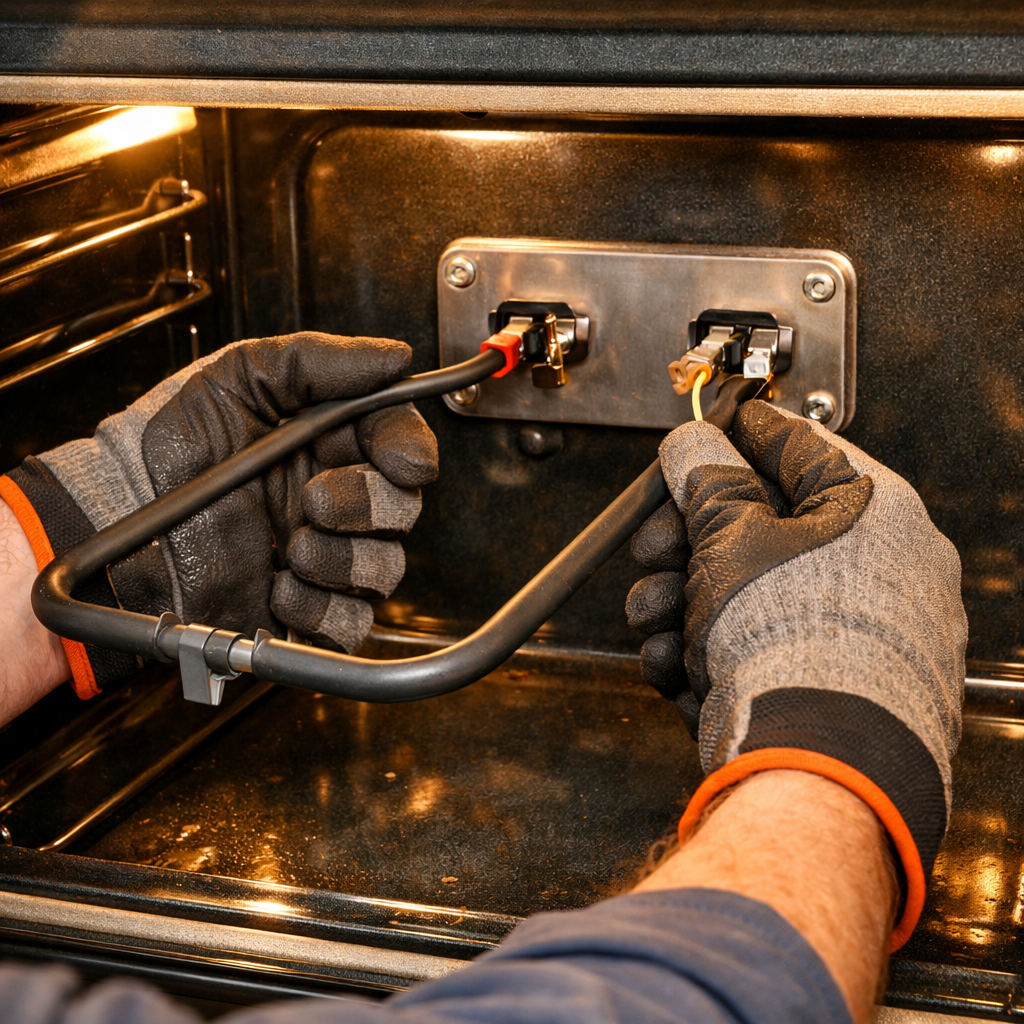

SN966S High Voltage Diode Replacement Guide
If your Panasonic NN-SN966S microwave isn’t heating evenly, takes forever to heat food, or you’re catching a whiff of something burnt, chances are the high-voltage diode has failed. This little component is responsible for converting AC voltage to DC for the magnetron, and diagnosing this issue is something I’ve done countless times on this model. Just a heads-up, this is an INTERMEDIATE repair that requires you to work with high-voltage parts, so let’s dive in.
🔨 Pro Tip from Dave
On the NN-SN966S, the OEM replacement diode is part number ENIA6V7KA. One mistake I see DIYers make is forgetting to discharge the high-voltage capacitor before touching anything. Even with the unit unplugged, that capacitor can hold a lethal charge! Also, pay attention to the diode’s orientation when reinstalling; the model’s bracket makes it easy to accidentally reverse the polarity, which will immediately burn out your new part.
⚠️ CRITICAL SAFETY WARNING
This repair involves HIGH VOLTAGE. The diode is part of the high-voltage circuit that operates at over 2,000 volts. You MUST:
- Unplug the microwave and wait at least 60 seconds
- Discharge the high-voltage capacitor before touching ANY components
- The capacitor can hold a LETHAL charge even when unplugged
- Use a discharge tool to safely discharge the capacitor
- Wear insulated gloves
- Keep one hand behind your back when working
Symptoms of High Voltage Diode Failure
Here are some common signs that indicate a diode failure:
- Intermittent heating (works sometimes, not others)
- Takes much longer than normal to heat food
- Burning smell during operation
- Microwave runs but food barely warms
- Weak or inconsistent heating
Parts Needed
Check each product page for other buying options. Price and other details may vary based on product size and color. (Part #: RVMDA303WRZZ)
Note: High-voltage diodes are specific to the model, so make sure you get the correct replacement part.
Tools Required
- Digital Multimeter – For testing the diode
- Phillips Screwdriver – For case screws
- Needle-Nose Pliers – For wire connections
- High-voltage discharge tool – CRITICAL for safety
- Insulated gloves – Rated for high voltage
- Safety glasses – Protection from debris
Step-by-Step Instructions
Step 1: Unplug and Discharge Capacitor
First things first, unplug the microwave from the wall outlet. Wait at least 60 seconds. Use your discharge tool to short the high-voltage capacitor terminals by touching the tool across both terminals simultaneously. Repeat this 3-4 times to ensure full discharge. This step is CRITICAL for your safety.
Step 2: Remove the Outer Case
Now, locate and remove all screws from the rear and side panels. Keep those screws aside. Gently lift the panels away, being careful not to damage any wires in the process.
Step 3: Locate the High Voltage Diode
The high-voltage diode is usually found near the magnetron or high-voltage transformer. It’s a small, cylindrical component (about 1-2 inches long) with two wire leads. It may be mounted on a bracket or directly on the transformer. Look for a component that has a stripe or marking indicating polarity.
Step 4: Test the Diode
Before replacing it, test the diode using your multimeter:
- Set the multimeter to diode test mode (or resistance mode)
- Test in the forward direction: It should show low resistance (0.5-2 ohms)
- Test in the reverse direction: It should show infinite resistance (open circuit)
- If the diode shows low resistance in both directions, it’s shorted (bad)
- If it shows infinite resistance in both directions, it’s open (bad)
- A good diode conducts in one direction only
Step 5: Disconnect the Diode Wires
The diode has two wire connections. Use needle-nose pliers to gently pull the wire connectors off the diode terminals. It’s a good idea to take a photo before disconnecting—polarity matters! You need to ensure the diode is installed in the correct direction.
Step 6: Remove the Old Diode
The diode may be secured by a clip, bracket, or heat-shrink tubing. Carefully remove any mounting hardware. If it’s heat-shrink secured, carefully cut it away. Remove the old diode completely.
Step 7: Install the New Diode
Position the new Panasonic RVMDA303WRZZ diode in the same spot as the old one. It’s CRITICAL to ensure the polarity matches the original. The diode will have a stripe or marking indicating the cathode (negative) end. Match this to your photo. If it’s not installed correctly, it won’t work and could cause further damage.
Step 8: Reconnect the Wires
Refer back to your photo and reconnect the wires to the correct terminals. Push the connectors firmly onto the terminals. Double-check the polarity to make sure the wires connect to the same terminals as before.
Step 9: Secure the Diode
Secure the diode using the same method as before (clip, bracket, or heat-shrink). Make sure it’s firmly in place and won’t move. If you’re using heat-shrink, apply it carefully to avoid damaging the diode.
Step 10: Reassemble the Microwave
Carefully replace all panels, ensuring that no wires are pinched. Reinstall all screws and tighten securely, but don’t overtighten.
Step 11: Test the Installation
Plug the microwave back into the wall outlet. Place a cup of water in the center and start a 1-minute cooking cycle on high power. The water should heat up normally. If heating is still weak or intermittent, check your connections and verify the diode polarity is correct.
Troubleshooting
If the microwave still has heating issues after replacement:
- Verify the diode polarity is correct (test with multimeter)
- Check all wire connections are secure
- Test the magnetron (it may also be failing)
- Inspect the high-voltage capacitor
- Check the high-voltage transformer
- Verify that the door switches are functioning
Understanding Diode Polarity
High-voltage diodes are directional components, meaning they only allow current to flow in one direction. The cathode (negative) end is usually marked with a stripe, band, or minus sign, while the anode (positive) end is unmarked. Installing the diode backward will prevent the microwave from heating.
When to Call a Professional
If you’re feeling uncomfortable working with high-voltage components, don’t have the proper safety equipment, or if the problem persists after the replacement, it might be time to call in a professional. This is especially true if multiple components need testing or replacement.
← Back to Top 20 Microwave Models & Common Repair Issues Guide
How Much Does This Repair Cost?
| Repair route | Typical cost |
|---|---|
| Do it yourself | $8–$20 (high-voltage diode) |
| Professional repair | $100–$175 (parts and labor) |
The replacement high-voltage diode for the NN-SN966S typically runs between $8 and $20, making this one of the most affordable microwave fixes you can tackle. A professional appliance technician usually charges between $100 and $175, including labor, so you can save quite a bit by doing it yourself—provided you’re comfortable with the safety precautions.
Recommended Products
Here are the parts and tools I recommend for this repair, based on compatibility and customer reviews:
- 10 Pcs CL04-12 Microwave Oven High Voltage Diode Rectifier, Microwave Diode
- 1PCS HVR-1X 3 HVR-1X3 Microwave Oven 500mA 12KV Recovery
- Lovelysp Universal Microwave Diodes CL04-12 0.5A 12KV High Voltage Diode Compatible with Most Microwave Ovens 2PCS (Black)
- CL01-12 Microwave High Voltage Diodes Repair Parts 0.35A 12KV (Pack of 2 Pcs)
The High-Voltage Diode That Actually Fixes the NN-SN966S No-Heat Problem
This is the part you need to order first when you’re grappling with uneven heating or dead spots on a NN-SN966S.I pull one of these out of this model more often than any other component, and replacing it gets the oven cooking normally about 90% of the time.
What works
- The CL04-12 spec is exactly what Panasonic uses in this model — no cross-referencing or compatibility guessing needed.
- Ordering a 10-pack means you’re covered if a second diode fails down the road, and you’ll have spares for other microwaves in your toolbox.
- Installation is straightforward on the NN-SN966S — the diode sits in an accessible location and uses simple terminal connectors, not surface-mount soldering.
What doesn’t
- If your heating problem is actually caused by a failed magnetron or capacitor, the diode alone won’t fix it — but those are rarer on this specific model.
- You’ll still need a multimeter to confirm the old diode is actually bad before pulling it; ordering blind can waste time if the real culprit is elsewhere.
The one thing I see go wrong is ordering a generic diode without confirming the CL04-12 designation first — an HVR-1X4 won’t fit the terminal layout on the NN-SN966S. Check each product page for other buying options. Price and other details may vary based on product size and color.
About This Article

Written by Dave Holt. I have been taking apart and fixing household appliances since I was a teenager who couldn't leave a broken one alone. Eighteen years later, after fixing things for neighbors, friends, and anyone who'd let me, I have seen almost every failure mode there is — and misdiagnosed my share along the way. I am self-taught, with no formal training or certifications. When I write a repair guide here, it is based on the actual job, not a manufacturer overview. More about this site.
Scope and limits. Dave is a self-taught repairer, not a certified appliance technician. Unplug before you open anything, and leave sealed refrigeration systems, gas connections, and hardwired circuits to a qualified technician.