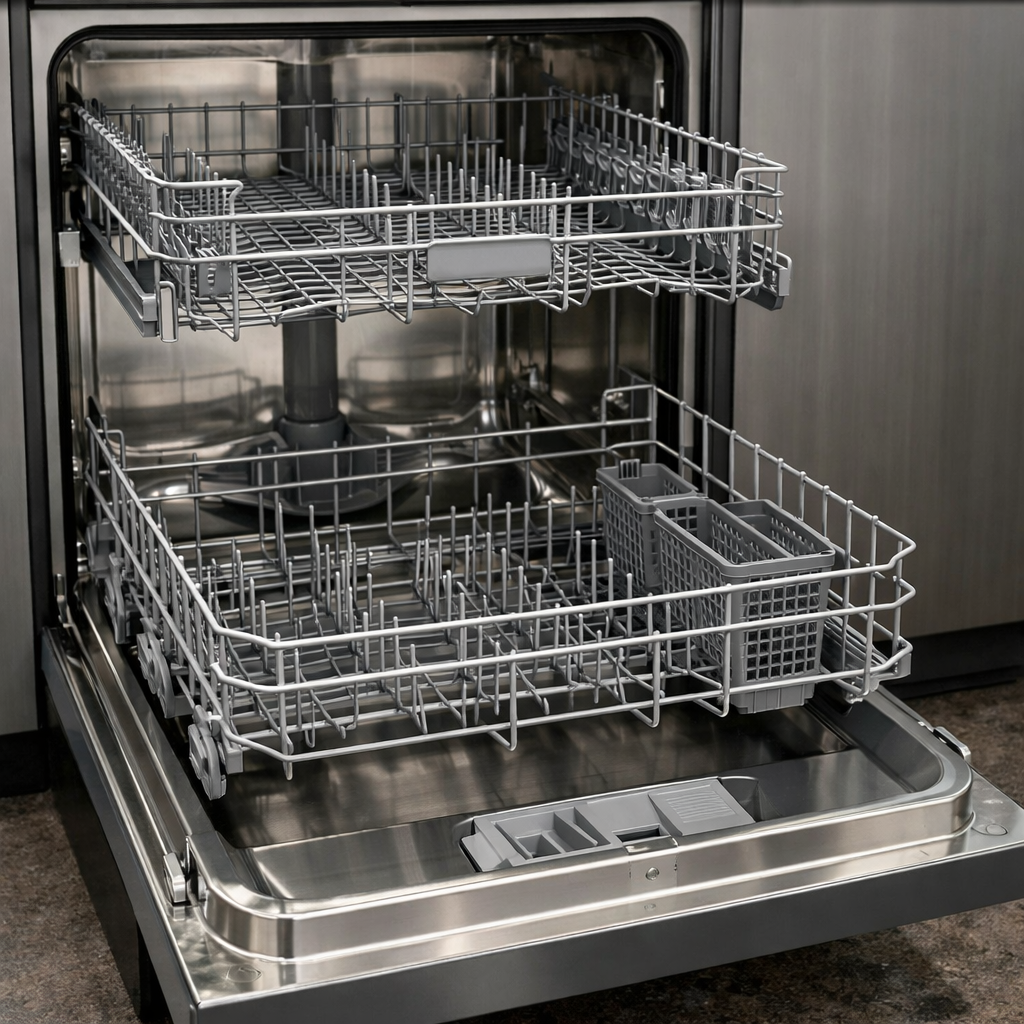
Touchpad not responding
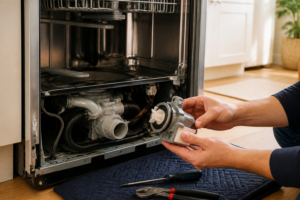
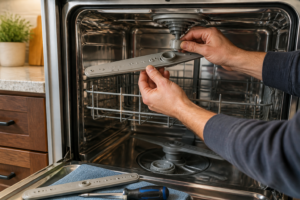
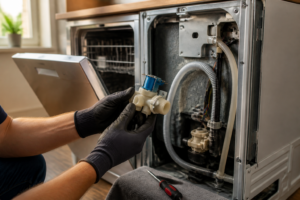
In this guide, I’ll take you step-by-step through fixing the touchpad not responding issue on your Whirlpool WDF520PADM. With the right tools and a little bit of effort, most homeowners can complete this repair in 1–2 hours and save a significant amount on service calls.
🔨 Pro Tip from Dave
For the WDF520PADM, remember that the touchpad and control panel come as a single assembly under part number W10811169. Don’t make the mistake of ordering just a sticker overlay; it won’t fix an unresponsive pad. Also, check the ribbon cable connector behind the inner door panel, as corrosion or loose connections here can easily mimic a dead touchpad.
Part of our Top 20 Dishwasher Models & Common Repair Issues Guide. Browse all dishwasher repair guides for related models and issues.
Common Symptoms & Causes
Here are some common symptoms that indicate a touchpad not responding issue on your Whirlpool WDF520PADM dishwasher:
- Cycle selection buttons do not produce any response or beep
- The Start/Resume button fails to initiate or resume a wash cycle
- Control panel lights are illuminated but specific touchpad zones are unresponsive
- Dishwasher cancels mid-cycle when touchpad buttons are pressed
Typically, this issue arises from a worn touchpad membrane, a faulty control panel, or a failed connection between the touchpad and the main control board.
Safety First
- Unplug the dishwasher from the power outlet before starting any repair — never work on a live appliance.
- Shut off the water supply valve before disconnecting any water lines or hoses.
- Wear work gloves when handling metal brackets, sheet metal edges, or sharp components.
- Take photos with your phone before disconnecting any wiring harnesses or connectors.
- Work in a well-lit area with enough floor space to lay removed panels flat.
Tools & Parts Needed
Essential Tools
- Phillips #2 screwdriver
- Torx T20 screwdriver
- Needle-nose pliers
- Multimeter
- Flashlight
Replacement Parts
- Control board
- touchpad membrane
- ribbon cable
- Phillips screwdriver
Step-by-Step Repair Instructions
Step 1
Disconnect power to the dishwasher for 5 minutes, then restore it and test the touchpad. If it responds briefly before locking up, the control board may be overheating — ensure the dishwasher has proper airflow and isn’t enclosed in a tight cabinet. Always disconnect power at the breaker or by unplugging before any hands-on work to avoid shock risk.
Step 2
With power restored, press and hold the Cancel button for 3 seconds to perform a soft reset of the control board. This clears any fault states or corrupted cycle data that might cause the touchpad to appear unresponsive. If the touchpad remains completely unresponsive after this reset, you’ll need to open the door panel.
Step 3
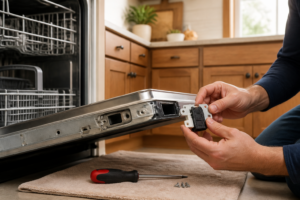
Remove the inner door panel by taking out the 4 T20 Torx screws along the sides and 2 screws along the bottom. Carefully separate the inner liner from the outer door shell to expose the control board behind the touchpad membrane, where most unresponsive-touchpad faults originate on this model. Support the inner panel as you separate it to avoid yanking the wiring harnesses.
Step 4
Find the ribbon cable connecting the touchpad membrane to the control board, and firmly reseat it in its connector. High humidity can cause ribbon cable connectors to oxidize or peel away, breaking the signal path. When reseating, ensure the cable lies flat with no buckling.
Step 5
Use electronics contact cleaner on the touchpad membrane contact pads, then press each button rapidly 10 times to work the cleaner into the contacts. Humidity and heat can cause the carbon contact pads to oxidize, preventing the board from reading button presses. Let the cleaner evaporate for 2 to 3 minutes before restoring power.
Step 6
If the touchpad is still unresponsive after reseating the ribbon cable and cleaning the contacts, the control board has likely failed and must be replaced with part number WPW10130695. Unplug all wiring harnesses from the board, remove the 2 mounting screws, and install the new board in reverse order, ensuring all harnesses click into their connectors before reassembly. Pro tip: photograph the harness positions to avoid incorrect reinstallation.
Where to Buy Replacement Parts
- Whirlpool WDF520PADM control board WPW10130695 replacement
- Whirlpool dishwasher touchpad membrane replacement W10843215
- Whirlpool dishwasher ribbon cable control connection
When to Call a Professional
If you’ve gone through all these steps and the issue persists, the problem may involve the main control board, a seized pump, or wiring that requires specialized diagnostic equipment. At that point, it’s best to contact a licensed appliance technician — remember to shut off the water supply valve before any work that opens the fill or drain circuit.
How Much Does This Repair Cost?
| Repair route | Typical cost |
|---|---|
| Do it yourself | $25–$80 (parts) |
| Professional repair | $150–$300 (parts and labor) |
Replacing the touchpad or control panel on a Whirlpool WDF520PADM typically costs $25–$80 in parts if you do it yourself. A professional repair, including the service call and labor, can run $150–$300 or more. Tackling this repair on your own can save you over $100 while getting your dishwasher back in working order.
Frequently Asked Questions
Can I fix an unresponsive touchpad on my Whirlpool WDF520PADM myself?
Absolutely, many touchpad issues stem from a faulty ribbon cable or control board, both manageable DIY repairs. Just remember to disconnect power before starting.
How do I know if the touchpad or the control board is the issue?
If only certain buttons are unresponsive, the touchpad membrane is likely worn. If none of the buttons respond, the control board is probably the culprit.
How much does it cost to replace the touchpad on a Whirlpool WDF520PADM?
A replacement touchpad or control panel typically runs between $50 and $120 in parts. Doing the repair yourself avoids an additional $100–$150 in labor costs.
Recommended Products
Here are the parts and tools I recommend for this repair, based on compatibility and customer reviews:
- Whirlpool W10811169 Touchpad and Control Panel
- W10811169 Dishwasher Touchpad and Control Panel
- MFG #W10811169 for Whirlpool Replacement Stainless Touchpad Control Panel/Dishwasher W10811169 HDS360696
The Control Panel Assembly That Fixes Most WDF520PADM Touchpad Failures
If your buttons aren’t responding or the display is dead, the W10811169 control panel assembly is the part to start with on this model—it’s the most common culprit and far cheaper than chasing a bad main board. This genuine Whirlpool replacement includes the touchpad membrane and all the electronics soldered in, so you’re not guessing at partial repairs.
What works
- Swap-and-done simplicity—the whole assembly mounts with just a few screws and one ribbon cable connection, no soldering or component-level diagnostics required.
- Genuine OEM part means the touchpad sensitivity and button response match the dishwasher’s original calibration, so no weird lag or phantom presses after installation.
- Includes the display panel, so if the screen is also dim or flickering, this single part fixes both issues at once.
What doesn’t
- If your actual problem is the main control board (rare on this model), this assembly won’t help—you’ll need to test with a multimeter first to rule that out.
- Shipping can be slow on OEM parts; I’ve had times where I ordered this expecting 2-day delivery and it took a week, so plan ahead if your dishwasher is completely down.
I’ve seen someone order a generic touchpad membrane thinking it would save money, only to find out it didn’t have the exact button layout for this model—wasted a week and had to order the genuine W10811169 anyway. Don’t make that mistake; get the correct OEM control panel assembly and you’ll be done in 20 minutes.
About This Article

Written by Dave Holt. Dave Holt has been taking apart and fixing household appliances since he was a teenager who couldn't leave a broken one alone. Eighteen years later, after fixing things for neighbors, friends, and anyone who'd let him, he's seen almost every failure mode there is. When he writes a repair guide here, it's based on the actual job, not a manufacturer overview. More about this site.
Scope and limits. Dave is a self-taught repairer, not a certified appliance technician. Unplug before you open anything, and leave sealed refrigeration systems, gas connections, and hardwired circuits to a qualified technician.