Steam Function Error
In this step-by-step guide, I’ll help you troubleshoot and fix the steam function error on your LG WM4500HBA (Front Load). With the right tools and parts, most homeowners can tackle this repair in just 1–2 hours and avoid the hassle of a service call.
🔨 Pro Tip from Dave
Before you dive into replacing parts, check the steam generator hose connection at part AJU55759303. It’s susceptible to micro-cracks that you might not see until you flex the hose. A common oversight is replacing the steam generator without verifying the water pressure at the inlet valve — low household water pressure below 20 PSI can trigger the same error code, so make sure to check that first.
Part of our Top 20 Washing Machine Models & Common Repair Issues Guide. Browse all washing machine repair guides for related models and issues.
Common Symptoms & Causes
When your LG WM4500HBA encounters a steam function error, you might notice one or more of the following symptoms during operation:
- The washer displays an error code such as SE or tE when you select a steam cycle.
- Steam fails to generate, even though the cycle starts normally.
- The drum heats unevenly or produces no visible steam during the Steam Fresh or Steam Wash cycle.
- The machine pauses mid-cycle and emits three beeps before canceling the steam function.
These problems are typically caused by a faulty steam generator, a burned-out heating element, a clogged water inlet valve, or worn wiring connections that disrupt power to the steam components over time.
Safety First
- Unplug the washing machine from the power outlet before starting any repairs — never work on a live appliance.
- Shut off the water supply valve before disconnecting any water lines or hoses.
- Wear work gloves when handling metal brackets, sheet metal edges, or sharp components.
- Take photos with your phone before disconnecting any wiring harnesses or connectors.
- Work in a well-lit area with enough floor space to lay removed panels flat.
Tools & Parts Needed
Essential Tools
- Phillips #2 screwdriver
- ¼” nut driver
- Torx T20 screwdriver
- Multimeter
- Bucket and towels
Replacement Parts
- Steam generator heater
- Steam valve solenoid
- Descaling solution
- Multimeter
Step-by-Step Repair Instructions
Step 1
Before you test any components, run a Steam Cleaning cycle with ½ cup of white vinegar in the drum to descale the steam generator. Calcium and mineral buildup inside the generator can restrict water flow and heat transfer, triggering steam error codes that mimic component failure. Clearing the scale first may resolve the error without needing to replace any parts. Just remember to unplug the machine before opening any panels, but the descale cycle can run normally with the power on.
Step 2
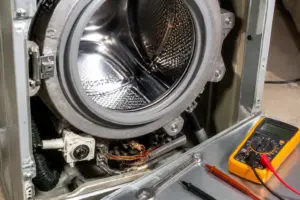
Remove the top panel (two rear screws) to access the steam generator. Visually inspect it for heavy mineral deposits or physical cracking. Cracks in the generator housing can cause water leaks and lead to an immediate loss of steam pressure, which the control board interprets as a fault. If you find any cracks, the generator assembly will need to be replaced — scaling can sometimes be cleaned, but a cracked housing is not serviceable.
Step 3
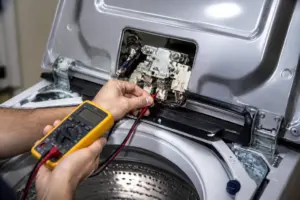
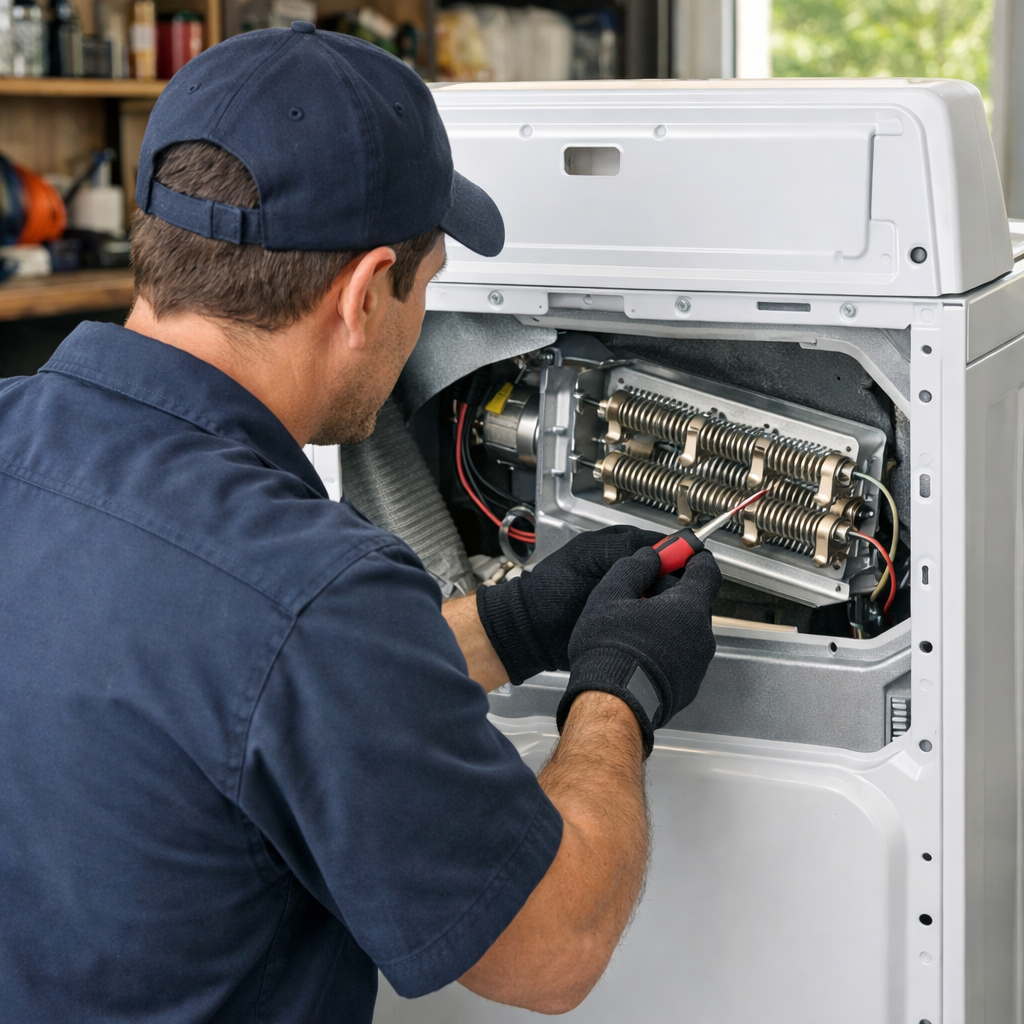
With the washer unplugged, disconnect the wiring harness from the steam generator’s heater element and test its resistance using a multimeter set to Rx1. A healthy heater element should read between 15–30Ω; an open reading (OL or infinite resistance) means the element has failed and the generator assembly needs replacement. Before condemning the element, confirm that the harness connector pins are clean and fully seated because corrosion on the terminals can mimic an open circuit.
Step 4
Next, locate the steam valve solenoid on the water supply line feeding the generator, disconnect its harness, and test its resistance on Rx1 — a functional solenoid should read between 200–500Ω. If you get an open reading, the solenoid may be stuck or burned out, preventing water from entering the generator and causing the steam function to fail at startup. If it reads open, replace the solenoid, and also check the supply line for any kinks or blockages before reinstalling.
Step 5
The NTC thermistor mounted on the steam generator monitors operating temperature. If it drifts out of range or fails, the control board will throw an over-temperature steam fault even if the heater is functioning correctly. Test the thermistor using the resistance-versus-temperature method described in other guides, and compare your readings to the spec chart for the expected temperature range. A thermistor that reads open, shorted, or far outside the spec should be replaced before assuming the generator itself is faulty.
Step 6
If your home has hard water, make it a habit to descale the steam generator monthly and consider installing a softening inline filter on the cold water supply line to the washer. Hard water speeds up mineral buildup inside the generator, shortening the heater element’s lifespan and narrowing the steam valve orifice over time. An inline filter is inexpensive and can significantly extend the service life of the entire steam system between repairs.
Where to Buy Replacement Parts
- LG WM4500HBA steam generator heater assembly replacement 5301FR1093B
- LG front load washer steam valve solenoid
- LG washer steam generator descaling flush
When to Call a Professional
If you’ve gone through all the steps above and the issue persists, you might be dealing with a failed main control board, a worn drive motor, or wiring that requires specialized diagnostic equipment. In that case, it’s best to reach out to a licensed appliance technician — and don’t forget to shut off both the hot and cold supply valves before any work that opens the fill circuit.
How Much Does This Repair Cost?
| Repair route | Typical cost |
|---|---|
| Do it yourself | $20–$80 (parts) |
| Professional repair | $150–$300 (parts and labor) |
DIY repairs for a steam function error on the LG WM4500HBA typically run between $20–$80 for replacement parts like a steam generator or inlet valve. A professional service call usually costs $150–$300, including labor. By taking on this repair yourself, you can save $100 or more, making it a great option for confident DIYers.
Frequently Asked Questions
Why is the steam function not working on my LG WM4500HBA?
The most common culprits are a clogged steam generator, a faulty water inlet valve, or insufficient water pressure reaching the machine. Make sure your water supply hoses are fully open and that the steam nozzle is free of mineral buildup.
Can I still run regular wash cycles if the steam function fails?
Yes, the standard wash cycles operate independently of the steam system, so your LG WM4500HBA will continue functioning normally while you troubleshoot the steam error.
How do I clear mineral deposits from the steam generator?
Run the washer’s Tub Clean cycle with a descaling solution or white vinegar to dissolve any buildup inside the steam generator. If you have hard water, repeat this monthly to prevent recurring steam function errors.
Recommended Products
Here are the parts and tools I recommend for this repair, based on compatibility and customer reviews:
- LG 4413ER1003A Washer Rotor Assembly Genuine Original Equipment Manufacturer (OEM) Part
- LG 4681EA2001T Genuine OEM Drain Pump Assembly for LG Washing Machines
- MOOTVGOO MBF618448 PBT-GF30 Washer Rotor Hub Assembly Replacement for LG Washing Machine, Replace 4413ER1001C, 4413ER1002A, 4413EA1002B, 4413ER1002F, 4413ER1003B, AHL72914401, AHL72914402
- LG AJU55759303 Valve Assembly, Water
The Steam Generator Heater That Usually Solves LG WM4500HBA Steam Errors
If your washer is throwing a steam function error and you’ve ruled out a clogged inlet valve, the steam generator heater assembly is likely your next stop. This component heats the water into steam, and when it fails, you’ll get error codes but no steam output.
What works
- Direct OEM-spec match for the WM4500HBA—bolts in where the old heater came out with no adapter fussing or incompatibility surprises.
- Error codes typically clear after installation, and steam function returns to normal cycles within the first test load.
- The replacement sits in an accessible spot in the steam valve assembly—you won’t need to disassemble half the cabinet to reach it.
What doesn’t
- If your real issue is a blocked inlet valve or limescale buildup in the steam lines, swapping the heater alone won’t solve it—diagnosis is key, or you’ll order this and still see errors.
- Requires disconnecting electrical connectors and water supply lines, so if you’ve never done appliance work, budget extra time or call for help on your first replacement.
I’ve seen owners order solenoid valves thinking that’s the culprit, only to find out the heater itself was dead. Grab a multimeter and test for continuity across the heater terminals before you buy anything. Once you confirm it’s failed, the steam generator heater is the fix that ends most of these calls for me.
About This Article

Written by Dave Holt. Dave Holt has been taking apart and fixing household appliances since he was a teenager who couldn't leave a broken one alone. Eighteen years later, after fixing things for neighbors, friends, and anyone who'd let him, he's seen almost every failure mode there is. When he writes a repair guide here, it's based on the actual job, not a manufacturer overview. More about this site.
Scope and limits. Dave is a self-taught repairer, not a certified appliance technician. Unplug before you open anything, and leave sealed refrigeration systems, gas connections, and hardwired circuits to a qualified technician.