Ice Clumping in the Bin
In this guide, I’ll walk you through diagnosing and fixing ice clumping in the storage bin of your GE Opal XPIO13BCPCT nugget ice maker. Ice clumping is a common issue with countertop nugget machines, and for most homeowners, the fix is straightforward enough to complete in 1 to 2 hours without needing special training.
Common Symptoms & Causes
Before you start disassembling anything, make sure your machine shows one or more of these symptoms:
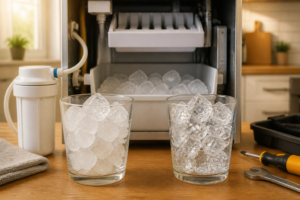
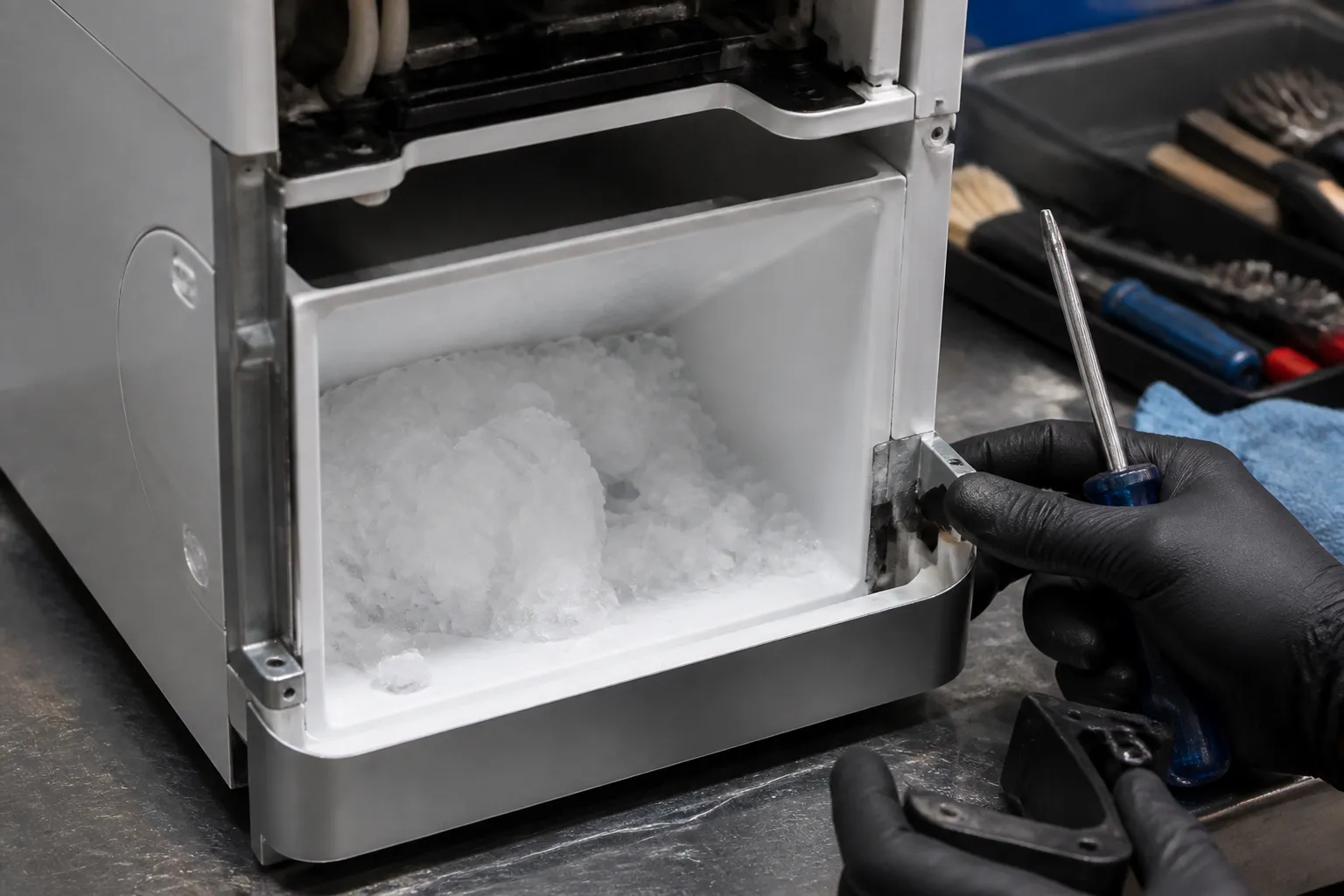
- Ice nuggets fuse together into a single solid mass after sitting in the bin for a few hours
- The ice scoop meets hard resistance or cannot penetrate the bin contents
- Water pools at the bottom of the bin, accelerating refreezing around existing nuggets
- The ice maker runs normally, but the bin sensor triggers a full-bin error even when ice is partially clumped
In my experience, the root cause is usually excess moisture in the bin—often from a failing or worn bin gasket that allows warm air to enter, a misdirected drain line that lets meltwater recirculate, or simply from the unit being in a warm environment without proper ventilation.
Safety First
- Unplug the ice maker from the wall outlet before removing any panels or components
- Wear work gloves — sheet metal edges inside the unit can be sharp
- Photograph all wiring harness connections before disconnecting anything so you can reassemble correctly
- Work in a well-lit area and allow the unit to sit unplugged for 10 minutes before opening it to allow residual charge to dissipate
Tools & Parts Needed
Essential Tools
- Phillips #2 screwdriver
- Flat-head screwdriver (for prying clips)
- Needle-nose pliers
- Clean microfiber cloths and a small bucket
- Flashlight or headlamp
Replacement Parts
- Bin door gasket / bin seal
- Drain pump assembly
- Water inlet valve
Step-by-Step Repair Instructions
🔨 Pro Tip from Dave
One thing that bites people every time: the Opal’s bin sensor magnet can shift slightly inside the bin lid housing. When it does, the machine thinks the bin is full prematurely, cutting harvest cycles short and leaving you with a pile of half-formed nuggets that clump almost immediately. Before diving into repairs, run a strong rare-earth magnet slowly around the outside edge of the bin lid and watch whether the machine’s bin-full indicator flickers. If it does, you’ve found your real culprit, and it took you less than two minutes!
Step 1: Empty and Inspect the Bin
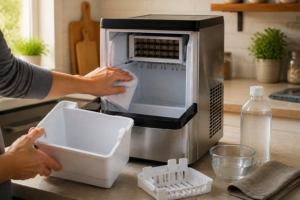
Start by removing all ice from the bin and wiping it completely dry with a microfiber cloth. Look for standing water at the bin floor—any visible pooling confirms that meltwater is not draining correctly. If the bin base is dry and ice still clumps, the problem is most likely a faulty door gasket allowing warm air to infiltrate.
Step 2: Inspect and Replace the Bin Gasket
Close the bin lid and run your finger along the full perimeter of the gasket seal. A healthy gasket feels pliable and creates uniform resistance; a failing gasket feels stiff, cracked, or pulls away from the channel in spots. If you find any gaps or hardening, order a replacement bin gasket for the XPIO13BCPCT and press the new seal firmly into the retaining channel until it seats flush on all sides.
Step 3: Check the Drain Line and Drain Pump
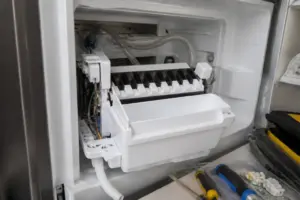
Unplug the unit, then locate the drain line on the rear lower panel. Confirm the line runs continuously downward to your drain point with no sags or kinks where water could pool and back up. Plug the unit back in, run a short cycle, and listen for the drain pump—a healthy pump hums steadily; a failing pump will be silent or produce a buzzing sound without moving water, indicating it needs replacement.
Step 4: Inspect the Water Inlet Valve for Dripping
A slow-dripping inlet valve introduces a trickle of water into the reservoir even when the machine is idle, eventually overflowing into the bin area and soaking stored ice. With the unit unplugged, trace the water supply line to the inlet valve on the rear panel and look for mineral deposits or moisture around the valve body. If the valve shows buildup or you confirm dripping during operation, replace the inlet valve assembly.
Step 5: Clean the Bin and Internal Water Passages
Mix one tablespoon of white vinegar per cup of warm water and wipe down the entire bin interior, paying close attention to the drain port at the bin floor. Use a small bottle brush to clear any mineral scale from the drain port opening—a blocked port is a common cause of pooling water that often goes unnoticed. After reassembly, run the GE Opal’s built-in cleaning cycle to flush internal passages.
Step 6: Verify Bin Placement and Ambient Conditions
The XPIO13BCPCT requires at least three inches of clearance on all sides and should not be placed near a heat source such as a stove, direct sunlight, or a heating vent. Ambient temperatures above 90°F significantly accelerate bin melt and refreezing. Relocating the unit to a cooler, shaded counter position can resolve clumping entirely without any part replacement.
Step 7: Test and Confirm the Fix
Plug the unit in, run a full ice-making cycle, and allow ice to accumulate for two hours without removing any. Return and attempt to scoop—nuggets should separate easily and no water should pool at the bin floor. If clumping persists after replacing the gasket and addressing drainage, head to the professional guidance section below.
How Much Does This Repair Cost?
| Repair route | Typical cost |
|---|---|
| Do it yourself | $15–$65 (depends what failed) |
| Professional repair | $150–$300 (diagnostic visit) |
DIY parts for this repair typically run between $15 and $65, depending on which components need replacement—a bin gasket averages $15 to $25, a drain pump runs $30 to $55, and an inlet valve falls in the $20 to $45 range. Compare that to a typical appliance service call of $150 to $300 just for the diagnostic visit, and the DIY route saves most homeowners $100 to $250 on a repair that takes less than two hours.
When to Call a Professional
Most of the repairs in this guide are within reach for a careful DIYer with basic tools. In my experience, the moment you open the Opal’s base panel and find the evaporator wrapped in a thick layer of scale that didn’t respond to two descale cycles, or you’re seeing error codes that keep returning within 24 hours of a reset, that’s the point where the repair requires refrigerant-side diagnostics and model-specific calibration tools that genuinely aren’t practical for a homeowner to tackle safely or cost-effectively. When in doubt, a diagnostic service call typically costs $80–$120 and can save you from a misdiagnosis that costs more in parts.
The Water Filter Swap That Actually Stops Ice Clumping on Your Opal
If you’ve ruled out the drain path and bin seal, a clogged or degraded water filter is often the culprit behind clumping—mineral buildup and sediment restrict water flow, which throws off the freezing cycle and leaves wet spots in the bin that harden into chunks. This is the first replacement I recommend before you start pulling apart internal components.
What Works
- Direct fit for the XPIO13BCPCT model — no adapters or guessing, just pulls straight out and clicks in.
- Noticeably improves ice texture within 2–3 batches; clumping typically stops when water flow restriction was the root cause.
- Three-month replacement interval means you’re actually addressing mineral buildup before it causes downstream problems like valve strain.
What Doesn’t
- Won’t fix clumping if the problem is a faulty drain pump or stuck bin door gasket — filter replacement is the diagnostic step, not the automatic cure.
- Requires you to remember the 3-month replacement schedule; let it go longer and you’re back to restricted flow and the same symptoms.
I’ve had homeowners call back convinced the filter didn’t work because they saw ice clumping again two weeks after replacement—turned out the drain pump was also weak, which no filter can compensate for. Order Profile GE Profile Opal | Replacement Water Filter for Opal Nugget Ice Maker | Cleans and Filters Water for Fresh Ice | Replace Every 3 Months for Best Results | Easy Install | Pack of 1 first, run it through a few cycles, and if clumping persists, then move on to the drain system.
About This Article

Written by Dave Holt. Dave Holt has been taking apart and fixing household appliances since he was a teenager who couldn't leave a broken one alone. Eighteen years later, after fixing things for neighbors, friends, and anyone who'd let him, he's seen almost every failure mode there is. When he writes a repair guide here, it's based on the actual job, not a manufacturer overview. More about this site.
Scope and limits. Dave is a self-taught repairer, not a certified appliance technician. Unplug before you open anything, and leave sealed refrigeration systems, gas connections, and hardwired circuits to a qualified technician.