Door lock failure
This step-by-step repair guide will help you tackle the door lock failure on your Samsung WF45T6000AW (Front Load). Armed with the right tools and parts, most homeowners can complete this repair in 1–2 hours and steer clear of an expensive service call.
🔨 Pro Tip from Dave
On the WF45T6000AW, the door lock assembly part number is DC64-00519B. Before replacing it, check the small plastic strike tab on the door itself. A broken strike will ruin a brand-new lock within weeks. Also, keep in mind that to access the lock properly, you need to fully remove the front panel; trying to squeeze in from the door seal risks damaging the boot gasket and turning a $30 repair into a $150 one.
Part of our Top 20 Washing machine Models & Common Repair Issues Guide. Browse all washing machine repair guides for related models and issues.
Common Symptoms & Causes
If you’re dealing with door lock failure on your Samsung WF45T6000AW front load washer, look out for these symptoms:
- The washer displays error code dC or dL on the control panel
- The door refuses to latch shut before the wash cycle begins
- The cycle starts but immediately stops with the door indicator light flashing
- The door remains locked after the cycle ends and will not release
These problems are often caused by a worn or failed door latch assembly, a faulty door lock actuator, or a damaged wiring harness connecting the lock mechanism to the control board.
Safety First
- Unplug the washing machine from the power outlet before starting any repair — never work on a live appliance.
- Shut off the water supply valve before disconnecting any water lines or hoses.
- Wear work gloves when handling metal brackets, sheet metal edges, or sharp components.
- Take photos with your phone before disconnecting any wiring harnesses or connectors.
- Work in a well-lit area with enough floor space to lay removed panels flat.
Tools & Parts Needed
Essential Tools
- Phillips #2 screwdriver
- ¼” nut driver
- Torx T20 screwdriver
- Multimeter
- Bucket and towels
Replacement Parts
- Door lock/latch assembly
- door strike
- T20 Torx driver
- multimeter
Step-by-Step Repair Instructions
Step 1
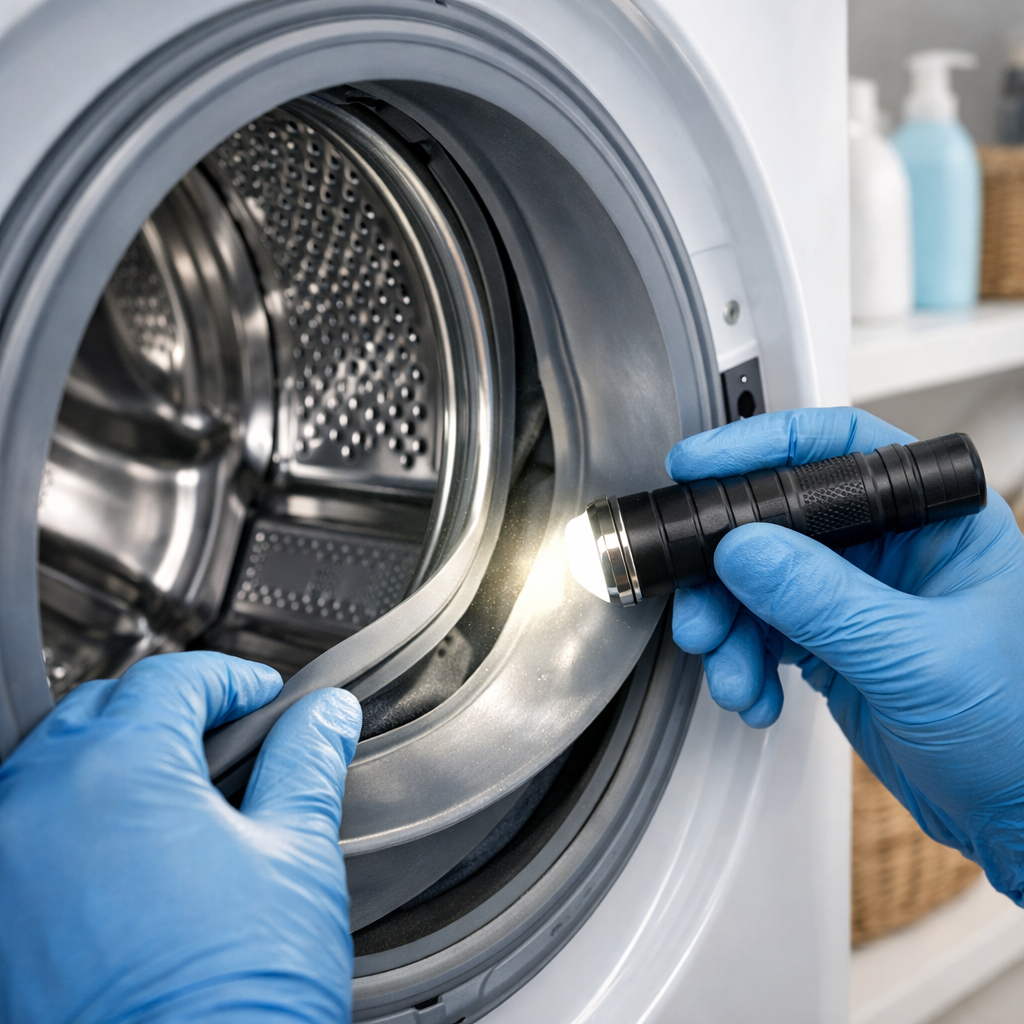
Before doing anything, unplug the washer to eliminate any shock risk. Next, examine the plastic door strike on the door rim. This tab is crucial for the lock assembly to engage, and if it’s cracked or worn down, the latch won’t work no matter how good the lock is. Pull the door boot seal back from the rim to expose the strike; if you see visible damage or it feels loose, replace it before proceeding.
Step 2
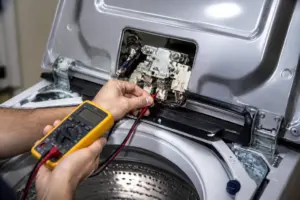
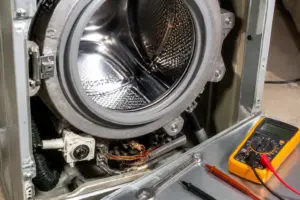
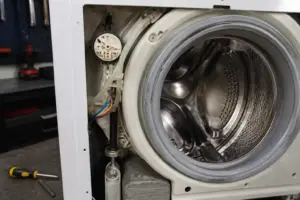
Remove the two T20 Torx screws securing the front lower kick panel to access the door lock assembly from below. You’ll want to test the lock solenoid to see if it’s receiving a signal but failing mechanically. Set your multimeter to Rx1 and probe the solenoid terminals on the wire harness connector. A pro tip: wiggle the harness while reading resistance, as intermittent failures are often due to a loose connector rather than a dead solenoid.
Step 3
If the solenoid reads open (OL or infinite resistance), the lock assembly has failed internally and needs replacement. Order Samsung part DC64-00519B, remove the two mounting screws, and disconnect the harness connector. Then install the new unit in reverse order, ensuring the harness connector clicks fully into place. A partially seated connector is a common mistake that leads to the same lock failure code returning.
Step 4
Check that the door boot seal is correctly seated around the front panel rim before concluding the lock itself is the problem. If the seal has popped out of its channel — even partially — the door won’t close flush against the cabinet, and the strike won’t properly engage the latch. Press the seal firmly back into its groove all the way around and ensure the door closes evenly on all sides.
Step 5
Open the door to 90 degrees and check for sagging. If it drifts downward under its own weight, the door is misaligned, causing the strike to miss the latch. Tighten all three T20 Torx hinge mounting screws per hinge; just be careful not to overtighten, as the mounting points are plastic-backed and can strip.
Step 6
Plug the washer back in, select any wash cycle, and press Start — the door lock should engage with a firm, audible click within five seconds. If you still see a door lock error code or the drum doesn’t start spinning, double-check the harness connection at the lock assembly first. A loose connector accounts for many repeat failures after lock replacement. If you hear that satisfying click, congratulations, the repair is complete!
Where to Buy Replacement Parts
- Samsung WF45T6000AW door lock assembly DC64-00519B
- Samsung front load washer door latch strike replacement
- Samsung washer door hinge repair kit
When to Call a Professional
If the issue persists after following all the steps above, you may be facing a failed main control board, a worn drive motor or bearing assembly, or wiring issues that require specialized diagnostic equipment. In such cases, it’s best to contact a licensed appliance technician — and remember to shut off both the hot and cold supply valves before any work that opens the fill circuit.
How Much Does This Repair Cost?
| Repair route | Typical cost |
|---|---|
| Do it yourself | $20–$65 (parts) |
| Professional repair | $150–$300 (parts and labor) |
Replacing the door lock assembly on a Samsung WF45T6000AW generally costs $20–$65 in parts if you’re doing it yourself. A professional service call for the same repair typically runs $150–$300, which includes labor and parts. Tackling this repair yourself can save you $100 or more, making it a rewarding DIY project.
Frequently Asked Questions
How do I know if the door lock assembly on my Samsung WF45T6000AW needs to be replaced?
If your washer displays error codes dC or dL and the door won’t latch or release, the door lock assembly is likely faulty and needs replacement.
Can I run my Samsung WF45T6000AW with a broken door lock?
No, the washer will not start a cycle without a functioning door lock, as it’s a built-in safety feature.
How long does it take to replace the door lock on the WF45T6000AW?
Most homeowners can complete this repair in 30 to 60 minutes with a screwdriver and the correct replacement part.
Recommended Products
Here are the parts and tools I recommend for this repair, based on compatibility and customer reviews:
- Romalon DC64-00519D Washer Door Lock Switch OEM Replacement
- [DC64-00519B Switch OEM Mania] DC64-00519B 461970200692 NEW OEM Produced for Washer Door Lock Switch Replacement Part DC64-00519B AP4205355 PS4210737 2071402
- Front Load Washer Door Lock Switch Compatible with Samsung WF45R6300AV/US WF45R6100AW/US WF45T6000AV/A5 WF45R6100AP/US WF50R8500AV WF45R6100AC/US WF45T6000AW/A5 and more
- Upgrade WF45T6000AW/A5 Door Seal for Samsung Front Loader Door Seal DC64-03788A X 006 AP6884238 diaphragm Fit WF45R6300AW/US WF45R6100AW/US WF45T6200AW/US WF45B6300AW WF45A6400 WF46BB670 WF50A860
The Door Latch Assembly That Stops the “Door Ajar” Error on Your WF45T6000AW
If your washer won’t start or keeps throwing a door lock error mid-cycle, the latch assembly is usually the culprit—it wears out faster on this model than any other component I see. This is the part you’ll want to order first before chasing down switch problems.
What works
- Direct OEM replacement fits without modification—bolts down exactly where the old one came out, no forcing or shims needed.
- Eliminates both the mechanical catch failure and the electronic lock signal issue at once, since the switch is integrated into the assembly.
- The whole job takes about 15 minutes once you remove the front panel—no special tools beyond a T20 Torx driver, and you’re not fighting tight spaces or hidden fasteners.
What doesn’t
- Make sure you’re ordering for the WF45T6000AW specifically—similar Samsung models use different latch assemblies, and a wrong part won’t align with the door striker.
- If your door was already damaged or the striker is bent, replacing the latch alone won’t fix it; you may need to address the door itself or striker alignment first.
I’ve seen plenty of DIYers order a switch assembly first thinking the electronics are bad, only to find the mechanical latch was already worn and the new switch fails the same way. Save yourself that trip—if the door won’t latch physically or you hear a grinding sound when it tries to lock, the Door lock/latch assembly is almost always the right call.
About This Article

Written by Dave Holt. Dave Holt has been taking apart and fixing household appliances since he was a teenager who couldn't leave a broken one alone. Eighteen years later, after fixing things for neighbors, friends, and anyone who'd let him, he's seen almost every failure mode there is. When he writes a repair guide here, it's based on the actual job, not a manufacturer overview. More about this site.
Scope and limits. Dave is a self-taught repairer, not a certified appliance technician. Unplug before you open anything, and leave sealed refrigeration systems, gas connections, and hardwired circuits to a qualified technician.