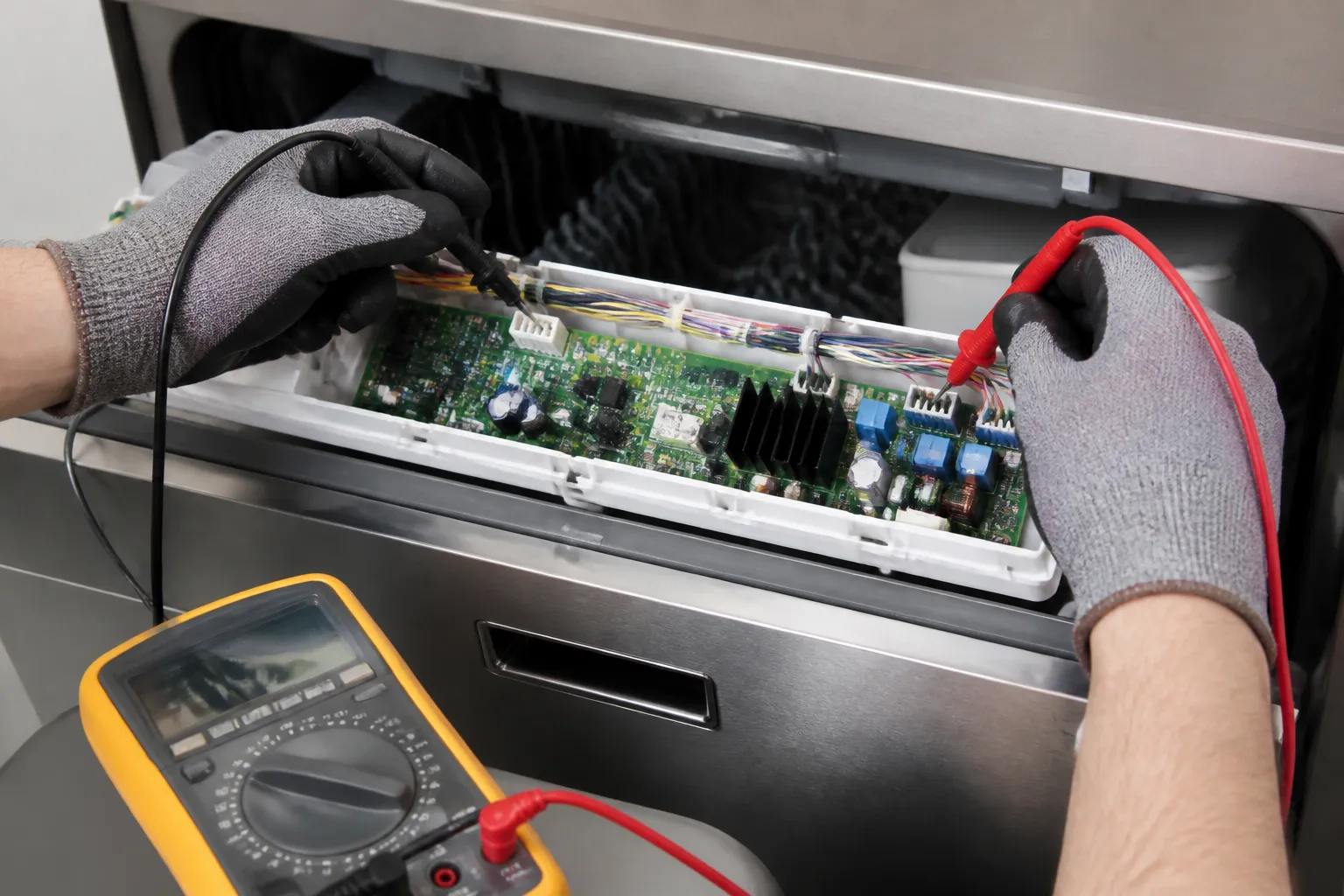
Control panel unresponsive
In this guide, I’m going to take you through diagnosing and fixing an unresponsive control panel on the LG LDT5678SS built-in dishwasher. We’ll cover everything from basic resets to potentially replacing the control panel or main control board. Most homeowners with a bit of mechanical confidence can complete this repair in about 1–2 hours using common household tools.
Common Symptoms & Causes
When the control panel on the LG LDT5678SS is dead or glitchy, it usually presents itself in a few recognizable ways:
- Touchpad buttons do not respond when pressed
- Display lights up but no cycle will start
- Panel is completely dark with no indicator lights
- Buttons respond intermittently or only some buttons work
In my experience, the most common root cause is a failed or cracked membrane touchpad. However, a faulty main control board or a loose ribbon cable connector can also be responsible for these issues.
Safety First
- Unplug the dishwasher from the wall outlet or switch off the dedicated circuit breaker before starting any work
- Wear work gloves to protect against sharp metal edges inside the door panel
- Photograph all wiring harnesses and ribbon cable connections before disconnecting anything
- Work in a well-lit space so you can clearly see small connectors and fasteners
Tools & Parts Needed
Essential Tools
- Phillips head screwdriver (#2)
- Torx T20 screwdriver
- Flathead screwdriver or plastic pry tool
- Multimeter (for testing continuity and voltage)
- Needle-nose pliers
Replacement Parts
- LG LDT5678SS Control Panel Touchpad (Part #AGL73594801)
- LG LDT5678SS Main Control Board (Part #EBR73710601)
- LG LDT5678SS Door Latch Assembly (Part #AEJ73613401)
Step-by-Step Repair Instructions
🔨 Pro Tip from Dave
On the LDT5678SS, the ribbon cable connecting the control panel to the door latch assembly is routed tight against a sharp bracket edge. After a few years of door cycling, it develops micro-tears that cause intermittent or total unresponsiveness. Visually, it may look fine, but if you flex it gently, you might feel the crinkle. Always inspect that ribbon before you condemn the main control board, because a $25 cable is a lot easier to deal with than a $180 board that doesn’t solve the issue.
Step 1: Perform a Hard Reset
Start by unplugging the dishwasher or tripping the circuit breaker. Leave it off for a full 5 minutes before restoring power. A hard reset clears temporary software faults that might lock the control panel. If the panel responds normally after the reset, you’re done!
Step 2: Check the Child Lock Setting
On the LG LDT5678SS, pressing and holding the “Child Lock” button for 3 seconds activates a panel lockout, disabling all other buttons. Look for a lock icon on the display, and if it’s there, hold the Child Lock button again for 3 seconds to disable it. If there’s no lock icon and the panel is still dead, let’s move on.
Step 3: Inspect the Door Latch
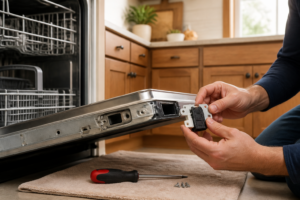
The LDT5678SS will not activate the control panel if the door latch switch isn’t fully engaged. Open and firmly close the dishwasher door, listening for a solid click. If the latch feels loose or the door doesn’t sit flush, inspect the latch assembly for cracks and test the latch switch for continuity with your multimeter. A reading of OL (open) when closed indicates a failed switch.
Step 4: Access the Inner Door Panel
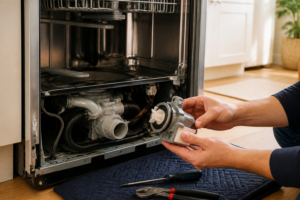
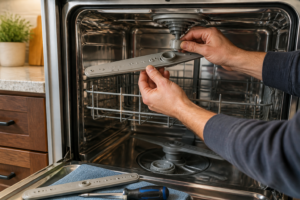
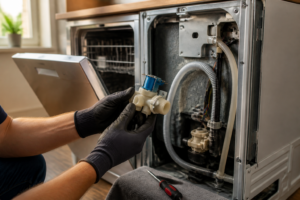
Open the dishwasher door fully and remove the Torx T20 screws along the inner door liner perimeter. Carefully separate the outer door panel from the inner liner — a plastic pry tool helps avoid scratching the stainless finish. Set the outer panel face-down on a towel to keep the ribbon cable connecting it to the inner door intact.
Step 5: Inspect and Reseat the Ribbon Cable
Locate the flat ribbon cable that connects the touchpad to the control board and check both ends for moisture, corrosion, or a partially ejected connector. Press each connector firmly until it clicks into its socket. Restore power temporarily to test the panel. If it responds, the fix is complete. If not, we’ll move on to Step 6.
Step 6: Replace the Control Panel Touchpad
The membrane touchpad is bonded to the outer door panel and sold separately for this model. Peel the old touchpad away from the door panel, clean any adhesive residue with isopropyl alcohol, and press the new touchpad firmly into position, reconnecting the ribbon cable. Reassemble the door, restore power, and test every button. All indicators should illuminate, and a cycle should launch normally.
Step 7: Test and Confirm the Repair
Run the dishwasher through a short Normal cycle to confirm that all buttons, cycle indicators, and the display respond correctly. Listen for the pump to engage within 60 seconds of pressing Start, which confirms the control board is communicating with the touchpad. If buttons still fail after replacing the touchpad, the main control board is the next suspect.
How Much Does This Repair Cost?
| Repair route | Typical cost |
|---|---|
| Do it yourself | $25–$60 (touchpad) |
| Professional repair | $150–$300 (labor alone) |
A replacement touchpad for the LG LDT5678SS typically costs between $25 and $60, while a new main control board can range from $80 to $140. Either way, DIY repair costs stay well under $150 for parts. A professional appliance service call for the same diagnosis and repair generally costs $150 to $300 in labor alone, meaning you can save $100 to $250 by completing this repair yourself.
Where to Buy Replacement Parts
All three parts listed below are available on Amazon with fast shipping. Search these exact links to find compatible components for your LG LDT5678SS.
- LG LDT5678SS Control Panel Touchpad (Part #AGL73594801)
- LG LDT5678SS Main Control Board (Part #EBR73710601)
- LG LDT5678SS Door Latch Assembly (Part #AEJ73613401)
When to Call a Professional
Most repairs in this guide are within reach for a careful DIYer with basic tools. In my experience, once you’ve confirmed the control panel and ribbon cable are good, but the board still won’t respond to a verified 120V supply at the correct terminals, you’re into failure-mode diagnostics that require a live-circuit meter reading and board-level knowledge that can present a real shock hazard — that’s when it’s time to hand it off to a certified tech. When in doubt, a diagnostic service call typically costs $80 to $120 and can save you from a misdiagnosis that costs more in parts.
Frequently Asked Questions
Why is my LG LDT5678SS control panel completely dark?
A completely dark panel usually points to either no power reaching the unit or a failed main control board. If your LG LDT5678SS control panel has gone completely dark or stopped responding to button presses, a failed electronic control board is one of the most common culprits — and replacing it yourself is a straightforward fix. The CoreCentric Remanufactured Dishwasher Electronic Control Board Replacement for LG ebr79609805 is a cost-effective option that’s professionally remanufactured to meet original performance specs, ensuring you’re not rolling the dice on a cheap knockoff. It’s a solid first option to check for compatibility with your specific unit before ordering. ()
Once you’ve confirmed your board part number and have your tools ready, double-check whether your LDT5678SS uses a slightly different board revision — LG dishwashers from this line can vary by production run. The CoreCentric Remanufactured Dishwasher Electronic Control Board Replacement for LG ebr79609801 covers an alternate board variant and is equally well-suited for a DIY swap. If the first board number doesn’t match your label, this is the one to reach for.
If you’d rather go straight to an OEM part and skip any guesswork about remanufactured compatibility, the LG EBR79609807 Dishwasher Electronic Control Board Genuine Original Equipment Manufacturer (OEM) Part guarantees a direct fit for supported LG dishwasher models. Using a genuine LG board means you’re matching the connector layout and firmware behavior the door panel expects, avoiding the fit or communication quirks that sometimes come with off-brand replacements. Whichever option you choose, always confirm the exact part number on your existing board label before ordering, and keep power disconnected until the new board is fully seated and reconnected.
The Control Board That Fixes Most Unresponsive LDT5678SS Panels (When It’s Not Just Control Lock)
Once you’ve ruled out Control Lock and checked for water damage or loose connectors on the existing board, a failed electronic control board is your most likely culprit on this model. This is the part to go to when the panel completely ignores button presses or shows erratic behavior — not just a single stuck button.
What works
- Remanufactured boards on this model tend to hold up well because the original design isn’t inherently flawed — it’s usually just age or a power surge that kills them, so a quality remanufactured unit doesn’t inherit defects.
- The mounting and connector layout on this CoreCentric board matches the OEM part exactly, so you’re not hunting for adapter brackets or dealing with slightly-off hole spacing during installation.
- Remanufactured pricing sits about 40% below OEM, which matters when you’re also replacing the touchpad or dealing with a machine that’s already 8+ years old.
What doesn’t
- Remanufactured boards don’t come with a warranty as long as OEM parts — usually 1 year instead of LG’s coverage, so if you need maximum peace of mind, the genuine part is worth the extra cost.
- You still need to confirm the actual failure point before ordering; if the touchpad itself is cracked or unresponsive in one spot, swapping the board alone won’t fix that.
The trickiest part of this repair is actually confirming whether you need the board or the touchpad — I’ve had homeowners order a board first, only to find the touchpad was the real problem after installation. CoreCentric Remanufactured Dishwasher Electronic Control Board Replacement for LG ebr79609805
About This Article

Written by Dave Holt. Dave Holt has been taking apart and fixing household appliances since he was a teenager who couldn't leave a broken one alone. Eighteen years later, after fixing things for neighbors, friends, and anyone who'd let him, he's seen almost every failure mode there is. When he writes a repair guide here, it's based on the actual job, not a manufacturer overview. More about this site.
Scope and limits. Dave is a self-taught repairer, not a certified appliance technician. Unplug before you open anything, and leave sealed refrigeration systems, gas connections, and hardwired circuits to a qualified technician.