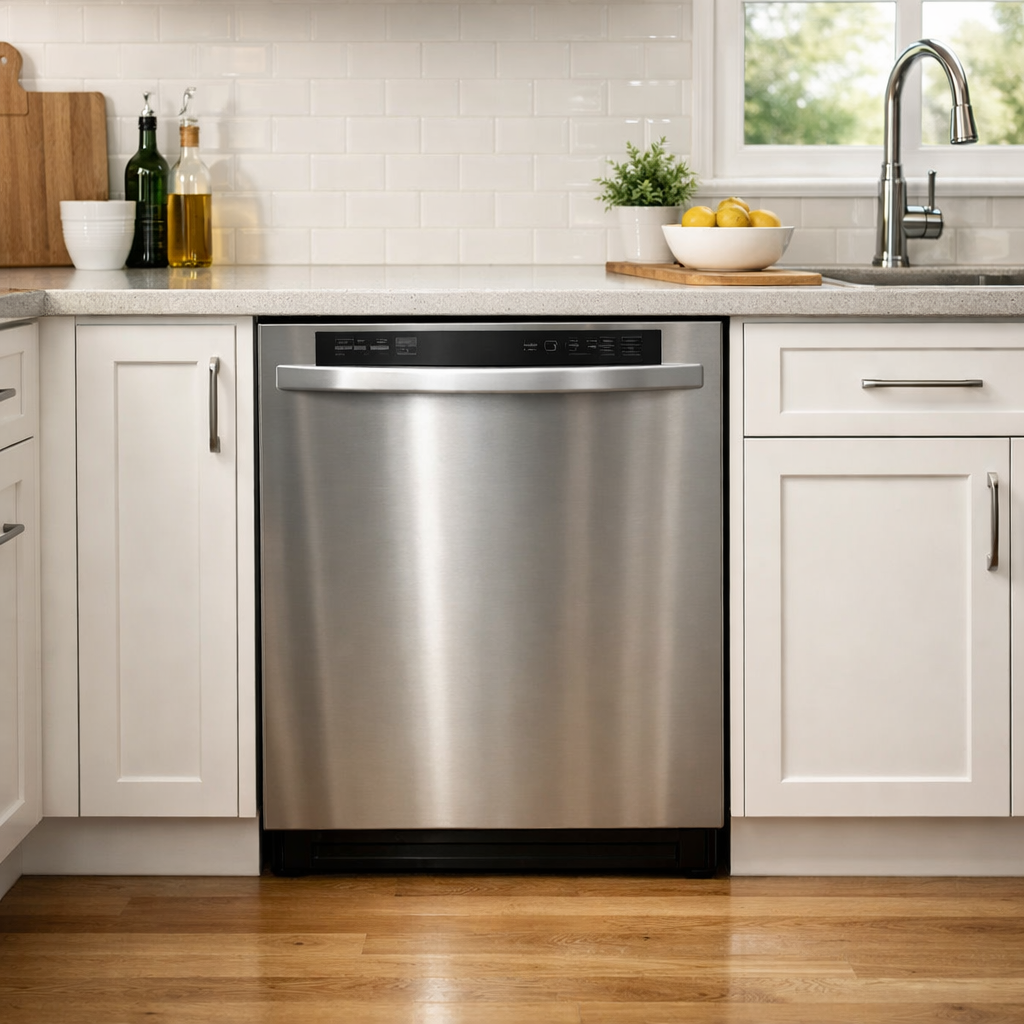
7-beep error — water not entering
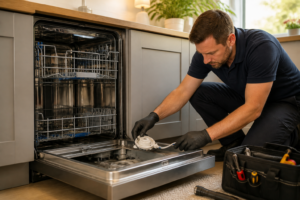
This step-by-step repair guide walks you through fixing 7-beep error — water not entering on your Whirlpool WDF520PADM. With the right tools and parts, most homeowners can complete this repair in 1–2 hours and avoid a costly service call.
🔨 Pro Tip from Dave
On the WDF520PADM, the water inlet valve (part number W10327249) is notorious for failing at the solenoid coil rather than the screen, so don’t just clean the filter and call it done — test the solenoid with a multimeter for continuity. A common mistake I see is techs overlooking the float switch assembly; if the float is stuck in the raised position due to debris buildup, the control board reads a full tub and never opens the valve.
Part of our Top 20 Dishwasher Models & Common Repair Issues Guide. Browse all dishwasher repair guides for related models and issues.
“`html
Common Symptoms & Causes
These symptoms point to a water supply or inlet issue triggering the 7-beep error on your Whirlpool WDF520PADM dishwasher.
- The control panel beeps 7 times and the wash cycle fails to start
- The dishwasher tub remains completely dry after a cycle begins
- You hear a humming sound but no water fills the bottom of the tub
- The clean light flashes repeatedly alongside the 7-beep sequence
This error is most commonly caused by a faulty water inlet valve, a kinked or closed supply line, or a failed float switch that incorrectly signals an overfill condition.
“`
Safety First
- Unplug the dishwasher from the power outlet before starting any repair — never work on a live appliance.
- Shut off the water supply valve before disconnecting any water lines or hoses.
- Wear work gloves when handling metal brackets, sheet metal edges, or sharp components.
- Take photos with your phone before disconnecting any wiring harnesses or connectors.
- Work in a well-lit area with enough floor space to lay removed panels flat.
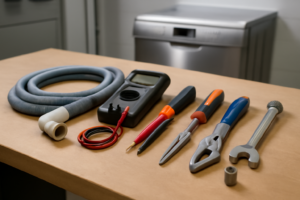
Tools & Parts Needed
Essential Tools
- Phillips #2 screwdriver
- Torx T20 screwdriver
- Needle-nose pliers
- Multimeter
- Flashlight
Replacement Parts
- Water inlet valve
- float switch
- door latch
- multimeter
Step-by-Step Repair Instructions
Step 1
Disconnect power to the dishwasher before touching any components — working on a live appliance risks shock. Confirm the water supply valve under the sink is fully open, since a partially closed valve starves the machine of pressure and triggers a no-fill fault. While you’re there, run your hand along the supply line to feel for any kinks that would restrict flow even with the valve open.
Step 2
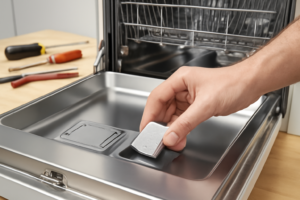
The anti-flood float sits on the front-left floor of the tub and cuts off filling if it senses a flood risk — but debris like broken glass or food buildup can hold it in the raised position, making the dishwasher think there’s already water present. Lift the plastic float dome and inspect underneath for any material keeping it elevated. Clear any debris so the float drops freely back to its resting position, which signals the control board that it’s safe to fill.
Step 3
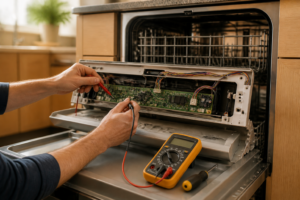
With the float still accessible, test the float switch using a multimeter set to Rx1. A healthy switch reads closed — near-zero resistance — when the float is in the down position; an open reading means the switch has failed and is permanently signaling a flood condition, blocking the fill cycle. Replace the float switch if you get an open reading with the float down.
Step 4
The water inlet valve is the electromechanical gate that actually lets water into the tub, and a failed solenoid coil inside it is a common cause of no-fill faults. Pull off the kick plate, locate the valve on the left side, disconnect the wiring harness, and test each solenoid coil with a multimeter on Rx1 — a good coil reads between 200 and 500 ohms. Replace the valve assembly if either coil reads open or wildly out of that range.
Step 5
The 7-beep error on the WDF520PADM specifically signals that the control board has not received confirmation that the door is securely latched, so even if the door feels closed, a faulty latch switch will prevent the cycle from starting and the tub from filling. Disconnect the door latch switch connector and test it on Rx1 with the latch engaged — it should read closed with near-zero resistance. If you get an open reading with the latch fully engaged, replace the switch before moving on.
Step 6
Reconnect the door latch wiring, reinstall the kick plate, and restore power to the dishwasher. Start a normal wash cycle and watch and listen at the door — you should hear water entering the tub within 30 seconds of the cycle beginning. If filling begins normally and the 7-beep alert does not reappear, the fault has been resolved; if beeping continues, recheck your connections or consider pulling error codes with a service mode sequence for further diagnosis.
Where to Buy Replacement Parts
Find genuine OEM and aftermarket replacement parts for your Whirlpool WDF520PADM on Amazon:
- Whirlpool WDF520PADM water inlet valve WPW10327249 replacement
- Whirlpool dishwasher float switch WD12X10216
- Whirlpool dishwasher door latch WPW10482502
When to Call a Professional
If the issue persists after completing all steps above, the problem may involve the sealed refrigerant system, a failed main control board, or wiring that requires specialized diagnostic equipment. Contact a licensed appliance technician — attempting sealed-system repairs without EPA 608 certification is illegal and unsafe.
How Much Does This Repair Cost?
DIY parts for fixing a 7-beep water inlet error on the Whirlpool WDF520PADM — such as a replacement water inlet valve — typically cost $15–$60. A professional service call for the same repair usually runs $150–$300 including labor. Tackling this repair yourself can save you $100 or more.
Frequently Asked Questions
Is it safe to run my Whirlpool WDF520PADM while it’s showing the 7-beep error?
No, you should not run the dishwasher until the issue is resolved, as operating it without proper water flow can damage the pump and heating element.
How do I know if the water inlet valve is the cause of the 7-beep error?
Check if water is reaching the dishwasher by confirming the supply valve under the sink is fully open. If water flow is confirmed but the error persists, the inlet valve likely needs replacement.
Can a clogged filter trigger the 7-beep error on the WDF520PADM?
A dirty filter won’t directly cause a water entry error, but cleaning it regularly helps prevent related drainage issues that can mimic similar symptoms.