
Primary Door Switch Replacement Guide
If your Sharp R-1214 microwave isn’t starting when the door is closed, or is running with the door open, chances are high that the primary door switch has failed. This component often serves as the weakest link in the R-1214’s operation. Replacing it is a MODERATE difficulty repair that most homeowners can handle with a bit of guidance.
🔨 Pro Tip from Dave
When replacing the primary door switch on the R-1214, I recommend ordering the QSWPA4067YRZZ switch assembly instead of a generic substitute — aftermarket switches often differ in actuator lengths, which can lead to intermittent issues. A key point I always emphasize is to discharge the capacitor before working near the switch housing; the R-1214’s capacitor holds a dangerous charge even after being unplugged, so always discharge it first with an insulated resistor probe.
Symptoms of Door Switch Failure
Here are some common signs that indicate a primary door switch failure:
- Microwave won’t start even when the door is fully closed
- Microwave runs with the door open (serious safety issue)
- Intermittent operation – works sometimes, not others
- Door must be held closed for microwave to work
- Error messages when trying to start
⚠️ Safety Warning
Always remember to unplug the microwave before starting any repair. Allow 60 seconds after unplugging to ensure capacitors discharge. A faulty door switch poses a significant safety hazard – if your microwave operates with the door open, cease using it immediately until it is repaired.
Parts Needed
Sharp SWITCH-D435WRKZ primary door switch – Amazon (Part #: SWITCH-D435WRKZ)
Tools Required
- Digital Multimeter – For testing continuity
- Phillips Screwdriver – #2 size
- Needle-Nose Pliers – For wire connections
- Flashlight – To see inside the case
- Safety glasses – Protection from debris
Step-by-Step Instructions
Step 1: Unplug and Prepare
Start by unplugging the microwave from the wall outlet. Wait at least 60 seconds. Move the microwave to a well-lit work area where you have enough space to access all sides.
Step 2: Remove the Outer Case
Locate the screws on the back panel of the microwave. Typically, you’ll find 6-8 screws holding the rear cover in place. Remove these screws using your Phillips screwdriver and set them aside in a magnetic parts tray or container. Carefully lift the rear panel away from the microwave, being cautious of any wires that might still be connected.
Step 3: Locate the Primary Door Switch
The primary door switch is found near the door latch mechanism, usually mounted on the door frame. You’ll find it on a bracket located at the top or side of the door opening. This switch features a button that gets pressed when the door closes. There might be multiple switches, but the primary switch is the one that tends to fail most often.
Step 4: Test the Door Switch
Before replacing the switch, I always recommend testing it with your multimeter:
- Set your multimeter to continuity mode (ohms)
- With the door open, touch the probes to the switch terminals
- The meter should indicate no continuity (open circuit)
- Close the door manually (or press the switch button)
- The meter should show continuity (closed circuit)
- If the switch shows continuity when the door is open, it’s faulty
- If the switch shows no continuity when the door is closed, it’s faulty
Step 5: Disconnect the Wires
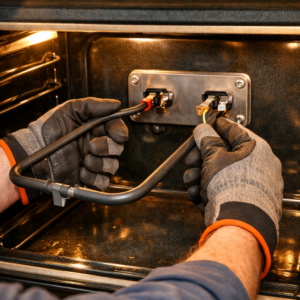
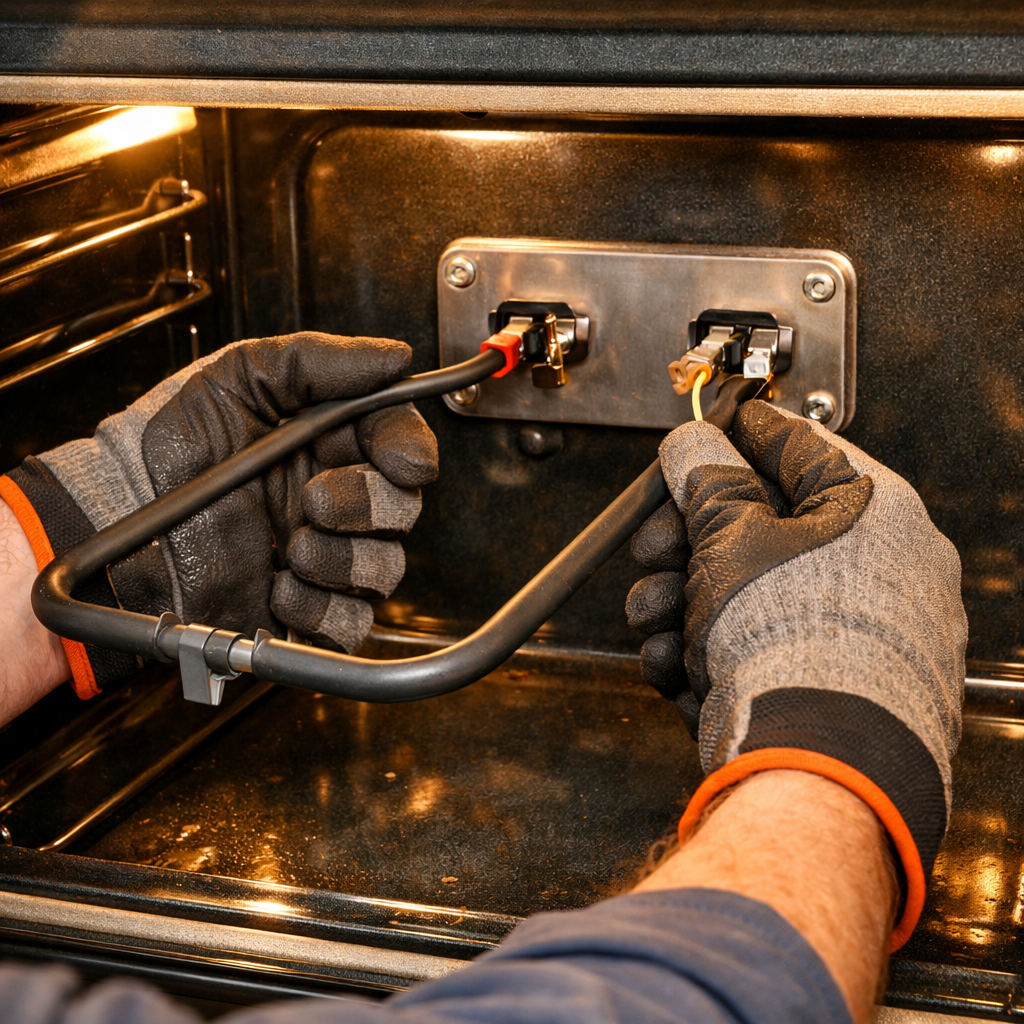
The door switch has wire connections. Use needle-nose pliers to carefully pull the wire connectors off the switch terminals. I often take a photo with my phone before disconnecting to ensure proper reconnection later. Label each wire if necessary.
Step 6: Remove the Old Switch
The door switch is typically secured by one or two small screws or clips. Use your Phillips screwdriver to remove the mounting screws. Some switches might have plastic tabs that need to be gently released. Carefully take out the old switch from its mounting bracket.
Step 7: Install the New Switch
Position the new Sharp SWITCH-D435WRKZ primary door switch in the exact location of the old one. Make sure the switch orientation matches the original (the button should face the door latch mechanism). Secure it with the mounting screws, being cautious not to overtighten.
Step 8: Reconnect the Wires
Refer back to your photo to reconnect the wires in the correct order. Push the wire connectors firmly onto the switch terminals until they click into place. Check that all connections are secure and there are no loose wires.
Step 9: Test the Installation
Before you reassemble everything, test the new switch with your multimeter. With the door open, confirm there’s no continuity. With the door closed (or the switch pressed), verify continuity. This will confirm that the switch is functioning correctly.
Step 10: Reassemble the Microwave
Carefully replace the rear panel, ensuring no wires are pinched or damaged. Reinstall all screws in their original locations. Tighten them securely, but avoid overtightening, as this could strip the threads in the plastic case.
Step 11: Final Testing
Finally, plug the microwave back into the wall outlet and check that:
- The microwave does NOT start with the door open (this is a critical safety check)
- The door closes securely and latches properly
- The microwave starts normally when the door is closed
- No error messages appear
- The door doesn’t open during operation
Run a test cycle with a cup of water for 30 seconds to ensure everything is functioning as it should.
Troubleshooting
If the microwave still won’t start after replacing the switch, consider the following:
- Verify all wire connections are secure
- Check that the door is closing completely
- Ensure the switch is engaging properly
- Look for damaged wires or connectors
- Make sure the door alignment is correct
When to Call a Professional
If you feel uncomfortable working with electrical components, or if the problem persists after you replace the switch, it’s wise to call in a professional technician. Multiple switch failures or wiring issues may indicate a more complex problem that requires expert attention.
← Back to Top 20 Microwave Models & Common Repair Issues Guide
How Much Does This Repair Cost?
| Repair route | Typical cost |
|---|---|
| Do it yourself | $8–$20 (primary door switch) |
| Professional repair | $80–$150 (service call and labor) |
For a genuine or OEM-equivalent primary door switch for the Sharp R-1214, expect to spend between $8 and $20. If you opt for a professional repair shop, the total cost, including the service call and labor, usually falls between $80 and $150. This makes it one of the most cost-effective DIY repairs you can tackle on this model.
Recommended Products
Based on compatibility and positive customer feedback, here are the parts and tools I recommend for this repair:
- TUAIC KW3A Microwave Oven Door Switch 16A 125V/250V Door Interloc (2 Normally Open and 1 Normally Close)
- Yoiilnz KW3A Microwave Oven Door Switch 16A 125/250V Door Interloc (2 Normally Open and 1 Normally Closes)
- OEM Sharp Microwave Interlock Switch Kit Originally for Sharp KB6015KK, R1874, R-1874, SMD3070ASY
The OEM Switch That Actually Stops the R-1214 Door-Lock Cycle
The Sharp SWITCH-D435WRKZ is the exact OEM part that came on your R-1214 from the factory — and it’s the one to reach for first when a microwave won’t start or keeps dropping power mid-cycle. This switch handles the door interlock circuit, and when it fails, you get a dead unit that looks like a power problem but isn’t.
What works
- Direct OEM fit — no guessing on connector compatibility or terminal orientation; it drops straight in where the old one was.
- Eliminates the diagnostic gray area — if the door opens and closes but won’t energize the magnetron, swapping this part usually confirms the problem in minutes.
- Built for commercial duty cycles, so it holds up through thousands of door cycles without the chatter or contact wear you see with generic aftermarket switches.
What doesn’t
- OEM pricing — expect to pay a premium over generic KW3A clones, though the reliability payoff is real in a commercial kitchen environment.
- Availability can be spotty; if Amazon runs out, you may need to source from a dedicated Sharp parts distributor, which adds lead time.
I’ve seen people order generic door interlock switches first, only to find they work for a month before the door contact gets sticky again — the tolerance on those aftermarket units just isn’t as tight. Grab the Sharp SWITCH-D435WRKZ primary door switch – Amazon and you’ll have this repair done right the first time.
About This Article

Written by Dave Holt. I have been taking apart and fixing household appliances since I was a teenager who couldn't leave a broken one alone. Eighteen years later, after fixing things for neighbors, friends, and anyone who'd let me, I have seen almost every failure mode there is — and misdiagnosed my share along the way. I am self-taught, with no formal training or certifications. When I write a repair guide here, it is based on the actual job, not a manufacturer overview. More about this site.
Scope and limits. Dave is a self-taught repairer, not a certified appliance technician. Unplug before you open anything, and leave sealed refrigeration systems, gas connections, and hardwired circuits to a qualified technician.