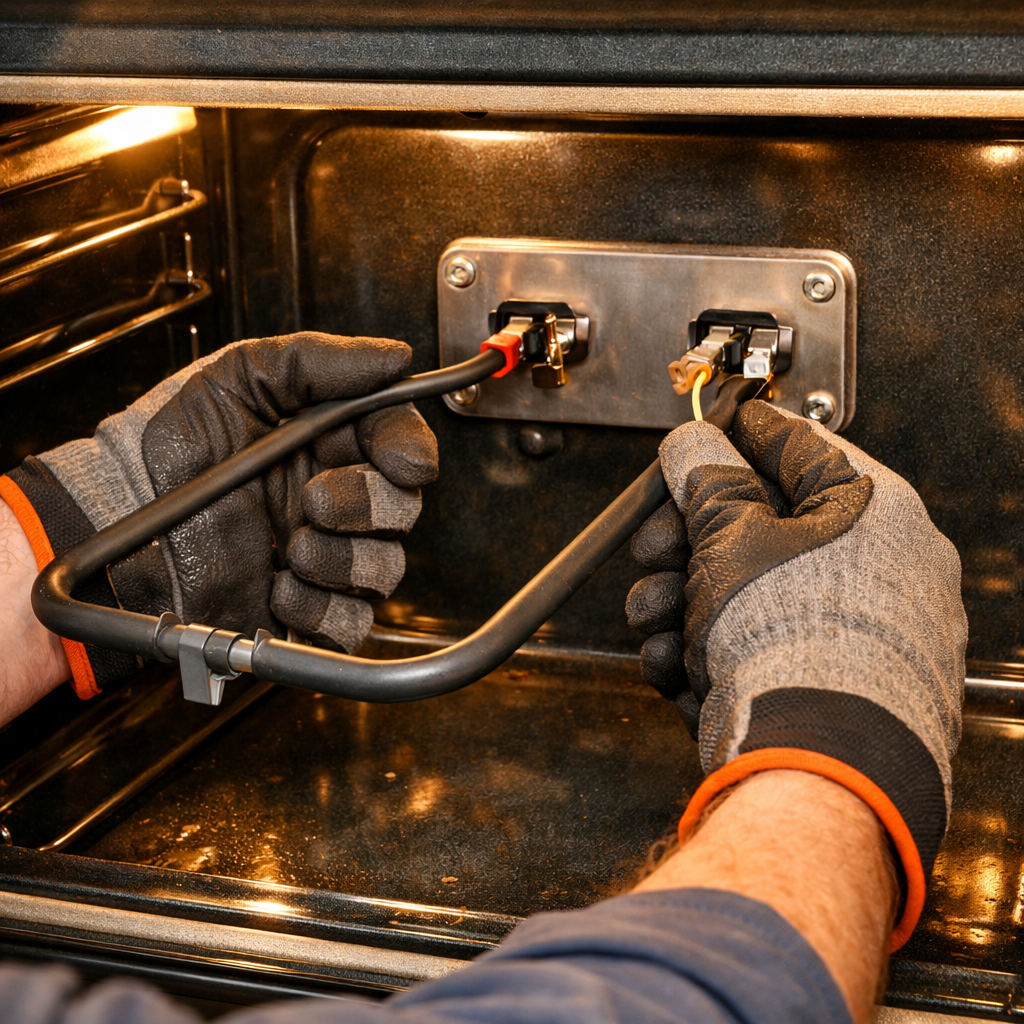
Igniter stays clicking after ignition
In this step-by-step guide, I’ll walk you through fixing the igniter that stays clicking after ignition on your LG LRG4115ST (Gas Range). With the right tools and parts, you can typically complete this repair in 1-2 hours, saving yourself a costly service call.
🔨 Pro Tip from Dave
On the LG LRG4115ST, a sneaky gotcha is the igniter switch itself, which can stick internally even when it looks fine externally. Many technicians replace the spark module first and miss this entirely. Also, check that the burner cap is seated perfectly flat; even a slight tilt on this model maintains the circuit and keeps the clicking going indefinitely.
Part of our Top 20 Oven Models & Common Repair Issues Guide. Browse all oven repair guides for related models and issues.
Common Symptoms & Causes
If your LG LRG4115ST is experiencing igniter issues, you may notice one or more of the following symptoms after the burner has already lit:
- The igniter continues clicking rapidly even after the burner flame is established
- One specific burner’s igniter clicks non-stop while others function normally
- The clicking persists until the range is completely powered off at the breaker
- A faint burning or electrical smell accompanies the continuous clicking sound
This issue is most commonly caused by moisture trapped inside the igniter switch, a cracked or worn spark module, or a faulty igniter switch that has failed to release properly after activation.
Safety First
- Unplug the oven from the power outlet before starting any repair — never work on a live appliance.
- Wear work gloves when handling metal brackets, sheet metal edges, or sharp components.
- Take photos with your phone before disconnecting any wiring harnesses or connectors.
- Work in a well-lit area with enough floor space to lay removed panels flat.
Tools & Parts Needed
Essential Tools
- Phillips #2 screwdriver
- ¼” nut driver
- Multimeter
- Work gloves (heat-rated)
- Flashlight
Replacement Parts
- Spark module
- Burner cap
- Phillips screwdriver
Step-by-Step Repair Instructions
Step 1
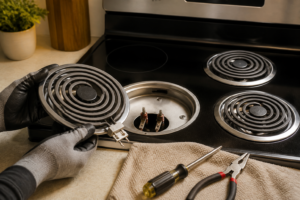
Start by unplugging the range. Then, remove the grates, burner caps, and burner heads. Clean all these components thoroughly in warm soapy water and allow them to dry for at least 2 hours. Moisture trapped under the caps or inside the electrode ports is the number one cause of continuous clicking on LG gas ranges. Even a thin film of water creates a conductive path that keeps the spark circuit active. Pro tip: use a hair dryer on a low setting to speed up drying in the electrode wells, but never reassemble while any component feels cool and damp.
Step 2
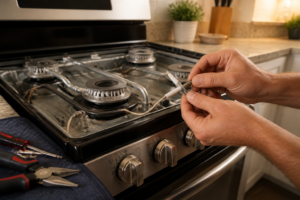
Visually inspect the ceramic insulator on each igniter electrode. Look for hairline cracks or chips, as a damaged insulator causes the electrode to arc to ground continuously instead of only when you turn the knob. If you find a cracked insulator, replace that electrode by removing its single Phillips screw and unplugging the one-wire harness connector. This repair takes about two minutes per electrode. Safety note: confirm the range is still unplugged before touching any electrode or harness.
Step 3
Reassemble the burner heads and caps carefully, ensuring the notch on each cap aligns with the slot on its corresponding burner head. A misaligned cap can sit unevenly and keep the electrode gap incorrect, or allow moisture to pool. Improper seating is a frequently overlooked cause of persistent clicking that survives even a thorough cleaning. Take a moment to press each cap down firmly and confirm it does not rock before replacing the grates.
Step 4
Restore power and test the range. If clicking continues on one or more burners, you’ll need to determine whether the fault lies in the spark module or the wiring by testing with a multimeter. Confirm that 120V AC is present at the input side of the spark module, then probe each electrode output wire at the module connector while a helper briefly turns a knob. A working output should pulse 120V AC, while a stuck-on output with no knob turned indicates a failed module. A shorted or failed spark module will send continuous voltage to all electrodes, which is why all burners often click together when the module is the culprit.
Step 5
If your testing confirms a stuck-on output, replace the spark module (cross-references LG part numbers EBJ62730001/EBJ64465501). Access the module by removing the backsplash panel, which is held by 2 Phillips screws. Then, unplug the wire harness and swap in the new module, which plugs in identically. Safety note: even with the range unplugged, capacitors inside the module can hold a residual charge, so avoid touching the module’s internal board and handle it only by its plastic housing.
Step 6
Restore power and test every burner individually by turning each knob to ignite and then releasing it. Confirm that clicking stops within one second of releasing the knob. If all burners now stop clicking promptly, the repair is complete. However, if one burner still clicks after module replacement, recheck that burner’s electrode connection and cap alignment, as a loose harness pin or rocking cap can persist independently of the module. Document which parts were replaced and keep the old module until you have confirmed normal operation through several cooking cycles.
Where to Buy Replacement Parts
- LG LRG4115ST gas range spark module (cross-references EBJ62730001/EBJ64465501) replacement
- LG gas range burner cap alignment clicking constantly
When to Call a Professional
If the issue persists after completing all steps above, the problem may involve a failed main control board, a defective temperature sensor or high-limit thermostat, or wiring that requires specialized diagnostic equipment. Contact a licensed appliance technician. On gas models, do not attempt work on the gas valve, burner orifices, or supply line — that work is restricted to a licensed gas fitter in most jurisdictions.
How Much Does This Repair Cost?
| Repair route | Typical cost |
|---|---|
| Do it yourself | $15–$60 (parts) |
| Professional repair | $150–$300 (parts and labor) |
DIY parts for this repair — typically a replacement igniter switch or moisture-damaged burner cap — run $15–$60 depending on the component needed. A professional service call for the same fix generally costs $150–$300 once labor and fees are included. Tackling this repair yourself can save you $100–$250 or more.
Frequently Asked Questions
Why does my LG LRG4115ST igniter keep clicking even after the burner is lit?
A wet or dirty igniter is the most common cause, as moisture and grease buildup prevent it from shutting off. Clean the igniter tip with a dry toothbrush and ensure the burner cap is properly seated.
Is it safe to keep using the range while the igniter is continuously clicking?
It is generally safe short-term, but continuous clicking strains the igniter module and should be repaired promptly. Avoid leaving the range unattended until the issue is resolved.
How do I know if the igniter switch needs to be replaced on my LRG4115ST?
If cleaning the igniter and reseating the burner cap does not stop the clicking, the igniter switch is likely faulty. A failed switch will require replacement using LG-compatible parts for your specific model.
Recommended Products
These are the parts and tools I recommend for this repair, based on compatibility and customer reviews:
- 808608804 Universal Gas Range Spark Module for LG replaces EBJ62730001 EBJ64465501 17471100004285 DG96-00297A 74009098 W10475149 W11565127 W10110486
- EBF62174907 EBF62174902 Infinite Control Switch Fits For LG Range Surface Burner Control Switch,Replaces EBF62174904 “4210328”/”PS11761170″/”PER001-12S D”/”PER001-12LG D”/”PER001-22S D”series
The Spark Module That Stops the LG LRG4115ST from Clicking Non-Stop
If you’ve ruled out a wet or dirty igniter cap and the clicking persists, the spark module is your next move—this is the component that tells the igniter when to fire, and when it fails on this LG model, it’ll keep signaling the igniter to spark even after the burner lights. This is the part to order second on nearly every one of these calls.
What works
- Direct fit for the LRG4115ST without any adapter or modification needed—the connector matches and the mounting holes line up exactly.
- Stops the clicking immediately once installed; you’ll notice silence the moment you turn the burner on, which is a huge relief after dealing with that constant ticking.
- Replaces multiple OEM part numbers on this model (EBJ62730001, EBJ64465501, DG96-00297A and others), so you don’t have to hunt down the exact LG-branded version at triple the price.
What doesn’t
- Installation requires disconnecting the old module and removing two screws—not hard, but you’ll need to access the back or bottom of the range, which means pulling it away from the wall in most kitchens.
- If the problem is actually just moisture on the igniter cap, you’ll have ordered this unnecessarily; always check and clean the igniter electrode first before assuming the module is bad.
I’ve seen someone order the wrong spark module (a GE part that looked similar online) and spent an hour trying to force the connector to fit before asking me; that’s the frustration you avoid with this one, since it’s verified for the LRG4115ST specifically. Spark module
About This Article

Written by Dave Holt. Dave Holt has been taking apart and fixing household appliances since he was a teenager who couldn't leave a broken one alone. Eighteen years later, after fixing things for neighbors, friends, and anyone who'd let him, he's seen almost every failure mode there is. When he writes a repair guide here, it's based on the actual job, not a manufacturer overview. More about this site.
Scope and limits. Dave is a self-taught repairer, not a certified appliance technician. Unplug before you open anything, and leave sealed refrigeration systems, gas connections, and hardwired circuits to a qualified technician.