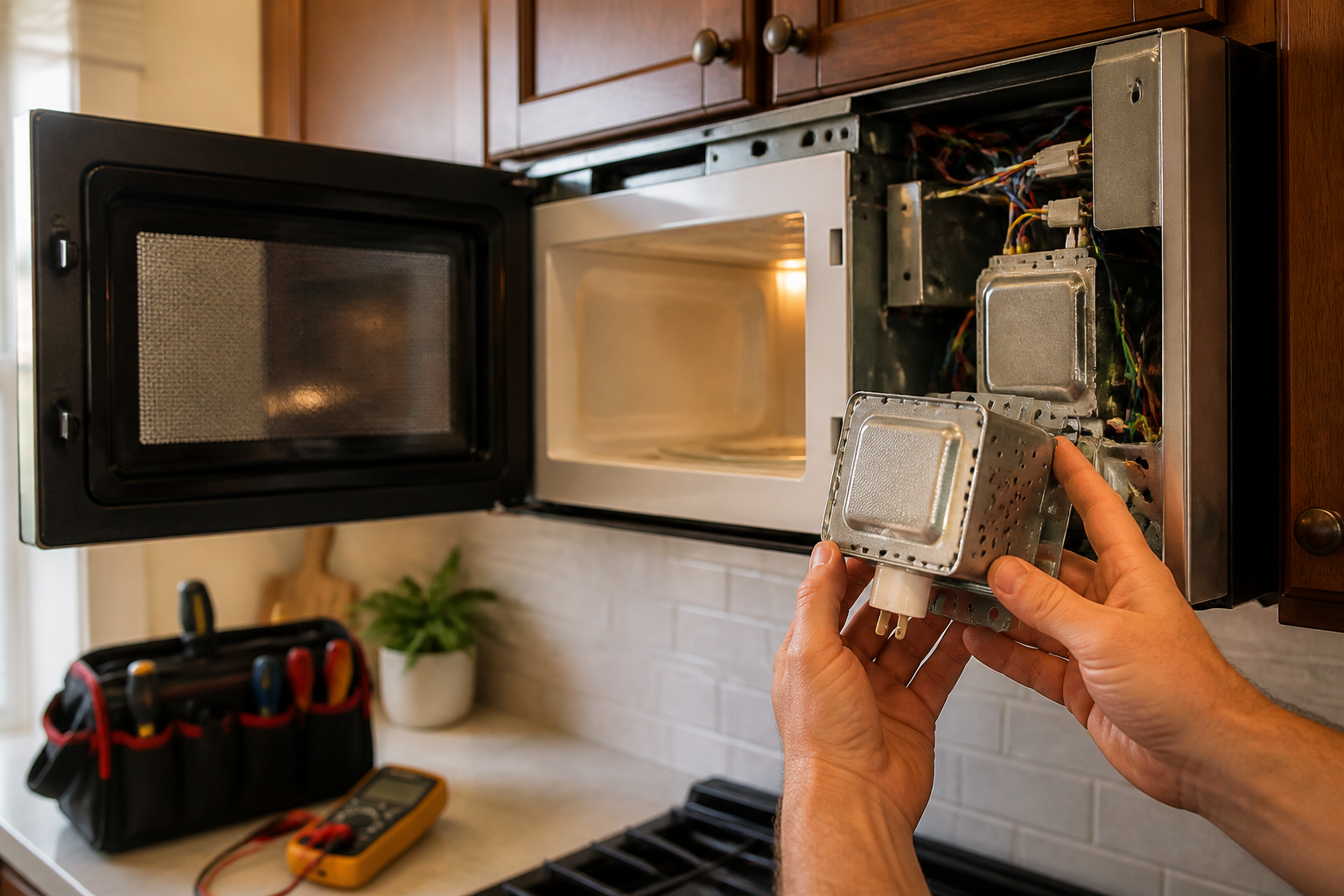
Magnetron Not Heating Repair – GE JVM6175SKSS Over-the-Range Microwave
A non-heating magnetron in your GE JVM6175SKSS over-the-range microwave is one of the most common failures that renders the unit completely unable to heat food. The magnetron is the heart of the microwave, generating the electromagnetic waves at 2.45 GHz that cause water molecules in food to vibrate and create heat. When the magnetron fails, the microwave will run through its cycles normally – the turntable rotates, the light stays on, and the timer counts down – but no actual heating occurs. This failure can be caused by normal wear after years of use, power surges, overheating due to blocked vents, or operating the unit empty. This repair is rated as ADVANCED difficulty due to the high voltage components involved and the precision required for proper installation and testing.
Symptoms
- Microwave runs normally but food remains cold after full heating cycle
- Arcing or sparking sounds coming from behind the right side panel of the GE JVM6175SKSS
- Burning smell or visible browning around the magnetron antenna dome
- Humming or buzzing noise that’s louder than normal during operation
- Display and controls function properly but no heat generation occurs
- Turntable rotates and interior light works but temperature probe reads no heat increase
⚠️ Safety Warning
EXTREME CAUTION REQUIRED: Microwave ovens contain a high voltage capacitor that can store lethal electrical charge (up to 4,000 volts) even when unplugged. Before beginning any work on your GE JVM6175SKSS, disconnect power for at least 10 minutes, then properly discharge the capacitor using insulated tools and appropriate safety procedures. The magnetron also contains beryllium oxide ceramic, which is toxic if damaged – never attempt to disassemble the magnetron itself. Always wear safety glasses and insulated gloves rated for electrical work. If you are not comfortable working with high voltage components, contact a qualified appliance repair technician.
Parts Needed
- Replacement Magnetron – GE Part Number WB27X11211 (2M319 J-A, 1100W output)
- Waveguide Cover – GE Part Number WB06X10359 if damaged during removal
- Magnetron Mounting Screws – Four 10-32 x 1/2″ hex head bolts
- Thermal Compound – High-temperature silicone compound rated for 200°C minimum
- Wire Nuts – 14 AWG capacity for filament connections if existing ones are damaged
Tools Required
- Digital multimeter with high voltage capability
- Insulated screwdriver set (Phillips and flathead)
- 7/16″ nut driver or socket wrench
- Needle-nose pliers with insulated handles
- High voltage discharge tool or insulated screwdriver with jumper wire
- Safety glasses and electrical work gloves
- Flashlight or work light for interior visibility
Step-by-Step Instructions
Step 1: Power Disconnection and Access
🔨 Pro Tip from Dave
On the JVM6175SKSS specifically, I’ve seen the thermal cut-out (TCO) mounted directly on the magnetron fail in a way that perfectly mimics a dead magnetron — the microwave runs, draws power, but produces no heat — and because it’s tucked against the magnetron housing it’s easy to overlook entirely during a visual inspection. Always test the TCO for continuity with your multimeter before condemning the magnetron, because a replacement TCO is around $8 versus $100+ for a magnetron you may not actually need.
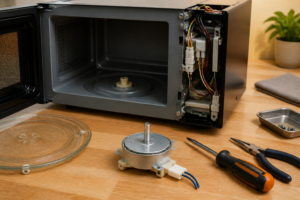
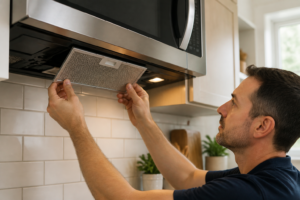
Unplug the GE JVM6175SKSS from the wall outlet or turn off the dedicated circuit breaker. Wait a minimum of 10 minutes for the high voltage capacitor to partially discharge. Remove the glass turntable and support ring from inside the microwave. Open the microwave door and remove the three Phillips screws securing the right side vent grille – two screws are located at the top edge and one at the bottom rear corner.
Step 2: Remove Outer Cabinet
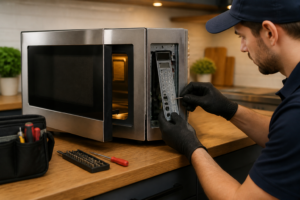
Locate and remove the six hex screws along the top edge of the GE JVM6175SKSS cabinet – three on each side. Remove the four Phillips screws on the rear panel, positioned at each corner approximately 2 inches from the edges. Carefully slide the outer metal cabinet toward the rear of the unit about 1 inch, then lift it straight up to remove completely. The control panel will remain attached to the front frame.
Step 3: Discharge High Voltage Capacitor
Locate the large cylindrical capacitor mounted to the right side wall, identifiable by two wire terminals and a third grounding wire. Using an insulated screwdriver with a jumper wire attached to the metal shaft, touch one terminal while the other end of the jumper touches the grounding bracket. You should see a small spark. Repeat for the second terminal. This safely discharges any remaining stored voltage in the GE JVM6175SKSS capacitor.
Step 4: Access Magnetron Location
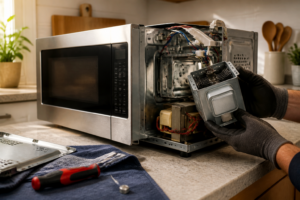
The magnetron in the GE JVM6175SKSS is mounted on the right side wall, behind the waveguide assembly. It’s a rectangular component approximately 4 inches wide by 6 inches long with cooling fins and two wire terminals on the bottom. Remove the metal shield covering the magnetron by removing three 10-32 screws – two on top and one on the lower right side.
Step 5: Disconnect Electrical Connections
Carefully disconnect the two high voltage wires connected to the magnetron terminals. These are typically red and blue wires secured with push-on connectors. Take a photo before disconnection to ensure proper reconnection. Also disconnect the two filament wires (usually white) connected to the magnetron’s cathode terminals located on the side of the unit. These may be secured with wire nuts or push-on connectors.
Step 6: Remove Waveguide Connection
The waveguide is the rectangular metal duct connecting the magnetron antenna to the cooking chamber. In the GE JVM6175SKSS, remove the four screws securing the waveguide to the magnetron – these are located around the circular opening where the magnetron antenna protrudes. Carefully pull the waveguide away from the magnetron, noting the position of any gaskets or sealing material.
Step 7: Remove Failed Magnetron
Remove the four mounting bolts securing the magnetron to the side wall of the GE JVM6175SKSS. These are 7/16″ hex head bolts positioned at the corners of the magnetron mounting bracket. The magnetron weighs approximately 3 pounds, so support it while removing the final bolt. Carefully withdraw the magnetron from its mounting position, ensuring the antenna dome doesn’t contact other components.
Step 8: Prepare New Magnetron Installation
Remove the new magnetron from packaging and inspect for any shipping damage. Apply a thin layer of thermal compound to the mounting surface where the new magnetron will contact the cabinet wall – this ensures proper heat transfer. Position the new magnetron in the mounting bracket, aligning the antenna with the waveguide opening.
Step 9: Install and Secure New Magnetron
Install the four mounting bolts finger-tight initially, ensuring the magnetron is properly seated against the mounting surface. Tighten the bolts in a cross pattern to 15-20 inch-pounds torque to ensure even pressure distribution. The magnetron should be firmly secured with no movement when gently tested by hand.
Step 10: Reconnect Waveguide and Electrical
Reconnect the waveguide to the magnetron antenna, ensuring the gasket is properly positioned. Install the four waveguide mounting screws and tighten securely. Reconnect the high voltage wires to their respective terminals – typically the red wire connects to the terminal marked with a red dot or “H” marking. Reconnect the filament wires to the cathode terminals, ensuring secure connections.
Step 11: Test Installation and Reassemble
Before reassembling the cabinet, perform a quick operational test. Reconnect power and run the GE JVM6175SKSS for 30 seconds with a cup of water inside. The water should begin heating immediately, indicating proper magnetron function. If successful, reinstall the magnetron shield, outer cabinet panels, and vent grille in reverse order of removal.
Troubleshooting
- If the new magnetron doesn’t heat, verify all electrical connections are secure and properly positioned – incorrect filament wire connections can prevent operation
- Arcing sounds after installation may indicate waveguide misalignment – ensure the antenna is properly centered in the waveguide opening
- If the magnetron operates but heating is weak, check that thermal compound was applied and mounting bolts are properly torqued for heat transfer
- Blown fuses after installation suggest incorrect wiring – double-check high voltage wire connections match original configuration
- Strange noises during operation may indicate loose mounting hardware – re-verify all bolts and screws are properly tightened
- If the unit runs but immediately shuts off, the thermal protector may be activating due to poor heat dissipation from improper mounting
When to Call a Professional
- If you’re uncomfortable working with high voltage components or lack proper safety equipment and training
- When multiple components appear to have failed simultaneously, which may indicate a more complex electrical problem
- If the waveguide or cooking chamber shows signs of damage that occurred during the magnetron failure
- When proper testing equipment isn’t available to verify the repair and ensure safe operation before returning the GE JVM6175SKSS to service
When to Call a Professional
Most of the repairs in this guide are within reach for a careful DIYer with basic tools. In my experience, the moment you’re dealing with a shorted magnetron that’s blown the high-voltage fuse, tripped the main fuse multiple times, or when your multimeter shows the magnetron casing has lost its ground isolation, that repair has crossed into tech territory — the high-voltage capacitor in this unit can store a lethal 2,100-volt charge even with the unit unplugged, and without proper discharge tools and training, that’s a risk no savings on a service call is worth taking. When in doubt, a diagnostic service call typically costs $80–$120 and can save you from a misdiagnosis that costs more in parts.
Recommended Parts & Tools
GE WB27X10369 Magnetron Replacement Part
This is the exact replacement magnetron designed for GE over-the-range microwaves including the JVM6175SKSS model. When your magnetron fails and stops heating food, this OEM part will restore full heating functionality to your microwave. This genuine GE replacement ensures proper fit and performance for your specific model. Check current pricing on Amazon.
Klein Tools 69149 Microwave Leakage Detector
Essential safety tool for testing microwave radiation leakage after magnetron replacement on your GE JVM6175SKSS. This detector helps ensure your repair was completed safely and that the microwave door seals properly with no dangerous radiation leaks. Professional-grade testing equipment is crucial when working with microwave components for safety compliance. Check current pricing on Amazon.