Heating element board
This step-by-step repair guide walks you through fixing heating element board on your GE PHS930SLSS (Induction Range). With the right tools and parts, most homeowners can complete this repair in 1–2 hours and avoid a costly service call.
🔨 Pro Tip from Dave
On the GE PHS930SLSS, the induction heating board (WB27X26041 is the board commonly associated with this unit’s cooking zone control) sits beneath the cooktop glass and is sensitive to heat stress from blocked ventilation — a mistake I see DIYers make is reinstalling the cooktop without confirming the cooling fan connector is fully seated, which causes the new board to fail prematurely from thermal buildup.
Part of our Top 20 Oven Models & Common Repair Issues Guide. Browse all oven repair guides for related models and issues.
“`html
Common Symptoms & Causes
The following symptoms often point to a faulty heating element board on your GE PHS930SLSS induction range.
- One or more induction burners fail to heat up or respond to touch
- The cooktop displays an “F76” or “F77” error code on the control panel
- Burner indicator lights flash repeatedly but no heat is produced
- The range trips the circuit breaker when a specific burner zone is activated
These issues are typically caused by a burned-out heating element board resulting from power surges, overheating, or normal wear over time that degrades the board’s internal components.
“`
Safety First
- Unplug the oven from the power outlet before starting any repair — never work on a live appliance.
- Wear work gloves when handling metal brackets, sheet metal edges, or sharp components.
- Take photos with your phone before disconnecting any wiring harnesses or connectors.
- Work in a well-lit area with enough floor space to lay removed panels flat.
Tools & Parts Needed
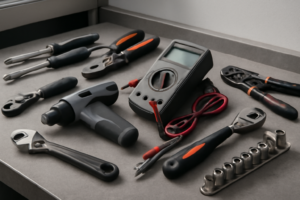
Essential Tools
- Phillips #2 screwdriver
- ¼” nut driver
- Multimeter
- Work gloves (heat-rated)
- Flashlight
Replacement Parts
Step-by-Step Repair Instructions
Step 1
Identify which induction zone has failed by placing an induction-compatible pan on each zone and activating them one at a time, because induction zones operate on independent driver circuits and a dead zone points directly to a single failed zone driver rather than a system-wide fault. Watch for zones that show no pan-detection response or heat output — this narrows your repair to one board module instead of the entire assembly. Pro tip: use the same pan for each test to eliminate the pan itself as a variable.
Step 2
With the unit unplugged and capacitors discharged (wait at least 60 seconds after removing power), remove the rear panel to access the zone power board and visually inspect the IGBT transistors on each zone driver. You are looking for burn marks, carbon scoring, or bulging components, which are common signs of a transistor that has failed under thermal or electrical stress. Safety note: even after disconnecting power, treat the board capacitors as potentially charged — do not touch exposed terminals until the wait period has passed.
Step 3
With the unit powered on and the failed zone activated, clamp a clamp meter around the zone’s dedicated wiring harness to measure current draw, because a functioning zone driver will pull significant current when energized but a failed IGBT will show zero or near-zero amps even with a valid pan present. This test confirms the driver has failed internally rather than pointing to a wiring or control board issue upstream. Keep hands clear of all moving and high-voltage components during this live test, and do not probe terminals directly.
Step 4
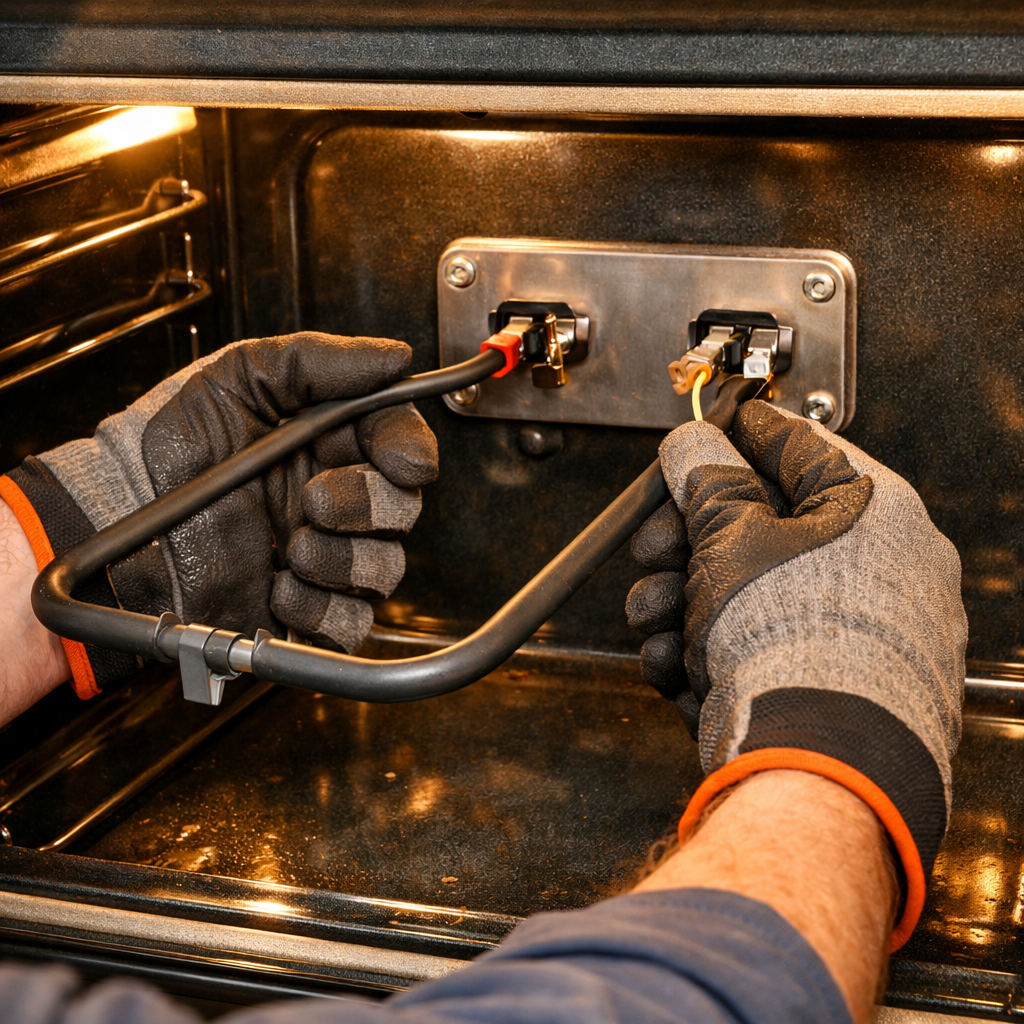
Because GE designs the induction zone drivers as individual modular boards, you only need to replace the single failed unit rather than the entire power assembly — locate the correct board, remove the two Phillips screws securing it, and unplug the wiring harness connector. Match the replacement board to the original part number printed on the module to ensure compatibility with the PHS930SLSS zone configuration. Pro tip: photograph the harness orientation before unplugging to avoid reversing the connector on reassembly.
Step 5
Reinstall the rear panel, restore power, and test every zone — not just the repaired one — by placing an induction pan on each and cycling through all heat settings. This full test confirms the replaced board is functioning correctly and that no adjacent zone was affected during the repair. If any zone still fails to heat or trips a fault code, re-inspect the harness connections before assuming a second board failure.
Where to Buy Replacement Parts
Find genuine OEM and aftermarket replacement parts for your GE PHS930SLSS (Induction Range) on Amazon:
- GE PHS930SLSS induction zone element power board WB27X26033
- GE induction range zone IGBT transistor replacement
- GE induction element board repair zone not heating
When to Call a Professional
If the issue persists after completing all steps above, the problem may involve the sealed refrigerant system, a failed main control board, or wiring that requires specialized diagnostic equipment. Contact a licensed appliance technician — attempting sealed-system repairs without EPA 608 certification is illegal and unsafe.
“`html
How Much Does This Repair Cost?
Replacing the heating element board on a GE PHS930SLSS typically costs $80–$200 for the part alone when doing it yourself. A professional repair, including labor and a service call, usually runs $150–$300 or more. By tackling this repair yourself, you can save up to $150 or more in labor costs.
“`
Frequently Asked Questions
How do I know if the heating element board on my GE PHS930SLSS is the problem?
Common signs include one or more induction burners failing to heat, error codes on the display, or burners that respond inconsistently to touch controls. A multimeter test on the board can confirm a fault before purchasing a replacement part.
Is it safe to replace the heating element board myself?
Yes, but always unplug the range and discharge any residual power before touching internal components. If you are uncomfortable working near high-voltage parts, hire a licensed appliance technician.
Where can I find a replacement heating element board for the GE PHS930SLSS?
Order the exact board using your model number from GE Appliances Parts, RepairClinic, or Encompass Parts. Always verify the part number matches your specific production date to ensure compatibility.