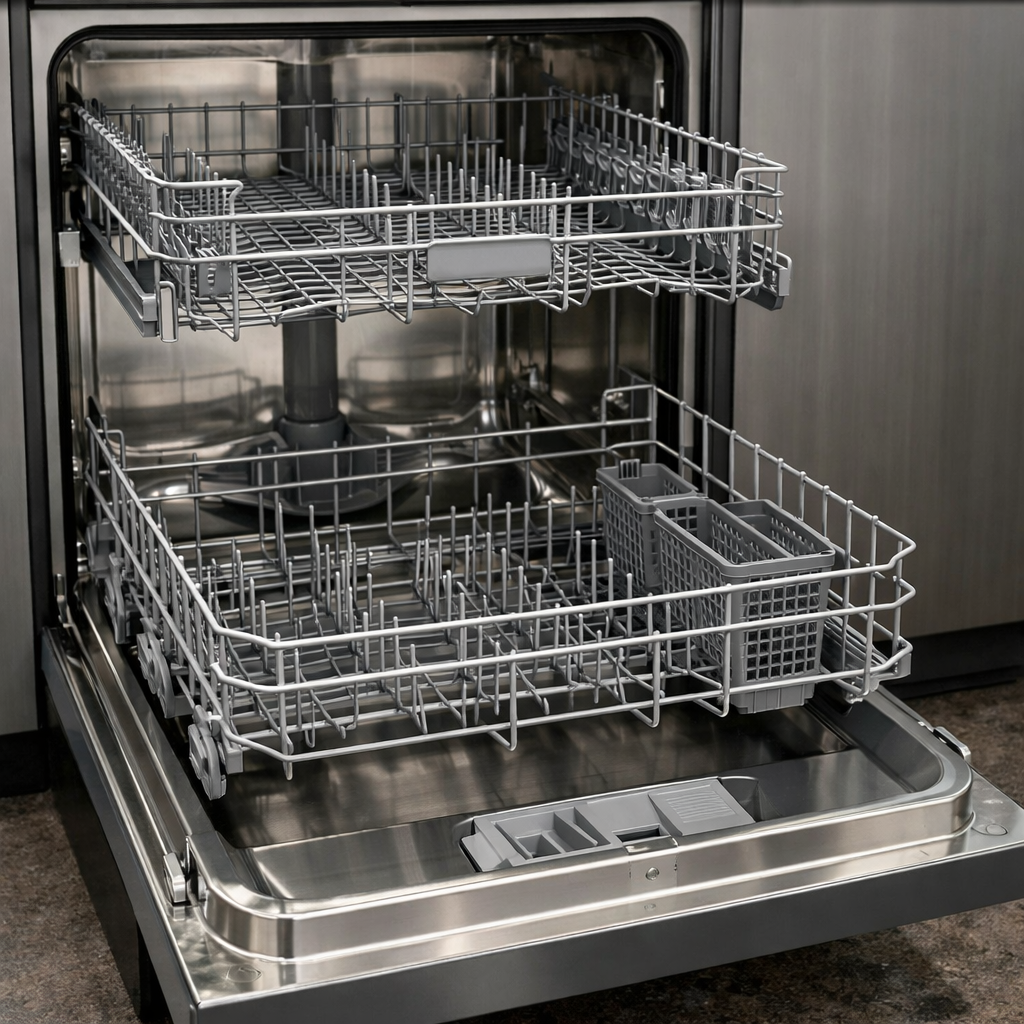
Water leak sensor trip
This step-by-step repair guide walks you through fixing water leak sensor trip on your Samsung DW80R9950UG. With the right tools and parts, most homeowners can complete this repair in 1–2 hours and avoid a costly service call.
🔨 Pro Tip from Dave
On the DW80R9950UG, a lot of techs miss that the base pan float switch (part DD31-00016A) can trip even from minor condensation buildup if the drain hose has even a slight sag — always check the hose routing before replacing any parts. A common mistake is replacing the inlet valve immediately without first tilting the unit forward to drain the base pan and reset the sensor, which will send you on a wild goose chase replacing good parts.
Part of our Top 20 Dishwasher Models & Common Repair Issues Guide. Browse all dishwasher repair guides for related models and issues.
“`html
Common Symptoms & Causes
The following symptoms typically indicate a water leak sensor trip on your Samsung DW80R9950UG dishwasher.
- The dishwasher displays error code “LC” or “LE” on the control panel
- The cycle stops mid-wash and the unit refuses to restart
- Visible water pooling beneath the dishwasher or inside the base pan
- The drain pump runs continuously even when the dishwasher is off
These issues are most commonly caused by a faulty water inlet valve, a cracked door gasket, a damaged hose connection, or a malfunctioning leak sensor float that triggers falsely due to debris buildup or wear over time.
“`
Safety First
- Unplug the dishwasher from the power outlet before starting any repair — never work on a live appliance.
- Shut off the water supply valve before disconnecting any water lines or hoses.
- Wear work gloves when handling metal brackets, sheet metal edges, or sharp components.
- Take photos with your phone before disconnecting any wiring harnesses or connectors.
- Work in a well-lit area with enough floor space to lay removed panels flat.
Tools & Parts Needed
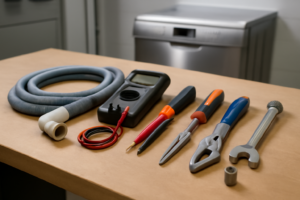
Essential Tools
- Phillips #2 screwdriver
- Torx T20 screwdriver
- Needle-nose pliers
- Multimeter
- Flashlight
Replacement Parts
Step-by-Step Repair Instructions
Step 1
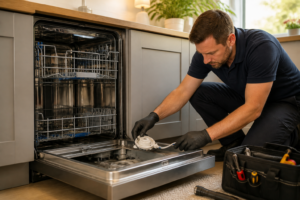
Disconnect power at the breaker or by unplugging the unit before doing anything else — working near water and live electrical components is a serious shock hazard. Remove the two T20 Torx screws securing the kick plate and pull it free to expose the base pan. Water pooling in the base pan lifts the float sensor and triggers a lockout, so use towels or a wet-vac to sop up every bit of standing water; the unit will not reset until the pan is dry.
Step 2
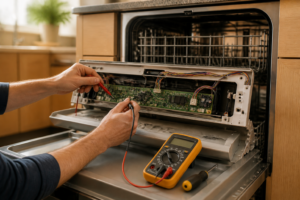
Locate the float switch in one of the front corners of the base pan — it looks like a small plastic bobber sitting on a stem. Lift the float by hand while the unit is powered off; if a multimeter shows the switch is already closed (continuity) while the float is in the lowered position, the switch has failed in the tripped state and needs to be replaced. The switch is normally open and should only close when rising water physically lifts the float, so a closed reading at rest confirms a faulty component.
Step 3
With the pan dried out, trace where the water originally came from by inspecting three common failure points: run your fingers along the entire bottom edge of the door gasket feeling for cracks or gaps, check the drain hose clamp at the pump outlet for looseness or cracking, and inspect the water inlet valve fitting at the left rear for mineral deposits or hairline cracks that weep under pressure. A flashlight helps here — small drips leave white mineral stains or dark wet trails that point directly to the source. Do not skip this step; if you reset the sensor without fixing the leak, the pan will flood again on the next cycle.
Step 4
Tighten any loose hose clamps with a screwdriver until snug — do not overtighten, as cracking a plastic fitting will make things worse. If the door gasket is torn, peeling, or has a flat compressed section that no longer seals, peel it fully out of the channel, clean the groove with a damp cloth to remove old debris and soap residue, and press the new gasket firmly into the groove starting at the bottom corners. A pro tip: some Samsung gaskets seat better after a cycle of heat, so a quick warm rinse before the final press helps the rubber conform to the channel.
Step 5
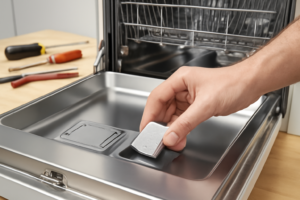
Dry the base pan completely — even a small puddle left behind will re-trip the sensor immediately. To clear any residual water trapped under the sensor housing, tilt the dishwasher slightly forward by lifting the rear legs or rocking it gently so water runs toward the front where you can blot it up. Once the pan is confirmed dry, restore power; the sensor resets passively once no water is present, so no button sequence is required.
Step 6
Leave the kick plate off and run a full Normal cycle, then crouch down and inspect the base pan with a flashlight during the first five minutes when water pressure in the lines is highest. Any active leak will show as drips at a fitting or a wet trail on the pan floor, making it easy to confirm the repair held or to pinpoint a leak you missed. Only reinstall the kick plate after a complete cycle with no new water in the pan.
Where to Buy Replacement Parts
Find genuine OEM and aftermarket replacement parts for your Samsung DW80R9950UG on Amazon:
- Samsung DW80R9950UG leak sensor replacement DD82-01032A
- Samsung dishwasher float switch replacement
- Samsung dishwasher base pan water leak detection repair
When to Call a Professional
If the issue persists after completing all steps above, the problem may involve the sealed refrigerant system, a failed main control board, or wiring that requires specialized diagnostic equipment. Contact a licensed appliance technician — attempting sealed-system repairs without EPA 608 certification is illegal and unsafe.
“`html
How Much Does This Repair Cost?
DIY repair parts for a water leak sensor trip on the Samsung DW80R9950UG typically cost between $10–$75, depending on the faulty component. A professional service call generally runs $150–$300 once you factor in labor and parts. Tackling this repair yourself can save you $100 or more.
“`
Frequently Asked Questions
What causes the water leak sensor to trip on my Samsung DW80R9950UG?
The sensor typically trips due to a loose door gasket, a cracked hose, or a faulty water inlet valve allowing water to reach the base pan. Inspecting these components first will help you identify the source quickly.
Can I reset the water leak sensor without fixing the underlying problem?
You can reset the dishwasher, but the sensor will trip again if the leak is not repaired. Always locate and fix the source of the leak before resetting.
Is it safe to run my Samsung DW80R9950UG while troubleshooting the leak?
No, running the dishwasher with an active leak can cause water damage to your flooring and cabinetry. Keep the appliance off until the repair is fully completed.
Recommended Products
These are the parts and tools we recommend for this repair, based on compatibility and customer reviews:
- 【2025 Upgraded】 DD62-00084A Dishwasher Water Inlet Valve OEM Parts – For SAMSUNG Dishwasher Parts By Sunniswi – Replaces AP5178218 PS4222448 2692215 EAP4222448, fit DMT, DW79, DW80 series models
- DC62-30314L Dishwasher Water Inlet Vavle for Samsung DW80R9950UG/AA-01 DW80R9950UG/AA-01 DW80R9950US/AA DW80R9950US/AA-00 DW80R9950US/AA-01 DW80R9950UT/AA DW80R9950UT/AA-00 DW80R9950UT/AA-00
- Samsung DD62-00084A Genuine OEM Water Inlet Valve Assembly for Samsung Dishwashers
- DD81-02239A Float Switch(1pack) For Samsung Dishwasher Svc-Micro Switch (MS1-03) Parts (DW80 series 12 model) – Match DD81-02287A A/S Holder
As an Amazon Associate, I earn from qualifying purchases.