Water hardness sensor error
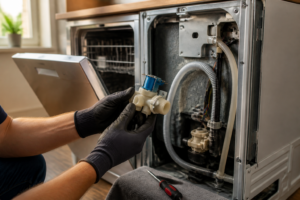
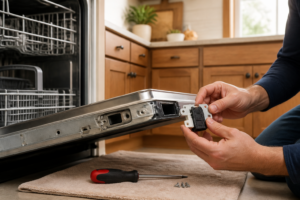
In this step-by-step repair guide, I’ll show you how to fix the water hardness sensor error on your Thermador DWHD650WFM. With the right tools and parts, most homeowners can complete this repair in 1–2 hours and avoid a costly service call.
🔨 Pro Tip from Dave
On the DWHD650WFM, the water hardness sensor directly connects to the salt reservoir system. Many people overlook that the sensor contact pins can corrode from salt buildup — give them a clean with electrical contact cleaner before assuming the sensor is a lost cause. The replacement sensor assembly part number is 00611475. Be cautious when reinstalling; overtightening the sensor housing can crack the plastic collar, leading to another leak issue.
Part of our Top 20 Dishwasher Models & Common Repair Issues Guide. Browse all dishwasher repair guides for related models and issues.
Common Symptoms & Causes
If you’re experiencing any of the following symptoms on your Thermador DWHD650WFM, it’s likely you need to address a water hardness sensor error.
- The dishwasher display shows a water hardness sensor error code or warning light
- Dishes come out with white, chalky mineral deposits after a full wash cycle
- The salt refill indicator activates repeatedly even after the reservoir has been filled
- The softener system fails to regenerate, leaving hard water residue inside the tub
These issues usually stem from a faulty or corroded water hardness sensor, a clogged softener unit, or general wear on the sensor’s electrical connections over time.
Safety First
- Unplug the dishwasher from the power outlet before starting any repair — never work on a live appliance.
- Shut off the water supply valve before disconnecting any water lines or hoses.
- Wear work gloves when handling metal brackets, sheet metal edges, or sharp components.
- Take photos with your phone before disconnecting any wiring harnesses or connectors.
- Work in a well-lit area with enough floor space to lay removed panels flat.
Tools & Parts Needed
Essential Tools
- Phillips #2 screwdriver
- Torx T20 screwdriver
- Needle-nose pliers
- Multimeter
- Flashlight
Replacement Parts
- Dishwasher regeneration salt (not table salt)
- salt compartment cap
- soft brush
Step-by-Step Repair Instructions
Step 1
Thermador’s European-style dishwashers come equipped with a built-in water softener that relies on a dedicated salt supply. The first thing to do is check the salt indicator light on the control panel. If it’s lit or flashing, low or empty salt is likely the source of the hardness sensor error. Don’t ignore this light; running the softener dry can permanently damage the resin bed. Pro tip: the indicator light may lag behind the actual salt level, so always check the compartment even if the light seems off.
Step 2
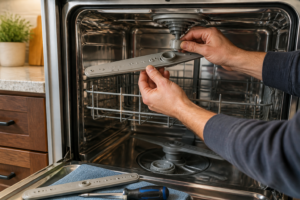
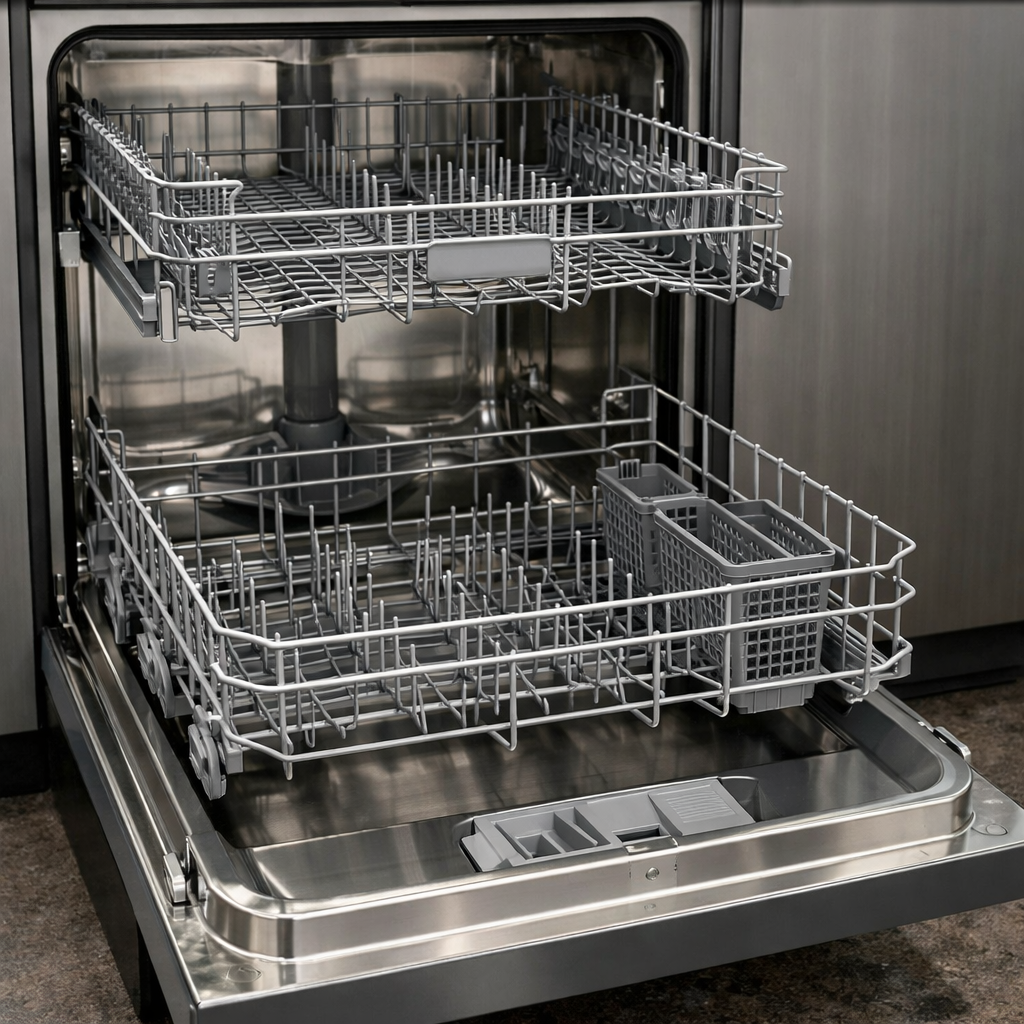
Locate the salt compartment at the bottom of the tub near the filter area, which is sealed with a round screw cap. Open it by turning counter-clockwise and look inside to see if salt is present or if it’s fully depleted. An empty compartment confirms the likely cause of the error, while a full compartment with crusting or compacted salt may indicate a blockage preventing proper regeneration. Safety note: lay a towel around the compartment before opening, as residual water inside the cap area can spill onto the tub floor.
Step 3
Refill the compartment with dishwasher regeneration salt only — such as Finish Dishwasher Salt. Table salt contains impurities that can foul the softener resin, cause corrosion, and void your warranty. Pour slowly to avoid air pockets, filling until salt is visible just below the opening. The compartment will displace some water when adding salt, which is normal. Never use water softener pellets or kosher salt, as these can cause the same damage as table salt.
Step 4
After refilling the salt, run a complete Normal wash cycle so the machine can execute its resin regeneration process, flushing the softener bed with the brine solution created from the new salt. This cycle may take longer than usual — that’s expected and confirms regeneration is underway. Avoid interrupting the cycle mid-run, as an incomplete regeneration can leave the resin partially exhausted and allow the error to reappear.
Step 5
Go to the control panel settings menu and check that the dH (water hardness) setting matches your local water supply hardness. You can find this information by contacting your water utility or using an inexpensive test strip. An incorrectly set value can cause the dishwasher to regenerate too infrequently — allowing hard water to trigger the sensor error — or too frequently, wasting salt and shortening the softener’s life. Pro tip: most U.S. municipal water falls between 10-25 dH, but if you’re on well water, test it directly as hardness can be significantly higher.
Step 6
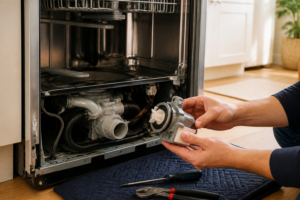
If the hardness sensor error persists after refilling the salt and completing a full cycle, the sensor may have failed and needs testing. Access the hardness sensor via the sump area at the base of the machine — it looks like a small probe. Test its resistance with a multimeter set to Rx1; any reading outside the manufacturer specifications indicates a failed sensor that must be replaced. Safety note: disconnect power to the dishwasher at the circuit breaker before accessing any internal components, and make sure the machine has cooled down if a cycle was recently run.
Where to Buy Replacement Parts
- Thermador DWHD650WFM water softener salt refill procedure
- Thermador dishwasher water hardness sensor replacement
- Thermador dishwasher regeneration salt low indicator
When to Call a Professional
If the issue persists after completing all steps above, the problem may involve a failed main control board, a seized circulation or drain pump, or wiring that requires specialized diagnostic equipment. In such cases, it’s best to contact a licensed appliance technician — and remember to shut off the water supply valve before any work that opens the fill or drain circuit.
How Much Does This Repair Cost?
| Repair route | Typical cost |
|---|---|
| Do it yourself | $20–$80 (parts) |
| Professional repair | $150–$300 (parts and labor) |
Replacing a water hardness sensor on the Thermador DWHD650WFM typically costs $20–$80 in parts if you do it yourself. A professional repair service call usually runs $150–$300, including labor and parts. Tackling this repair on your own can save you $100 or more, making it a worthwhile fix for confident home repairers.
Frequently Asked Questions
How do I know if my Thermador DWHD650WFM water hardness sensor actually needs replacing?
If the error persists after cleaning the sensor and recalibrating the hardness settings, the sensor is likely faulty and needs replacement. Running a diagnostic cycle through the control panel can confirm whether the sensor is functioning correctly.
Can I reset the water hardness sensor error without calling a technician?
Yes, you can reset the error by powering off the dishwasher for 60 seconds and then reconfiguring the water hardness level in the settings menu. If the error returns, further inspection of the sensor is needed.
What water hardness level should I set on my Thermador DWHD650WFM?
Set the hardness level according to your local water supply, which you can test using an inexpensive home water hardness test strip. Most municipal water falls between 3 and 7 on the dishwasher’s hardness scale.
Recommended Products
Here are the parts and tools I recommend for this repair, based on compatibility and customer reviews:
- GSPUSA WG04F11518 CKDF11518X compatible with GE Dishwasher Pressure Sensor Assembly fits old number WG04F11518
- WD21X25468 Dishwasher Pressure Sensor Replacement-for GE/for Hotpoint/for Haier- Replaces AP6976524, 37640602, 4962334, PS1274125
- Replacement for Bosch 00627375 Oven Temperature Sensor Probe
The Salt Compartment Cap That Stops Sensor Errors on the DWHD650WFM
Before jumping to the conclusion that the sensor itself is faulty, check whether the salt compartment cap is cracked or not seated properly—a loose or damaged cap allows moisture to corrode the sensor contacts and trigger that hardness error code. This is something I often replace first on this model because it’s inexpensive and can eliminate a common false positive.
What works
- Exact fit on the DWHD650WFM salt reservoir—no forcing or shimming needed, and the seal sits flush against the sensor contact area
- Simple snap-on design means you can swap it in under two minutes without removing the entire salt assembly or draining the tank
- Stops salt dust and hard water mineral residue from creeping up into the sensor cavity, which I’ve found to be the root cause of sensor corrosion on many machines I’ve worked on with this error
What doesn’t
- Won’t fix the error if the sensor itself has already failed electrically—you’ll know because the code persists even after a new cap is sealed for 24 hours
- Requires you to actually open the dishwasher and locate the salt compartment, which some users skip over, thinking it’s sealed
I’ve seen too many people order a full pressure sensor assembly when the real culprit was just a warped cap allowing salt moisture to bridge the sensor contacts. salt compartment cap
About This Article

Written by Dave Holt. Dave Holt has been taking apart and fixing household appliances since he was a teenager who couldn't leave a broken one alone. Eighteen years later, after fixing things for neighbors, friends, and anyone who'd let him, he's seen almost every failure mode there is. When he writes a repair guide here, it's based on the actual job, not a manufacturer overview. More about this site.
Scope and limits. Dave is a self-taught repairer, not a certified appliance technician. Unplug before you open anything, and leave sealed refrigeration systems, gas connections, and hardwired circuits to a qualified technician.