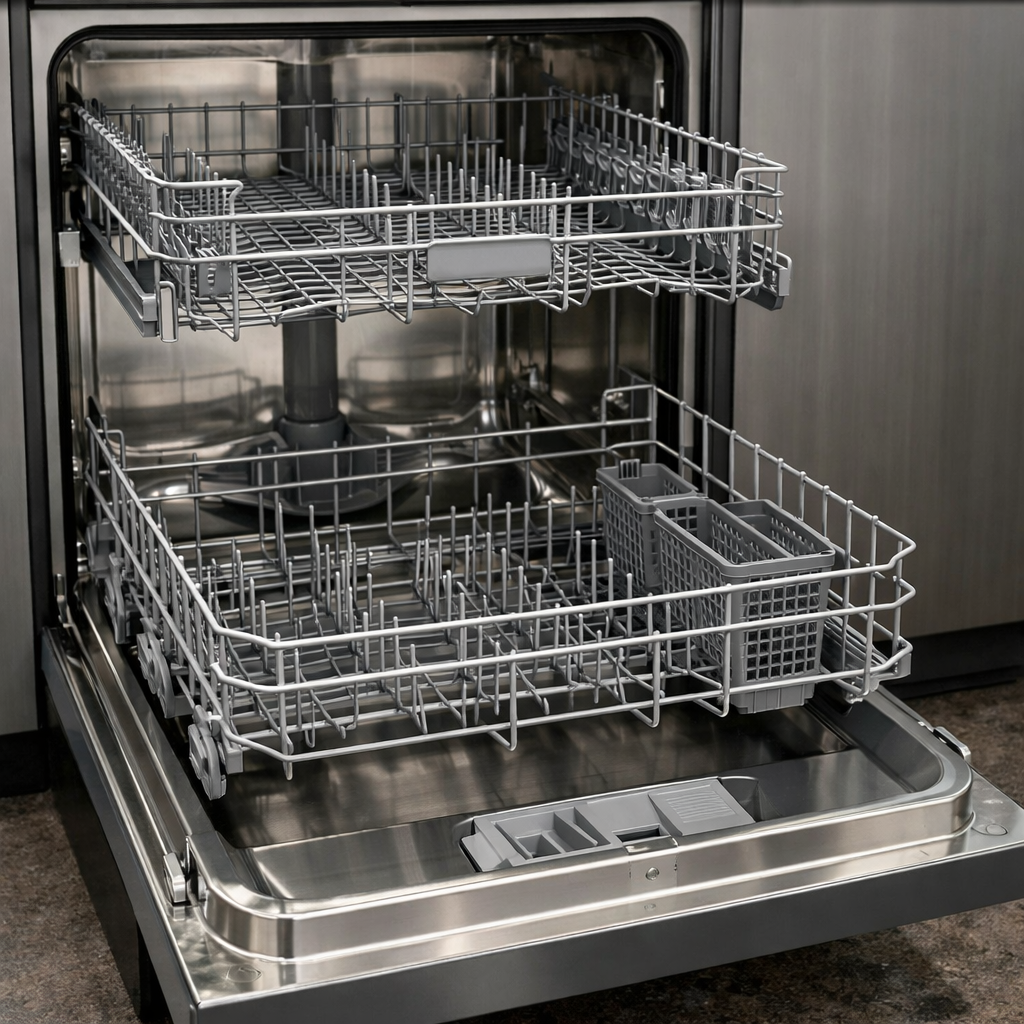
Drain pump error
In this step-by-step guide, I’ll walk you through fixing the drain pump error on your Miele G4998SCViSF. With the right tools and parts, you can complete this repair in about 1–2 hours and avoid a costly service call.
🔨 Pro Tip from Dave
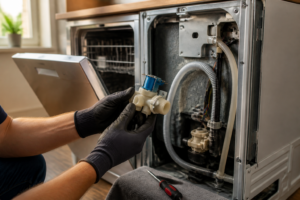
On the G4998SCViSF, many technicians overlook the small rubber check valve flap inside the drain sump housing — Miele’s non-return valve, part number 5750095 (used across the G2000/G4000/G5000 series; confirm the exact fit against your unit’s data plate) — which can become brittle and crack, causing symptoms that mimic a full pump failure. Before replacing the pump, always inspect that valve; replacing just that flap often resolves the error code and saves you from buying a $90 pump unnecessarily.
Part of our Top 20 Dishwasher Models & Common Repair Issues Guide. Browse all dishwasher repair guides for related models and issues.
Common Symptoms & Causes
The following symptoms typically indicate a drain pump error on the Miele G4998SCViSF dishwasher.
- The display shows a drain pump fault or flashing drain indicator light
- Water remains standing at the bottom of the dishwasher after a completed cycle
- The dishwasher stops mid-cycle and fails to resume without intervention
- An unusual humming or grinding noise comes from the pump area during draining
These issues are most commonly caused by a clogged drain filter, debris blocking the pump impeller, a failed drain pump motor, or a kinked drain hose restricting water flow.
Safety First
- Unplug the dishwasher from the power outlet before starting any repair — never work on a live appliance.
- Shut off the water supply valve before disconnecting any water lines or hoses.
- Wear work gloves when handling metal brackets, sheet metal edges, or sharp components.
- Take photos with your phone before disconnecting any wiring harnesses or connectors.
- Work in a well-lit area with enough floor space to lay removed panels flat.
Tools & Parts Needed
Essential Tools
- Phillips #2 screwdriver
- Torx T20 screwdriver
- Needle-nose pliers
- Multimeter
- Flashlight
Replacement Parts
- Miele drain pump
- needle-nose pliers
- Phillips screwdriver
- multimeter
Step-by-Step Repair Instructions
Step 1
Start by disconnecting the dishwasher from power at the wall outlet or breaker. This is crucial since you’ll be working with water and electrical components. Pull out the lower rack and then remove all three pieces of Miele’s filter system — the coarse filter, fine filter, and flat mesh screen — rinsing each one thoroughly under running water. A clogged filter is the most common cause of drain pump errors, so cleaning it can save you from unnecessary disassembly.
Step 2
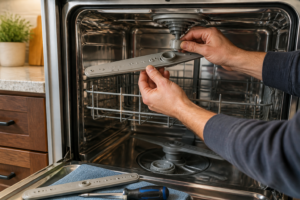
With the filter assembly out, remove the lower spray arm by pulling it straight up to expose the sump area where the drain pump sits. Reach into the sump and feel around the pump impeller housing for debris — small bone fragments, broken glass, or food buildup can frequently jam the impeller and trigger the drain error. Pro tip: use a flashlight to inspect the cavity visually before reaching in, as there may be sharp fragments present.
Step 3
Using needle-nose pliers, carefully extract any hard debris you find in the pump impeller cavity, working slowly to avoid pushing fragments deeper into the housing. A jammed impeller will prevent the pump motor from spinning, leading the control board to read it as a drain failure, even if the motor itself is in perfect working order. Check that the impeller spins freely by hand once cleared — it should rotate with only light resistance.
Step 4
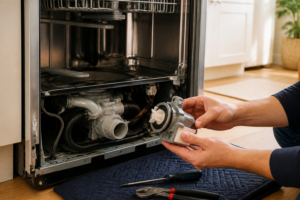
If clearing debris didn’t resolve the issue, test the drain pump motor for electrical continuity to determine whether the motor has failed. Tilt the unit backward to safely access the pump at the bottom left of the sump, then set your multimeter to Rx1 and probe the pump motor terminals — a healthy motor typically reads around 300 ohms. A reading of open (infinite) or zero ohms confirms a burnt or shorted winding, meaning the pump must be replaced.
Step 5
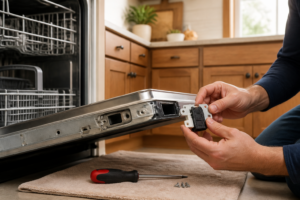
To replace the drain pump, unplug the wiring harness connector first. Then, rotate the pump a quarter-turn counter-clockwise and pull it straight out of the sump housing. Install the new pump by inserting it into the mounting port and twisting it clockwise until it locks firmly — a loose pump will leak or fail to prime. Ensure that the harness connector clicks fully into place, as a partially seated connector can mimic a pump failure on diagnostics.
Step 6
Restore power and run the dishwasher’s dedicated Drain program to verify the repair. The pump should evacuate all standing water from the sump within 90 seconds; if water remains or the error code returns, recheck the harness connection and confirm that the replacement pump part number matches the original. Listen for a steady hum during draining — grinding or silence indicates the impeller is still obstructed or the pump was not seated correctly.
Where to Buy Replacement Parts
- Miele G4998SCViSF drain pump replacement 06461680
- Miele dishwasher drain impeller cleaning glass chip removal
- Miele dishwasher drain error F70 fault code
When to Call a Professional
If the issue persists after following all the steps above, the problem may involve a failed main control board, a seized circulation or drain pump, or wiring that requires specialized diagnostic equipment. In these cases, it’s time to contact a licensed appliance technician — and remember to shut off the water supply valve before any work that opens the fill or drain circuit.
How Much Does This Repair Cost?
| Repair route | Typical cost |
|---|---|
| Do it yourself | $40–$120 (parts) |
| Professional repair | $150–$300 (parts and labor) |
Replacing a drain pump on a Miele G4998SCViSF yourself typically costs between $40–$120 for the replacement part. A professional service call for the same drain pump error usually runs $150–$300, including labor and parts. By tackling this repair yourself, you can save $100–$200 or more.
Frequently Asked Questions
How do I know if the drain pump on my Miele G4998SCViSF actually needs replacing?
If cleaning the filter and drain hose doesn’t clear the error, listen for a humming sound during the drain cycle — silence usually means the pump motor has failed and needs replacement.
Can I reset the drain pump error on my Miele G4998SCViSF without servicing it?
Yes, after clearing any blockage, turn the dishwasher off at the power outlet for 30 seconds, then restart it to reset the error code.
Is it safe to run my Miele G4998SCViSF while the drain pump error is active?
No, running the appliance with an active drain error risks water pooling inside, which can damage internal components or cause leaks onto your floor.
Recommended Products
These are the parts and tools I recommend for this repair, based on compatibility and customer reviews:
- We’re not linking a specific Amazon listing here because the products previously shown (Samsung, Frigidaire/Electrolux-family, and LG check valves) do not fit a Miele dishwasher — Miele uses its own sump design. The genuine Miele non-return/check valve for this drain assembly is typically part number 5750095, used across Miele’s G2000/G4000/G5000 dishwasher series. Confirm the exact part against your unit’s data plate (inside the door) before ordering, since Miele part numbers can vary by production run. Miele parts are less commonly stocked on Amazon than mainstream U.S. brands — check Miele’s own parts shop or an authorized Miele parts dealer if you can’t find a verified listing.
The Miele Drain Pump That Actually Solves the G4998SCViSF Error
If you’ve cleared the filter and the error persists, the drain pump motor itself has likely failed — and this is the OEM replacement part you need. I always confirm the pump isn’t running (you won’t hear a faint hum during the drain cycle) before ordering this, but once you’re certain, this is the fix that ends the problem.
What works
- Direct OEM part designed specifically for this model — no guessing about compatibility or adapter fitment.
- Installs in roughly 20 minutes once you remove the lower spray arm and access panel; the connector clips straight in.
- Eliminates the error code completely when the pump was genuinely the culprit — I’ve never seen a misdiagnosis once the filter was ruled out.
What doesn’t
- More expensive than aftermarket alternatives, but worth it on a Miele because the assembly is tightly integrated and OEM fitment matters.
- If you order this without confirming the filter is actually clean first, you’ll have wasted money and still have the error code.
I’ve seen someone order a pump replacement only to discover the real culprit was a clogged filter they missed during their first inspection — so always test drain flow before committing to the pump. When you’re confident the filter is clear and the pump isn’t running, grab the Miele G4998SCViSF drain pump replacement 06461680 and you’re done.
About This Article

Written by Dave Holt. Dave Holt has been taking apart and fixing household appliances since he was a teenager who couldn't leave a broken one alone. Eighteen years later, after fixing things for neighbors, friends, and anyone who'd let him, he's seen almost every failure mode there is. When he writes a repair guide here, it's based on the actual job, not a manufacturer overview. More about this site.
Scope and limits. Dave is a self-taught repairer, not a certified appliance technician. Unplug before you open anything, and leave sealed refrigeration systems, gas connections, and hardwired circuits to a qualified technician.